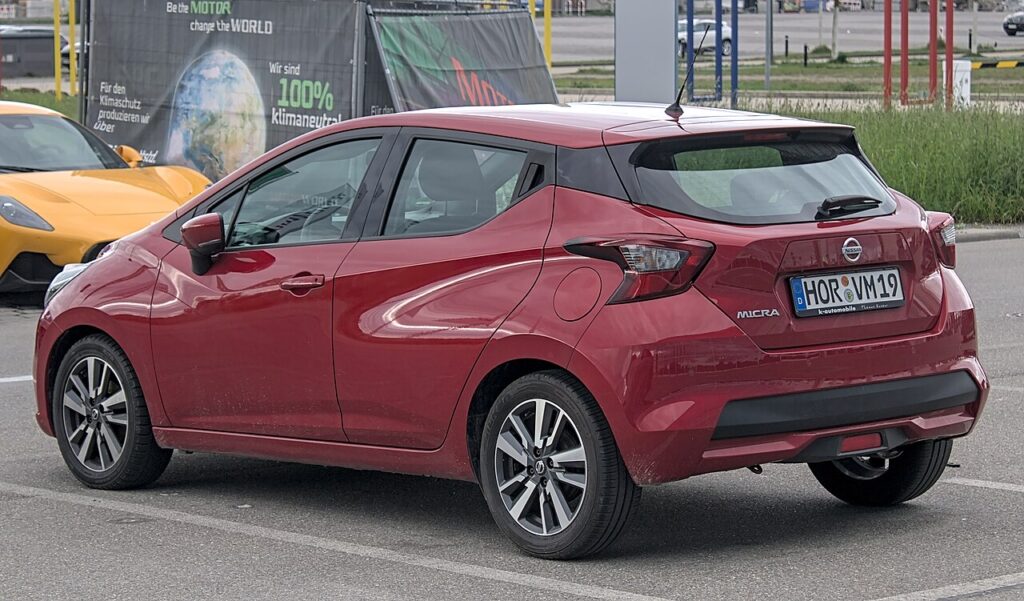
These instructions apply to the Nissan Micra Mk5 (K14) 2017-Present.
For other models, please choose your vehicle here.
If the one-touch (auto up/down) stops working on your Nissan Micra Mk5 (K14, 2017–present) — usually after a flat or disconnected battery — the window motor has lost its learned end-stops. Re-teaching it takes under a minute per door, no tools. This is expected after any loss of power, not a fault, and nothing needs replacing.
Why It Happens
The window controller remembers the fully-up and fully-down positions so it can run on its own and stop at the right point. Cut the power and that memory clears, leaving only manual hold-to-move operation.
How It Works on This Model
The Micra’s front windows are driven by a motor that tracks its own travel to know where the glass sits at the very top and the very bottom. That stored count is what lets a single tap send the window all the way up or down and stop it cleanly, and it’s also what the anti-pinch feature uses to sense an obstruction on the way up and reverse. When the 12 V supply is broken by a disconnect, a flat battery or a pulled fuse, both end-stops are wiped and the controller reverts to a safe manual mode until you teach the limits back.
First, a Few Checks
- Sit in the car with the door closed so the glass reaches its true top and bottom.
- Turn the ignition on for full voltage during the learn.
- Keep hands and objects clear of the glass — anti-pinch may be inactive until relearned.
- Use each door’s own switch to teach that window.
- If the battery was just reconnected, give it a minute to settle first.
How to Re-initialise a Window
- Sit in the car with the door closed and the ignition on.
- Press and hold the switch down until the window is fully open; keep holding a moment after it stops.
- Pull and hold the switch up until the window is fully closed; keep holding for at least 2 seconds after it stops.
- Release. Test one-touch up and down — it should now run on its own.
Repeat for the passenger window using its own switch.
If One-Touch Still Doesn’t Work
- Hold a fraction longer at both the fully-open and fully-closed stops — the controller needs to see the hard limit.
- Do it on a settled battery — a low battery can interrupt the learn.
- Don’t release early — letting go before the hold registers aborts the relearn.
- Keep the door shut so the glass seats at its real closed position.
- Check the window fuse if the glass won’t move at all in either direction.
- Free a sticky channel — drag on the glass can stop the learn completing.
Once It’s Done
Once the limits are relearned, a single tap up or down runs the window fully on its own and stops cleanly at the seal, and the anti-pinch reversal is active again. The setting is stored, so it holds through normal use — you’ll only need to repeat this after the next battery disconnect or flat battery.
Frequently Asked Questions
Why did my Micra windows stop going up automatically?
A battery disconnect or flat battery wiped the learned positions; re-initialise to restore one-touch. Without the stored end-stops the controller can’t judge where the glass should stop, so it defaults to safe hold-to-move only. Teaching the fully-open and fully-closed limits back brings the automatic run and anti-pinch back together.
How do I reset the auto window on a Nissan Micra?
Hold the switch fully down, then fully up and keep holding about 2 seconds past the top stop. The pause at each hard limit is the part that registers, so don’t rush it. Release and test a single tap up and down; if it still moves only while held, run the whole sequence again.
Do I have to do every window?
Only the ones with one-touch — re-teach each from its own switch. A power loss usually affects both powered front windows, so if both dropped to manual, do both. Any window that still runs on a single tap has kept its memory and needs nothing done.
Do I need a tool?
No — it’s done entirely from the window switches, with the ignition on and the door shut. There’s no menu and no scan tool involved. The whole job takes under a minute per window and can be repeated as often as needed without any harm.
Is it safe to keep repeating the sequence?
Yes. The relearn simply drives the window to its stops and holds, which the motor does in everyday use anyway, so repeating it causes no harm. Keep fingers clear of the glass while learning, since anti-pinch may not act until the limits are set. If it still won’t take, check the fuse and channels.
Could a fuse be the cause instead of lost memory?
It can. Lost memory still lets the glass move while you hold the switch — you only lose the automatic run. If a window does nothing at all, not even while held, that points to a fuse or wiring fault rather than a relearn issue, so check the relevant window fuse first before repeating the sequence.
This is the step most owners miss after battery work — see our Micra battery guide. For warning lights, look up the code on autodtcs.com.
Independent guide — not affiliated with Nissan. Always follow your official service manual and safety precautions. Read our full disclaimer.