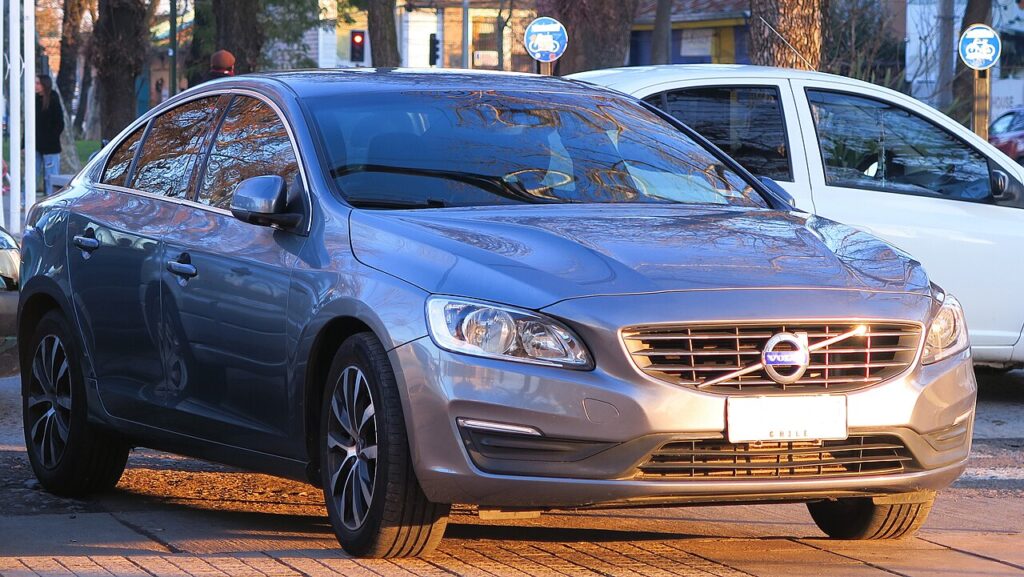
These instructions apply to the Volvo S60 Mk3 (225) 2018-present.
For other models, please choose your vehicle here.
Volvo S60 (2018–Present) uses Volvo’s Keyless Drive remote with the SPA-platform twist START knob. When the fob’s CR2032 battery dies the car can no longer sense the key in your pocket, but the S60 has a backup reader built into the front cupholder that powers the key by induction, so a flat fob need not leave you stranded.
You will normally get a “Key battery low” message on the driver display before the cell quits. Take it as your signal to fit a fresh CR2032 in good time.
Starting the S60 with a dead key fob
- Unlock and get into the car with the emergency key blade (see below).
- Sit in the driver’s seat and press the brake pedal firmly.
- Lift the rubber mat in the front cupholder of the tunnel console to expose the small key symbol at the bottom — the backup reader.
- Lay the remote flat on that symbol so it sits over the reader coil.
- Keeping the brake pressed, twist the START knob clockwise and release it. The car reads the key through the cupholder and starts.
- Leave it running until the battery is replaced, as the car may not re-detect a dead key to restart it.
Unlocking the door with the emergency key
- Slide the catch on the back of the remote and pull out the metal emergency key blade.
- Go to the driver’s door, where the keyhole is concealed behind a cover at the rear edge of the handle.
- Insert the blade tip into the slot under the cover and lever the cover off to expose the lock barrel.
- Insert the blade, turn to unlock, then refit the handle cover.
- Opening the door this way can set off the alarm; it stops once you start the car with the key on the cupholder reader.
How the cupholder backup reader works
The S60 remote contains a battery-powered radio for the buttons plus a separate passive transponder for the immobiliser. The cupholder reader generates a magnetic field that energises that transponder directly, so the car can confirm the key’s security code with no usable battery. That is why a completely dead fob still starts the car from the cupholder but can no longer lock or unlock it remotely.
Replacing the key fob battery
The S60 remote uses a single CR2032 3V lithium coin cell. Avoid rechargeable cells; their lower 1.2V output upsets the fob.
- Pull out the emergency key blade to release the rear cover.
- Slide the cover off and twist the round battery cap anticlockwise with a coin.
- Lift out the old CR2032 and fit the new one positive (+) side up.
- Turn the cap clockwise to lock and clip the cover back on.
- Reinsert the blade. The low-battery message clears at the next start.
Frequently Asked Questions
Where is the S60 backup reader? At the bottom of the front cupholder in the tunnel console. Lift the rubber mat to find the key symbol and lay the remote on it.
Button or knob to start? The S60 uses a rotary START knob. With a flat fob, place the key in the cupholder, press the brake and twist the knob clockwise.
Can the emergency key start the engine? No. The blade only unlocks the driver’s door; the remote must sit on the cupholder reader to start the car.
What battery does the S60 fob take? A CR2032 3V lithium coin cell.
Why can’t I see a keyhole on the door? It is hidden behind a cover on the rear of the driver’s-door handle; prise the cover off with the blade to reach it.
If a warning light or stored fault code appears after the fob goes flat, you can look it up on autodtcs.com.
Independent guide — not affiliated with Volvo. Always follow your official service manual and safety precautions. Read our full disclaimer.