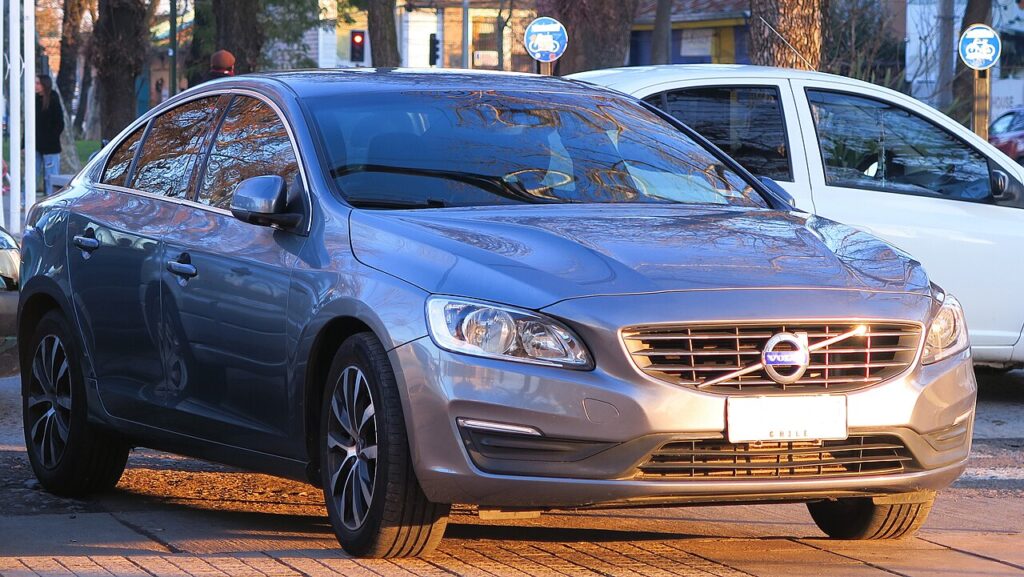
These instructions apply to the Volvo S60 Mk3 (225) 2018-present.
For other models, please choose your vehicle here.
Before you can change the rear brake pads on a Volvo S60 (SPA, 2018–Present) you have to put the electronic parking brake (EPB) into service mode. The S60’s rear calipers each carry a small electric motor that winds the piston out to set the parking brake. To fit thicker new pads you must wind that piston fully back — and on this car it has to be done electronically from the centre touchscreen, not by force. This guide covers the owner route.
What Brake Service Mode Is
A normal caliper piston can be pressed straight back; the S60’s cannot. Its rear piston is driven by a geared EPB actuator, so while the motor sits in its applied position the piston is effectively locked. Brake service mode (Volvo’s rear-brake maintenance function) commands both rear motors to wind fully open, parking them clear of the piston so you can open the caliper, change the pads, and retract the piston cleanly. On the SPA S60 this is reachable by the owner from the screen — no dealer scanner needed for the pad job.
How to Put the S60 EPB into Service Mode
- Park on level ground, chock a front wheel, leave the car in P.
- Switch to ignition on without starting the engine (press START with your foot off the brake). Confirm the 12 V battery is healthy — low voltage aborts the routine.
- Release the parking brake at the EPB switch so it sits in the off position.
- On the centre touchscreen, swipe down to Settings, then open My Car → Service & repair and select the brake service / rear-brake maintenance function (some years show a Brake maintenance tile directly).
- Confirm the selection. The rear actuators whir as they wind back; the screen reports when service mode is active.
- Wait for that confirmation before opening either caliper. You can now wind the pistons back and fit the new pads.
A greyed-out option almost always means the parking brake is still applied or the battery is low — fix that and retry.
Never Force the Piston — It Destroys the Motor
Do not wind or press the rear piston back by hand, and never use a screw-in wind-back tool. The piston is held by the EPB motor and its gears; forcing it strips the gear train and burns out the actuator, meaning a costly caliper-and-motor replacement. The caliper must be retracted electronically through service mode (or with a Volvo VIDA-grade scan tool). Only after the screen confirms service mode is active is it safe to touch the piston.
Exiting Service Mode and Bedding In
Once the new pads are in and the calipers are torqued up, return to the brake service screen and choose exit / deactivate service mode; the motors wind back out and re-tension against the new pads. If your S60 exits automatically, cycle the ignition off and on, then apply and release the EPB switch once to confirm it grips. Pump the brake pedal several times until it feels firm before moving off. Then bed the pads in: from about 30–40 mph make several moderate stops with cooling gaps, and avoid harsh braking for the first 100–200 miles so the friction material seats evenly.
Frequently Asked Questions
Can I do the S60 rear pads without a scan tool?
Yes — the SPA S60 has an owner brake-service function on the centre touchscreen, so no separate diagnostic tool is needed for the pad change. A scan tool is only a fallback if the on-screen function fails.
Does this also cover the V60 and S60 mild hybrid?
The rear caliper and EPB hardware are shared across the SPA S60/V60 range, so the same screen procedure applies. On a B-badge mild hybrid you still just wake the car to ignition on; the 48 V system isn’t involved in the brake-service routine.
Where is the function in the menus?
Under Settings → My Car → Service & repair on most S60 years; some later cars show a Brake maintenance tile. Release the parking brake first or the option stays greyed out.
Why won’t service mode activate?
Usually the parking brake is still applied, the car isn’t in P, or the 12 V battery is low. The motors draw current to wind back, so the system blocks the routine if voltage is marginal.
The EPB warning light is on after the pad change — normal?
It can stay on until you exit service mode and cycle the EPB. Deactivate service mode, switch off and on, then apply and release the parking brake; the light should clear. If it doesn’t, a code has been stored.
If the EPB light stays on or a fault is logged after the job, look up the code on autodtcs.com before booking a workshop.
Independent guide — not affiliated with Volvo. Always follow your official service manual and safety precautions. Read our full disclaimer.