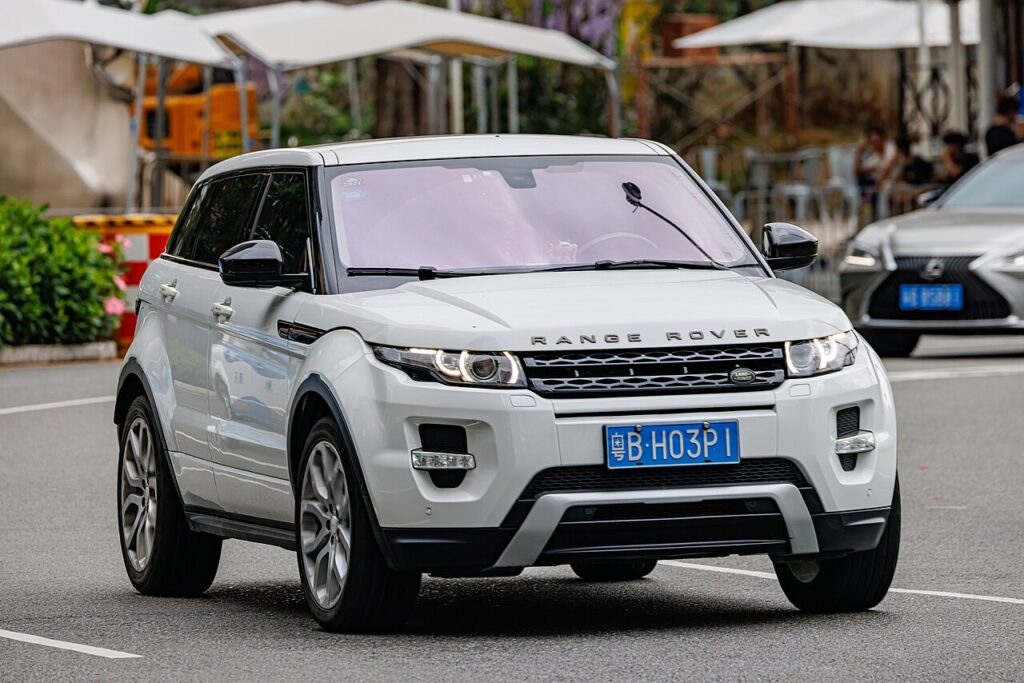
These instructions apply to the Land Rover Range Rover Evoque Mk1 (L538) 2011-2019.
For other models, please choose your vehicle here.
The Land Rover Range Rover Evoque (L538, 2011–2019) is a keyless-start vehicle: the smart key talks to the car over a short-range radio link, and a flat coin cell inside the fob breaks that link. When the dashboard shows “Smart Key Not Found” or the START/STOP button does nothing, the fob battery is almost always the cause — and the first-generation Evoque has a built-in backup that lets you get in and drive away without waiting for a replacement cell.
Start the Engine With a Dead Fob Battery
The L538 reads the fob’s transponder by induction when you bring it physically close to the ignition. No battery is needed for that — only proximity.
- Sit in the driver’s seat with the doors closed.
- Hold the smart key flat against the underside of the steering column, with the button face pointing toward the column. On some Evoque builds the message centre instead prompts you to hold the key against the START/STOP button itself — follow whatever the display tells you.
- Keep the fob pressed in place and firmly press the brake pedal.
- While still holding the brake, press the START/STOP button once.
- The engine should crank and start. Once running, you can put the fob back in your pocket and drive normally.
If nothing happens on the first try, reposition the fob slightly and repeat — the inductive coil has a small sweet spot.
Unlock the Door With the Hidden Emergency Key
If central locking won’t respond, you need the steel emergency blade tucked inside the smart key.
- Press and hold the small release catch on the side of the fob, then slide the emergency key blade out of the body.
- Look at the rear of the driver’s door handle. The lock cylinder is hidden under a small plastic cap.
- Insert the blade into the slot at the base of the cap and gently lever it off (or pull it away) to expose the keyhole.
- Insert the blade and turn to unlock the door.
- Refit the cap afterwards so the handle looks factory-correct.
Expect the Alarm — and How to Silence It
Opening the door with the mechanical blade can trigger the alarm, because the car has not seen a valid radio handshake. Don’t panic: get in and complete the dead-fob start procedure above. Starting the engine with the recognised transponder disarms the immobiliser and stops the siren.
Replace the CR2032 Coin Cell
The L538 smart key uses a single CR2032 3-volt lithium coin cell. Slide out the emergency blade, then use the empty blade slot to pry the two fob halves apart. Lift out the old cell, fit the new CR2032 with the + side facing the same way as the original, and click the case back together. A fresh cell restores full keyless and remote-locking range immediately.
Frequently Asked Questions
Where exactly do I hold the key on an Evoque L538? Against the underside of the steering column, button-side toward the column. If the dash specifically pictures the START/STOP button, hold it there instead.
The alarm went off when I used the blade — did I do something wrong? No. The blade opens the lock but doesn’t tell the alarm a valid key is present. Starting the engine clears it.
Where is the keyhole on the Evoque door? Behind a removable cap at the rear of the driver’s door handle. Pop the cap with the blade to reach the cylinder.
Will a low battery damage anything? No — you simply lose remote and keyless range. Replace the CR2032 and everything returns to normal.
How long does a CR2032 last in this fob? Typically two to three years. If keyless range has been shrinking, that’s the warning sign to swap it before it dies completely.
If a warning lamp stayed on after the flat-battery episode, you can look up the meaning of any stored fault code at autodtcs.com.
Independent guide — not affiliated with Land Rover. Always follow your official service manual and safety precautions. Read our full disclaimer.