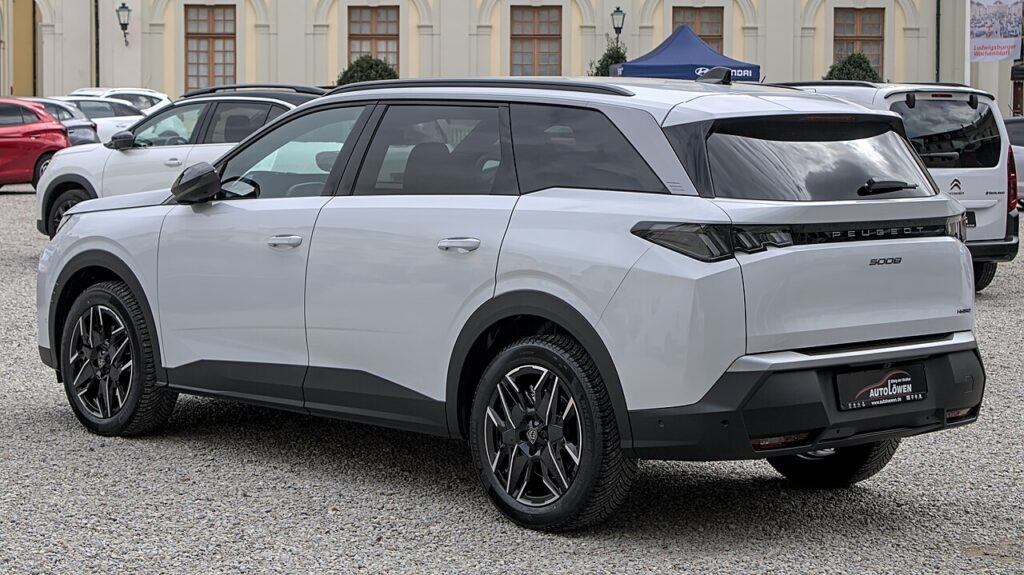
These instructions apply to the Peugeot 5008 Mk2 (P87) 2017-Present.
For other models, please choose your vehicle here.
The Peugeot 5008 (Mk2/P87, 2017–Present) shares its EMP2 platform and braking hardware with the 3008, which means the rear handbrake is a fully electronic parking brake (EPB): a small electric motor is bolted to each rear caliper and is operated by the P rocker on the centre console. There is no handbrake cable and no lever. Before you can change the rear pads, those motors have to be driven into a maintenance position electronically — and on the 5008 that means a diagnostic tool, not a button trick.
What service mode does and why the 5008 needs it
With the EPB applied, each rear caliper motor has wound its spindle forward to clamp the pad. The system only ever retracts a millimetre or two in normal use, so it will never let go far enough to slip a fresh, full-thickness pad behind the piston — and it can re-clamp the instant the brake control unit wakes. Service mode (PSA’s caliper dismantling or replacement position) fully retracts both motor spindles and then holds the EPB inactive so it can’t bite while the caliper is off.
Being honest about the route: the 5008 Mk2 has no owner-accessible button sequence for this. You need the factory Diagbox/Lexia software or a generic OBD scan tool with proven PSA electronic parking brake coverage. Connect to the OBD socket below the steering column, open the EPB / rear-brake module, and run the pad replacement routine. Remember the tool retracts the motors only — it does not push the hydraulic piston back, so you still do that mechanically.
Retract the caliper safely
- Park on level ground, chock the front wheels, and keep the ignition off until the tool prompts you.
- Plug Diagbox (or a PSA-capable EPB tool) into the OBD port and select the electronic parking brake module.
- Run the rear-brake pad-replacement routine so both motors retract to the dismantling position and the EPB is disabled.
- Lift the rear of the car, remove the wheels, unbolt the caliper, and push the piston straight in with a piston-press or a flat-plate G-clamp.
- Install the new pads, reassemble the caliper, and refit the wheels.
Critical warning: never force the EPB pistons back by hand and never use a rotating wind-back tool on them. The 5008’s motor caliper retracts on a fine internal screw; turning or hammering the piston shears that thread and writes off the caliper. Always retract electronically with the tool first, then push the piston in a straight line only.
Exit service mode and bed in the pads
Once the pads are in, use the tool to run the EPB end-of-replacement / calibration routine so the motors re-reference themselves to the new pad thickness. Before driving, press the brake pedal firmly several times to push the pistons out against the discs — the first pull is long until they take up. Cycle the P switch on and off to confirm it clamps and releases normally, check the brake-fluid level (it rises as you press the piston back, so don’t overfill), and clear any stored EPB codes. For the first 200–300 km, brake gently to bed the new pads in evenly.
Frequently Asked Questions
Is the 5008 Mk2 EPB the same as the 3008’s?
Yes — same EMP2 motor-on-caliper rear brakes, so the service procedure and tool requirement are identical.
Can I do this without a diagnostic tool?
Not safely. There’s no dashboard sequence to retract the motors. You need Diagbox or a generic scan tool with genuine PSA EPB service support.
Why can’t I wind the piston back like an older caliper?
Because the motor screw has already retracted; the 5008 piston is pushed straight in. Rotating it winds against the screw and strips the internal thread.
Do I need to recalibrate after the pad change?
Yes. Run the calibration / end-of-replacement routine so the motors learn the new pad thickness, or the handbrake may hold weakly and a warning may appear.
Brake-fluid level looks high after pushing the piston in — is that normal?
Yes, pushing pistons back displaces fluid up to the reservoir. Check it’s not above MAX and siphon a little off if needed before topping anything up.
If a brake or EPB warning light is lit on your 5008 and you want to read the underlying fault code before you start, you can decode it at autodtcs.com.
Independent guide — not affiliated with Peugeot. Always follow your official service manual and safety precautions. Read our full disclaimer.