These instructions apply to the Peugeot 208 Mk2 (P21) 2019-Present.
For other models, please choose your vehicle here.
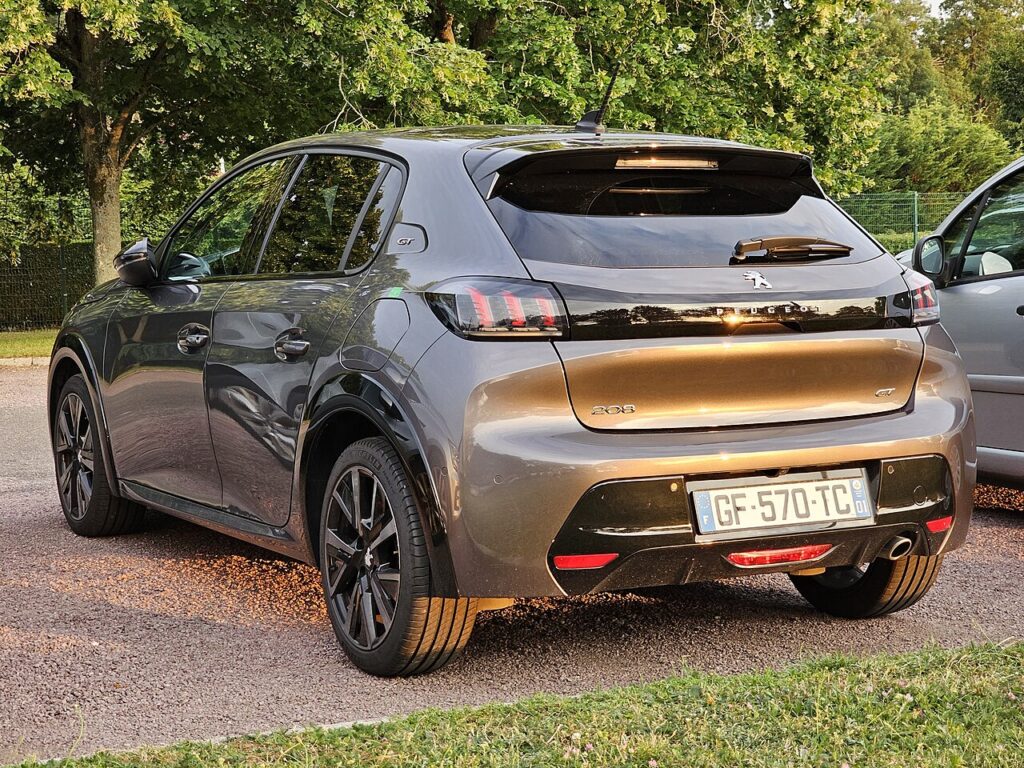
The Peugeot 208 (Mk2/P21, 2019–present) uses Stellantis’ IVI touchscreen (the system behind the i-Cockpit display), and it carries a genuine hidden Engineering Mode that you can open yourself with nothing more than your fingers and a code — no Diagbox, no garage visit. It is a technician screen that exposes the infotainment’s software versions and crash logs. This guide covers the 7-inch and 10-inch touchscreen 208s, including the electric e-208.
What Engineering Mode shows
This is the IVI system’s built-in service screen, so it is deliberately plain. On the 208 Mk2 you can typically see:
- System / version information — the IVI software build and the radio (BSRF) module version, which tells you whether a dealer update is available.
- Logging — the spy logs the head unit writes whenever an internal app crashes or freezes.
It is purely informational. Unlike the dealer’s Diagbox, this owner-accessible mode does not let you recode features or change vehicle options — you can read versions and pull logs, nothing more.
How to open it
Do this with the ignition on and the touchscreen fully booted to the normal home display, while parked.
- Place three fingers flat on the touchscreen at the same time.
- Press and hold all three for at least four seconds until a numeric keypad appears.
- Type the code 1232020 and press the tick / confirm button.
- The Engineering Mode page opens with the System and Logging options.
The three-finger gesture has to land cleanly — if a normal menu reacts instead, lift off and try again with all three fingertips touching together.
Reading it
Open System to read the IVI and radio versions; jot them down if you are about to ask a dealer whether your screen is on the latest software. Use Logging if your display has been freezing or rebooting on its own — the presence of fresh spy logs confirms a real software fault you can raise with the service desk, rather than a one-off glitch.
How to exit
Tap the back or home control to leave Engineering Mode, or switch the ignition off and back on. The IVI always restarts into the normal owner interface, and nothing you viewed is altered or saved.
Frequently Asked Questions
Will the three-finger code work on the electric e-208?
Yes. The e-208 uses the same IVI head unit as the petrol and diesel 208 Mk2, so the three-finger hold plus 1232020 opens the same Engineering Mode. The pages relate to the infotainment system, not the high-voltage battery.
Can I change settings or unlock features in here?
No. This owner-accessible mode only lets you read version information and transfer spy logs. Recoding features such as activating extra equipment still requires a dealer tool like Diagbox — it is not exposed here, which is why the mode is safe to open.
The keypad will not appear when I press with three fingers.
Make sure the screen has fully booted first, then press with three fingertips touching at once and hold for a full four to five seconds. A glancing or staggered touch is read as normal taps; a clean simultaneous press brings up the keypad.
Does it show battery voltage or temperatures?
The 208 Mk2’s IVI Engineering Mode is focused on software versions and logs rather than live electrical read-outs. For 12V battery condition, the proper check is at the battery terminals with a multimeter, not through this screen.
Is there a different code for a factory reset?
A full factory reset of the IVI is done from the normal Settings menu, not from Engineering Mode, and it wipes your presets and paired phones — only do it deliberately. Engineering Mode itself changes nothing.
If a warning light or fault message is showing on the dash alongside any screen trouble, your 208 may have stored a diagnostic trouble code — you can look up what it means on autodtcs.com.
Independent guide — not affiliated with Peugeot. Always follow your official service manual and safety precautions. Read our full disclaimer.