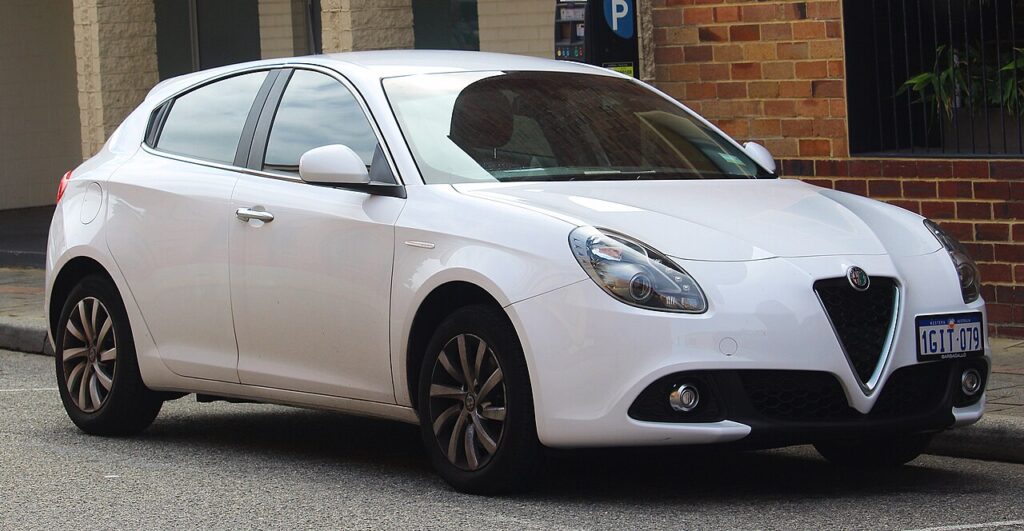
These instructions apply to the Alfa Romeo Giulietta Mk1 (940) 2010-2020.
For other models, please choose your vehicle here.
If the Uconnect screen in your Alfa Romeo Giulietta (940, 2010–2020) has frozen on the Alfa logo, gone black, or stopped answering your taps, you can force the head unit to reboot yourself in under a minute — parked on the drive, with no tools and without losing your presets.
Which Uconnect is in your Giulietta
The Giulietta ran two head units over its life. Early cars (2010–2013) carried the plain Uconnect Radio Nav with a small fixed display driven by buttons and a knob. The 2014 facelift brought the touchscreen Uconnect 5″ and, on higher trims, the Uconnect 6.5″ with a touchscreen and the rotary BROWSE/ENTER knob. A freeze or black screen on any of them is almost always a software lock-up in the radio — not a dead screen — and a forced reboot clears it.
Soft reset (reboot) the Uconnect
Do this with the car parked and the ignition on so the radio keeps its power.
- Press and hold the volume knob (push it straight in) for about 10–15 seconds.
- Hold straight through the moment the audio mutes — do not let go early.
- When the screen goes black, release the knob.
- The Alfa Romeo logo appears as the unit restarts; let it boot.
- Wait up to a minute for the home screen to reload — radio, Bluetooth and any settings come back on their own.
If your trim has the POWER and BROWSE/ENTER buttons, an alternative combo is to press and hold POWER + BROWSE together for about 10 seconds until the screen blanks and reboots.
Will this erase anything? No
The reboot is completely safe. It does not wipe your radio presets, paired phones, or audio settings — it just restarts the radio’s software, like restarting a phone. Use it as often as the Uconnect plays up.
If the screen stays frozen
- Hold longer. If 15 seconds did nothing, repeat and keep the volume knob pressed for a full 20 seconds before it blanks.
- Engineering-menu reset (6.5″ only). On the 6.5″ unit, press and hold RADIO + APPS + the BROWSE knob together for about 10 seconds to reach the engineering menu, then scroll to Reset Radio.
- Check the Auto-On Radio setting. A blank screen on start-up is often the Settings → System → Auto-On Radio option being switched off; turn it back on.
- Let it sleep. Switch off, lock the car, walk away for five minutes so the electronics fully power down, then restart. Many Giulietta freezes clear after the car sits.
- Battery disconnect (last resort). Disconnecting the 12V battery for 10 minutes forces a cold restart, but it also clears clock and some settings — only do this if nothing else responds.
Factory reset (erases data — rarely needed)
A factory reset is separate from the reboot and only worth doing if you are selling the car or chasing a deep, persistent glitch. On the touchscreen units go to Settings → (Reset) and look for Restore factory defaults, or use the Reset Radio item in the engineering menu above. It erases presets, paired phones and audio preferences, so only do it deliberately.
Frequently Asked Questions
My Giulietta sticks on the Alfa Romeo loading screen — what now?
A unit looping on the logo needs a full power-down. Repeat the volume-knob hold for 20 seconds; if it still loops, lock the car and leave it five minutes, then restart. Persistent boot-loops on the Giulietta point to a software update being due at the dealer.
Will the reset delete my radio presets or paired phone?
No. The volume-knob reboot keeps every preset and Bluetooth pairing. Only the engineering-menu Reset Radio or a factory reset clears them.
My screen is black but the radio still plays — is it broken?
Usually not. Check the Auto-On Radio setting first, then reboot with the volume knob. A black-but-working screen is a classic Giulietta software glitch rather than a failed display.
Does the early non-touch Giulietta radio reset the same way?
The early Radio Nav has no touchscreen, but holding the volume knob still forces a reboot. If it has no reset response at all, a brief 12V battery disconnect is the fallback.
Is it safe to drive with the Uconnect frozen?
Yes. The radio is separate from the engine and driving systems — you only lose audio and Bluetooth. Reboot once you are safely parked.
If a warning light or fault message stays on the dash after the reboot, it may have stored a diagnostic trouble code — you can look it up on autodtcs.com.
Independent guide — not affiliated with Alfa Romeo. Always follow your official service manual and safety precautions. Read our full disclaimer.