These instructions apply to the BMW 1 Series Mk2 (F20/F21) 2011-2019.
For other models, please choose your vehicle here.
Disconnecting the 12 V battery on a BMW 1 Series (F20/F21, 2011–2019) is a routine job, but the F20 is BMW-based with intelligent battery management, so a new battery must be registered and the windows and sunroof re-taught afterwards. The battery lives in the boot, not the engine bay. This guide covers the safe order of work and what the car needs once the leads are back on.
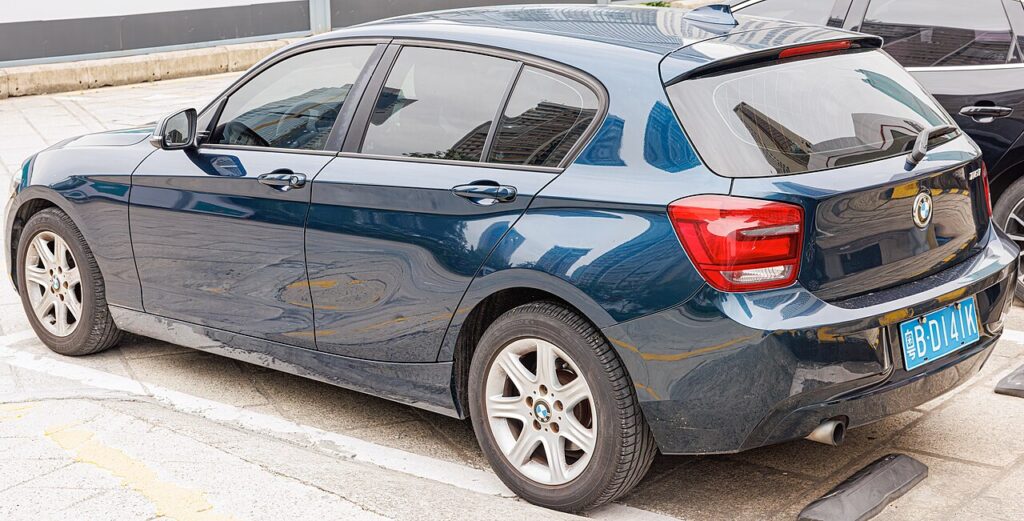
Where the Battery Is
On the F20 the battery is in the luggage compartment, usually on the right-hand side under the boot floor. There is a jump-start terminal under a cover in the engine bay for charging or jump-starting — use that rather than reaching into the boot. The F20 uses an AGM battery; replace like-for-like.
Before You Disconnect
- Note your radio presets and iDrive preferences.
- Turn the ignition off, ensure all electrical consumers are off, and take the keyless fob away so the car powers down.
- To keep settings alive, plug in a memory-saver. The steps below assume you are not.
- If working near airbags or seat-belt pretensioners, disconnect the battery and wait at least 1 minute before handling those parts.
Disconnecting — Correct Order
- Turn the ignition off and take the fob away.
- Lift the boot floor and expose the battery; fold back the trim.
- Slacken the negative (−, earth) terminal first and lift the lead clear.
- Only undo the positive (+) terminal if you are removing the battery completely.
- If removing the battery, undo the clamp and vent hose and lift it out upright.
Reconnecting — Correct Order
- Refit the battery, reconnect the vent hose and secure the clamp.
- Connect the positive (+) lead first, then the negative (−) earth lead last. Tighten both firmly.
- Turn the ignition on for a few seconds before starting the engine.
What the F20 Needs Afterwards
- Reset the date and time and re-enter your radio presets and iDrive preferences (the navigation may take up to 10 minutes to come back).
- Re-initialise the electric windows (see our F20 window guide).
- Re-initialise the sunroof if fitted (see our F20 sunroof guide).
- Register a new battery (important). A new battery must be registered with the F20’s power management using a BMW-capable diagnostic tool, or charging will be wrong and Auto Start/Stop will not work.
If the Dash Still Warns
One or two lights right after reconnecting is normal and should clear on a short drive. If an airbag, engine or chassis light remains, a fault code was logged. Reading it needs a diagnostic tool; you can look up what a BMW code means on our sister site autodtcs.com.
Tools You Need
- 10 mm and 13 mm spanner/socket for the terminal and clamp.
- Optional memory-saver to preserve settings.
- A BMW-capable diagnostic tool to register a new battery.
Registering or Coding the New Battery
Yes. This car has a battery-monitoring system, so a replacement battery must be registered — the car needs to know it is new, or it under-charges it and the fault stays logged. Registration is done through the OBD port with a compatible diagnostic tool (a specialist or dealer, or a capable aftermarket scanner); there is no owner button sequence. Replace like-for-like (AGM for AGM, EFB for EFB).
Frequently Asked Questions
Where is the battery on a BMW F20?
In the luggage compartment, usually on the right under the boot floor. There is a jump-start post in the engine bay for charging.
Do I have to register a new battery?
Yes — the power management needs the new battery’s parameters or it will charge it incorrectly and disable Auto Start/Stop.
How long should I leave it disconnected to reset the electronics?
Around 15 minutes with the doors shut lets the modules power down fully.
Why won’t my windows auto-close after reconnecting?
Expected — the one-touch disables itself after a power loss. Re-initialise each window and it returns.
To clear the service reminder after maintenance, see our BMW 1 Series F20 service indicator reset guide.
Independent guide — not affiliated with BMW. Always follow your official service manual and safety precautions. Read our full disclaimer.