These instructions apply to the BMW 3 Series Mk6 (F30/F31/F80) 2011-2020.
For other models, please choose your vehicle here.
The Auto Start/Stop system on the BMW 3 Series (F30/F31/F80, 2011–2020) switches the engine off when you stop and restarts it as you pull away. It trims fuel use in town, but many owners find it intrusive in traffic. This guide shows how to turn Auto Start/Stop off on an F30, and how to make the change stick.
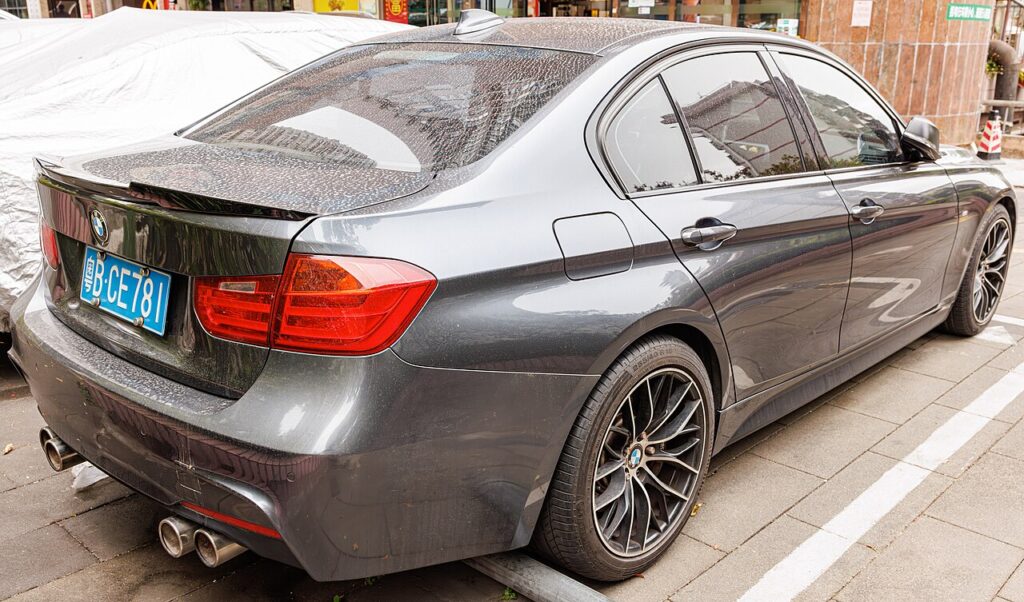
How Auto Start/Stop Works on the F30
The system only stops the engine when a set of conditions is met: the car is stationary, the engine is warm, the battery is well charged and registered, the climate demand is satisfied, and you have the brake held (auto) or are in neutral with the clutch up (manual). On a cold morning, with the climate working hard, or with the steering on full lock, it may do nothing — that is the system behaving as designed. When it cuts the engine, a green “A” in a circle shows in the cluster.
How to Turn It Off
- With the engine running, find the Auto Start/Stop button — on the F30 it is next to the engine start/stop button, marked with an “A” inside a circular arrow.
- Press the button once.
- The light in the button changes to show the system is off, and the engine will idle normally at a standstill.
Press the button again to switch it back on.
Why It Comes Back On Every Drive (and How to Stop That)
By default the button only disables Auto Start/Stop for the current drive cycle — switch the ignition off and on and the F30 re-enables it, because it counts toward the official emissions figures. Unlike many cars, the F30 can be coded to remember “off” so it stays disabled, using a BMW-capable coding tool such as Bimmercode. Coding is at your own risk and may not suit cars that must meet specific emissions rules.
Start/Stop Stopped Working? Check These First
- Battery state of charge low — the most common reason.
- Battery replaced but not registered — an unregistered battery keeps Auto Start/Stop disabled until it is coded to the car.
- Engine or cabin not yet at temperature — climate demand keeps the engine running.
- A stored fault — a battery-management or engine code can disable it silently. Check what a code means on autodtcs.com.
Frequently Asked Questions
Can I make Auto Start/Stop stay off on an F30?
Yes — unlike most cars, the F30 can be coded to remember the last state. The button alone only lasts for the current drive; a coding tool makes “off” the default.
I fitted a new battery and now it won’t work — why?
The new battery needs registering; until then the power management holds Auto Start/Stop disabled. Register it with a BMW tool.
Is it bad for the engine to keep restarting?
No. The starter and AGM battery are designed for it, and the system blocks auto-stop until the engine is warm.
Why does the “A” have a line through it?
That means auto-stop is temporarily unavailable because a condition is not met (cold engine, low battery, climate demand). It resumes once conditions allow.
If a low or unregistered battery is the cause, our F30 battery disconnect/reconnect guide covers replacing and registering it.
Independent guide — not affiliated with BMW. Always follow your official service manual and safety precautions. Read our full disclaimer.