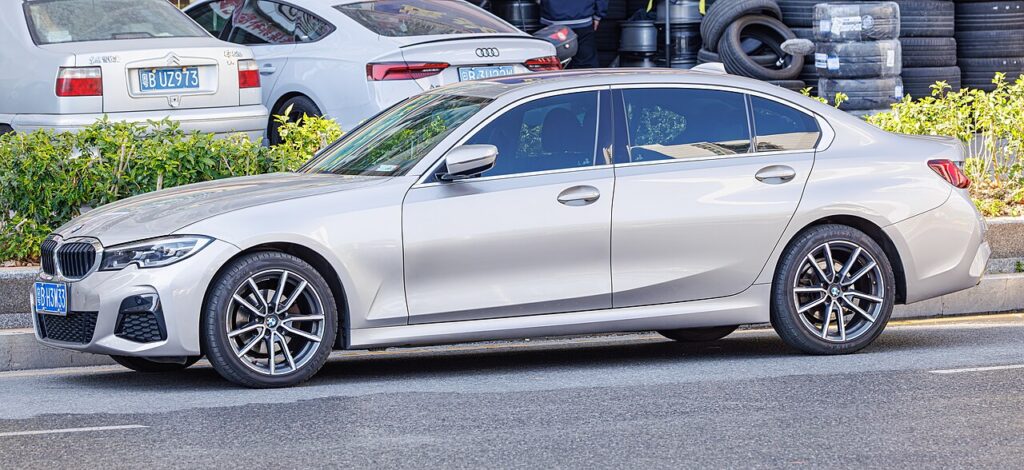
These instructions apply to the BMW 3 Series Mk7 (G20) 2019-Present.
For other models, please choose your vehicle here.
If the tyre-pressure warning is on in your BMW 3 Series Mk7 (G20, 2019–present) after adjusting pressures or changing wheels, it usually isn’t a fault — the car simply hasn’t been told that the current pressures are the new normal. On the G20 you set the current pressures as the reference through iDrive, then confirm with a short drive. The steps below walk through it and cover the times the light refuses to go out.
How the G20’s System Works
The G20 runs a direct system: each wheel carries its own sensor that reports the actual pressure, which is why iDrive can show you a live figure for every corner. Because the sensors read absolute pressure, the car needs a reference — a ‘these are correct’ snapshot — to judge future readings against. Adjusting the pressures or swapping to another set of wheels changes that baseline, so the warning stays lit until you perform the reset and let the car re-learn on the move.
Before You Begin
Set the pressures before you touch the menu — the reset stores whatever is in the tyres at that moment as the target.
- Check pressures cold (car parked a few hours, or driven under a mile) for a true reading.
- Inflate all four to the figure on the label in the driver’s door opening; BMW lists values by load and, sometimes, speed — use the right column.
- Don’t forget to match the correct front/rear figures — they often differ.
- Have the ignition on (engine can be off) so iDrive is awake.
- If you carry a monitored full-size spare, set that too.
How to Reset the G20 TPMS
- With the ignition on, open iDrive and go to the ‘CAR’ / Vehicle menu (Vehicle status / settings).
- Select ‘Tyre Pressure Monitor’ (tyre pressures).
- Choose ‘Perform Reset’ / ‘Reset’ and confirm.
- Drive off — the system learns the new pressures as you drive and the warning clears.
If the Warning Stays On
- Re-check every tyre, including the spare if it’s a monitored full-size wheel — one low corner blocks the reset.
- Give it a proper drive — a few minutes at road speed lets the system settle and confirm the new baseline; a lap of the car park isn’t enough.
- One tyre keeps dropping — look for a slow puncture or a leaking valve; the system is doing its job, not misfiring.
- Cold snap overnight — pressure falls roughly with temperature, so a morning warning can simply mean top-up-and-reset.
- Just fitted winter or a different set of wheels — you must re-store after any swap so the new sensors’ figures become the reference.
- A steady-flashing TPMS light points to a sensor fault (the G20 uses sensors in the wheels) and needs a tyre shop’s tool.
After the Reset
Once you’ve reset and driven a short distance the amber warning goes out and stays off for that journey and beyond. The iDrive tyre page should show all four pressures reading normally against the stored reference. If the light ever returns, treat it as new information — check the pressures first before assuming the electronics are at fault.
Frequently Asked Questions
Where is the tyre-pressure reset on the G20?
In iDrive: CAR/Vehicle → Tyre Pressure Monitor → Perform Reset, then drive. The path lives inside the Vehicle settings area; some cars label the entry ‘Tyre pressures’ rather than TPMS, but it is the same page that shows the live per-corner readings.
Do I need a tool?
Not for a normal reset — set the pressures, reset in iDrive, and drive. A dedicated TPMS tool is only needed if the in-wheel sensors themselves have been replaced and need registering, which is a tyre-shop job rather than something you do from the dashboard.
Why did the light come on in the cold?
Pressure drops with temperature, so a cold morning can push a correctly-set tyre just below the warning threshold. Top each tyre up to the door-label figure while cold, then run the reset. If it clears and stays off, the cold was the whole story.

The light keeps flashing — is that low pressure?
A persistent flash usually means a sensor fault rather than low pressure — have the sensors checked. A solid amber light is the low-pressure or ‘not yet reset’ state; a flash that continues after you start moving is the system flagging that it can’t read one of the wheels reliably.
Do I need to reset after just topping up one tyre?
If you’ve brought a slightly low tyre back to the correct figure, a reset makes sure the car treats that as the new baseline. It does no harm to run it, and it clears any lingering warning cleanly rather than waiting for the system to notice on its own.
How long is the confirming drive?
Usually just a few minutes of normal driving at road speed. There’s no fixed distance, but a short trip around the block rarely gives the system enough steady running — a genuine drive on a road lets it lock the new reference in reliably.
If a fault code is stored, look it up on autodtcs.com. To clear a service reminder, see our 3 Series G20 service reset guide.
Independent guide — not affiliated with BMW. Always follow your official service manual and safety precautions. Read our full disclaimer.