These instructions apply to the BMW 3 Series Mk7 (G20) 2019-Present.
For other models, please choose your vehicle here.
The BMW 3 Series Mk7 (G20, 2019–present) has no dipstick — you check the engine oil level electronically through iDrive. It catches owners out, especially anyone moving from an older car who reaches under the bonnet for a yellow loop that simply isn’t there. Checking the oil is still routine maintenance you should do regularly between services, so here’s how to get an accurate reading on the G20 and exactly what each result means.
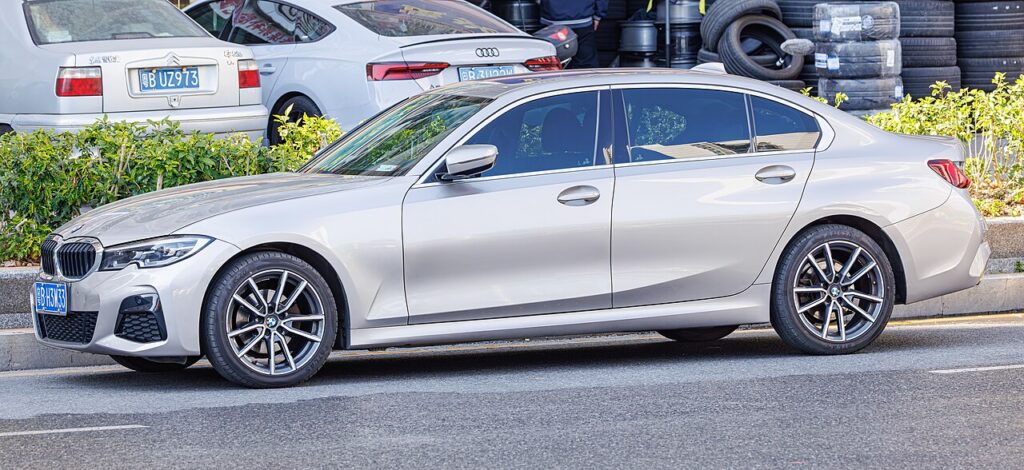
Why There’s No Dipstick
Instead of a physical dipstick, a level sensor sits in the sump and continuously monitors how much oil is in the engine. The car processes that reading and reports it on the central screen on demand. This isn’t a fault or a missing part — it’s simply how BMW designed the G20 to measure oil, and it means the check happens with the engine running rather than by pulling a stick out of a hot block. The trade-off is that the reading depends on conditions being right: the oil has to be warm and settled, and the car has to be level, or the sensor can’t give you a true figure.
Because the measurement is electronic, it also takes a short while to complete. The car needs the oil at operating temperature and a moment of steady idling so the level in the sump stabilises before it commits to a number. Rushing it — checking cold, on a slope, or straight after a motorway blast — is the usual reason owners get an odd or missing result.
First, a Few Checks
- Get the engine up to normal operating temperature — a short drive is enough; a cold engine won’t give a valid reading.
- Park on level ground. A driveway camber or a slope tilts the oil in the sump and skews the result.
- Leave the engine idling for the measurement, or follow the on-screen prompt if it asks you to wait.
- Have the correct BMW Longlife oil for your engine on hand before you start, in case it asks you to add some.
- Keep a funnel and a cloth ready, and know where the oil filler cap is under the bonnet.
How to Check the Oil Level on the G20
- Warm the engine to operating temperature, park on level ground, and leave the engine idling (or follow the on-screen prompt).
- In iDrive, open the ‘CAR’ / Vehicle menu and select ‘Vehicle status’ → ‘Engine oil’ (oil level).
- The system runs a measurement and shows the level: within range (OK), add oil (often with the amount, e.g. up to ~1 litre to the max), or overfilled.
Topping Up
- Add the correct BMW Longlife oil for your engine a little at a time, then re-measure — don’t overfill.
- If it reads overfilled, oil must be drained off — an overfilled engine can be damaged.
- If it says it can’t measure, the engine isn’t warm/level or hasn’t idled long enough — sort that and retry.
If It Won’t Give a Reading
The most common cause is that the engine hasn’t reached operating temperature — give it a longer warm-up and try again. Next, check the car is genuinely level, not sitting on a camber or a ramp. If the oil has only just been running hard, let it idle a little longer so the level settles before the system reads it. If you top up and the number barely moves at first, that’s normal: add a small amount, let it drain down into the sump, and re-measure rather than pouring in a full litre at once. A reading that keeps coming back as “can’t measure” despite everything being right is worth having looked at, as the level sensor itself can fault.
After the Check
Once the display shows the level within range, you’re done — no dipstick to wipe or refit. If you added oil, take a fresh reading after it has settled to confirm you’re at the top of the range and not over it. It’s good practice to repeat this check every few weeks and before long trips, since the electronic gauge makes it a quick job to do from the driver’s seat.
Frequently Asked Questions
Where is the dipstick on the G20?
There isn’t one — the oil level is read electronically via iDrive (Vehicle status → Engine oil). BMW deleted the physical dipstick on this generation, so a sensor in the sump does the measuring and the car shows the result on screen instead.
Engine warm or cold?
Warm and on level ground, with the engine idling for the measurement — a cold or sloping reading isn’t accurate. Take the car for a short drive first so the oil is at operating temperature, then check while it idles on flat ground.
It won’t give a reading — why?
Usually the engine isn’t warm enough, the car isn’t level, or it needs to idle longer. Fix those and re-measure. If it still refuses to return a figure after several proper attempts, the level sensor may need checking.
How much is “add oil”?
The display tells you the amount to add (up to about a litre between min and max). Add a little, re-check, and stop at the top of the range. Don’t pour in a full litre in one go — small top-ups with a re-measure between them stop you overfilling.
Can I still overfill it without a dipstick?
Yes — and the car will tell you, showing an overfilled result. Overfilling can damage the engine, so if you see that message the excess needs draining off rather than being left in.
How often should I check?
Every few weeks and before a long journey is sensible, as with any car. The electronic gauge makes it quick, so there’s no reason to leave it until a service. Regular checks catch a slow oil consumption problem early.
If a warning light appeared, look up the code on autodtcs.com. To clear a service reminder after an oil change, see our 3 Series G20 service reset guide.
Independent guide — not affiliated with BMW. Always follow your official service manual and safety precautions. Read our full disclaimer.