These instructions apply to the BMW X1 Mk2 (F48) 2015-2022.
For other models, please choose your vehicle here.
If the screen in your BMW X1 (F48, 2015–2022) has frozen, dropped to a black panel, or stopped reacting to the iDrive controller — or Apple CarPlay has quit mid-drive — you can force the head unit to restart yourself in well under a minute, with no tools and no trip to the dealer.
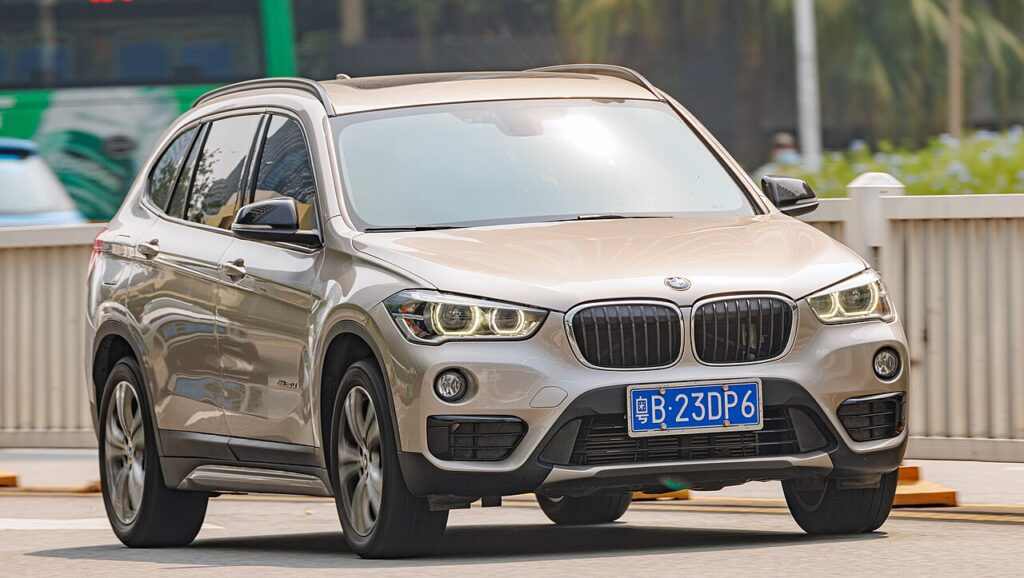
Which iDrive system is in your X1
The second-generation X1 (F48) shipped with BMW’s NBT system early on and switched to the faster NBT EVO for the bulk of its run, including the 2019 facelift. NBT EVO is the unit that brought wireless Apple CarPlay support to the X1, which is also why CarPlay drop-outs are one of the most common reasons owners reach for a reboot. Whichever you have, the restart is triggered the same way: by holding the volume/power knob, not the rotary dial.
Soft reset (reboot) the iDrive screen
Park the car and keep the ignition on so the system stays powered.
- Find the round volume knob on the centre console, just forward of the iDrive rotary controller. It is the on/off and mute control as well.
- Press and hold it. Keep holding past the point where the audio mutes — that is normal.
- After about 30 seconds the screen goes black. Release once it is fully black and the BMW roundel appears.
- Wait 30–60 seconds for the home screen to reload. The map, audio, and controller should respond again.
Think of it as restarting a phone — it clears a stuck process and nothing more.
The longer 70-second reboot for stubborn CarPlay glitches
If a plain 30-second reboot doesn’t fix a frozen CarPlay session or a dead Bluetooth link, hold the volume knob for a full 70 seconds. On NBT EVO the screen typically goes black, flickers back, then goes black a second time. Release only after that second black-out — this performs a deeper restart of the telematics and communication side that handles phone connectivity.
Will this erase anything? No
Neither the short nor the long knob-hold deletes data. Your radio presets, navigation favourites, paired phones, and personal settings all survive. The head unit just reloads its software. Use it as often as needed.
If the screen stays frozen
- Hold longer. Repeat with a full 70-second hold and wait for the second screen black-out before letting go.
- Re-pair the phone. For repeat CarPlay or Android Auto drop-outs, delete the phone from the X1’s Bluetooth list and from your phone, then pair fresh — a corrupt pairing often triggers the freeze.
- Cycle the ignition fully. Switch off, lock the car with the fob, walk away for five minutes so the electronics sleep, then unlock and restart.
- Update the software. Many X1 connectivity glitches were cured by later firmware; a dealer or specialist can flash the current version, and some updates are available over the air via ConnectedDrive.
Factory reset (erases data — rarely needed)
A factory reset is separate from the reboot and only worth doing if you are selling the car or chasing a deep, persistent fault. On the F48 it sits in the iDrive menu under Settings → General settings → Reset vehicle data. It wipes presets, paired phones, navigation history, and profiles, so trigger it on purpose, not as a first try.
Frequently Asked Questions
Will rebooting fix my X1’s CarPlay that keeps disconnecting?
Often, yes — a 70-second knob-hold restarts the connectivity module that handles wireless CarPlay. If it drops again straight away, delete and re-pair the phone, and check for the latest iDrive software.
Do I lose my saved settings when I reboot the F48?
No. The volume-knob restart keeps all presets, favourites, and pairings. Only a deliberate factory reset from the menu clears them.
Why does my F48 say 30 seconds for some people and 70 for others?
Both are correct. About 30 seconds gives a normal restart of the display; a full 70 seconds gives a deeper reboot that also resets the telematics — use the longer one when connectivity is the problem.
Is it safe to drive with the X1 screen frozen?
Yes. The iDrive unit is independent of the engine and driving controls. You lose audio and navigation only; reboot once you are safely parked.
My X1 has wireless CarPlay — does it have NBT EVO?
Yes. Wireless Apple CarPlay on the X1 came with NBT EVO, fitted to most cars and all of the 2019 facelift. The reboot procedure is identical either way.
If a warning light or fault message stays on the dash after the reboot, it may have stored a diagnostic trouble code — you can look it up on autodtcs.com.
Independent guide — not affiliated with BMW. Always follow your official service manual and safety precautions. Read our full disclaimer.