These instructions apply to the Cupra Formentor Mk1 (KM) 2020-present.
For other models, please choose your vehicle here.
Fitting a fresh battery, tracing an electrical gremlin, laying the car up over winter or recovering from a flat? Disconnecting the 12 V battery on your Cupra Formentor (KM, 2020–present) is a straightforward driveway job once you know the order to work in. Most Formentors are petrol or diesel, but the range also includes an e-Hybrid plug-in variant — on that version you still only ever touch the ordinary 12 V battery, and you must never disturb the orange high-voltage cabling or the traction battery. The 12 V side is owner-safe on every model; the high-voltage system is not. Get the sequence right and the car relearns its settings cleanly afterwards.
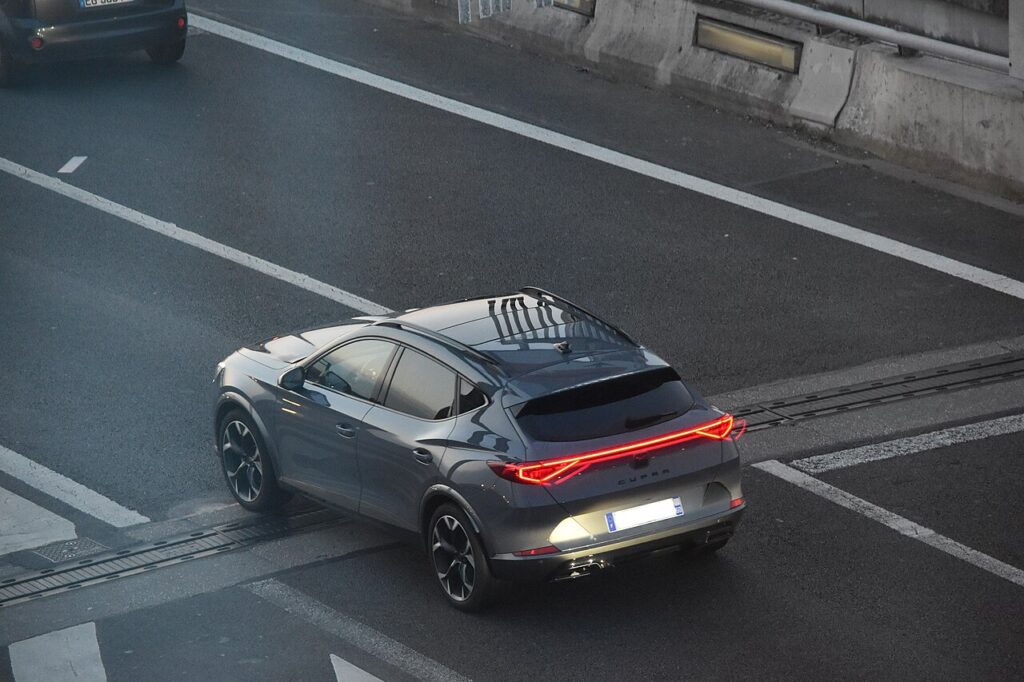
Where the 12 V Battery Is
Open the bonnet and the 12 V battery sits in the engine bay, generally under a plastic cover toward one side of the compartment. Unclip the cover to reach the terminals. The negative post carries a minus (−) mark and a black lead; the positive post carries a plus (+) mark under a coloured cap. On the e-Hybrid this is still your working battery — the high-voltage traction pack lives elsewhere and stays sealed. Confirm the two 12 V posts before you pick up a spanner.
Before You Start
- Switch the ignition fully off and make sure the car is not in READY on the e-Hybrid; take the key away from the vehicle.
- Turn off the lights, wipers, climate fan and any accessories, and close the boot and doors.
- Note your radio or infotainment security code if the car asks for one, so you can re-enter it afterwards.
- Wait a couple of minutes so the control modules power down before you break the circuit.
- Have a 10 mm spanner to hand, wear gloves and eye protection, and never let a tool bridge the positive post to bodywork.
Disconnecting
- Check everything is off, the key is away, and you have waited a minute or two for the electronics to sleep.
- Lift the cover and slacken the negative (−, black) terminal first. Ease the clamp off the post and tuck the lead aside so it cannot flick back onto the terminal.
- Only if you are lifting the battery out, cover the positive post, then slacken and remove the positive (+, red) clamp.
- Undo the hold-down bracket if the battery has to come out; for most electrical work, the negative being clear is enough to isolate the car.
Reconnecting
- Fit the positive (+) first, push the clamp fully home on the post and tighten it.
- Fit the negative (−) last and tighten firmly. Both clamps should be rock-solid — a loose earth causes most of the odd faults people see afterwards.
- Refit the cover and any hold-down, switch the ignition on, wait a few seconds, then start.
What You’ll Need to Reset Afterwards
Cutting power clears a handful of short-term memories. On the Formentor expect to sort out:
- Clock and radio — reset the time, re-enter the audio code if asked, and re-store your presets.
- One-touch and anti-pinch windows — usually need re-teaching; follow our guide to initialise the Cupra Formentor power windows.
- Tyre-pressure monitoring — re-store the baseline with our Cupra Formentor TPMS reset once pressures are correct.
- Start-stop / battery management — a like-for-like battery just relearns; a different battery type may need the management system reset so it charges correctly.
- Comfort settings and drive modes — some preferences revert to default, and a warning light can appear until the car has driven a short way.
If a Warning Light Stays On or the Car Feels Off
- Check both clamps are tight and fully seated — re-do the negative earth if there is any doubt.
- Drive the car gently for a few minutes; many adaptations and lights clear once the modules relearn.
- Re-run the window and, if a light lingers, the steering-angle relearn.
- Rule out a genuinely flat or tired 12 V battery — a good charge or renewal may be what it needs.
- If a light will not clear, read the stored code before replacing parts.
Frequently Asked Questions
Where is the 12 V battery on a Cupra Formentor?
In the engine bay under the bonnet, usually beneath a plastic cover to one side. It is a standard 12 V battery. On the e-Hybrid the high-voltage traction pack is separate and sealed — you only work on the 12 V battery.
Which terminal comes off first?
Negative (−, black) off first when disconnecting; positive (+) on first, negative last when reconnecting. That order keeps a spanner from shorting the live post to the body.
What resets when I disconnect it?
Typically the clock and radio presets (and possibly the audio code), the one-touch windows and the tyre-pressure baseline. A few comfort settings revert to default and settle after a short drive.
Does a new battery need coding?
A like-for-like 12 V battery needs no coding for normal running. Switch to a different type or size and the start-stop battery-management system may want a reset so it manages charging properly.
Is it safe to do on the e-Hybrid?
Yes — the 12 V battery is owner-serviceable on every Formentor. Keep well clear of the orange high-voltage cabling and the traction battery; that side is not a DIY job and must be left to a qualified technician.
Can I jump-start it instead?
If the 12 V battery is simply flat, a jump-start or charge is often all you need and keeps your settings intact. Disconnecting is for renewal, storage or electrical work. If a warning light stays on afterwards, check the code on autodtcs.com.
Independent guide — not affiliated with Cupra. Always follow your official service manual and safety precautions. Read our full disclaimer.