These instructions apply to the Fiat 500X Mk1 (334) 2015-present.
For other models, please choose your vehicle here.
Lost the one-touch (auto up/down) on your Fiat 500X (334, 2015–present) after a flat or disconnected battery? The window motor has simply forgotten its limits. You re-teach them by hand in under a minute — no tools.
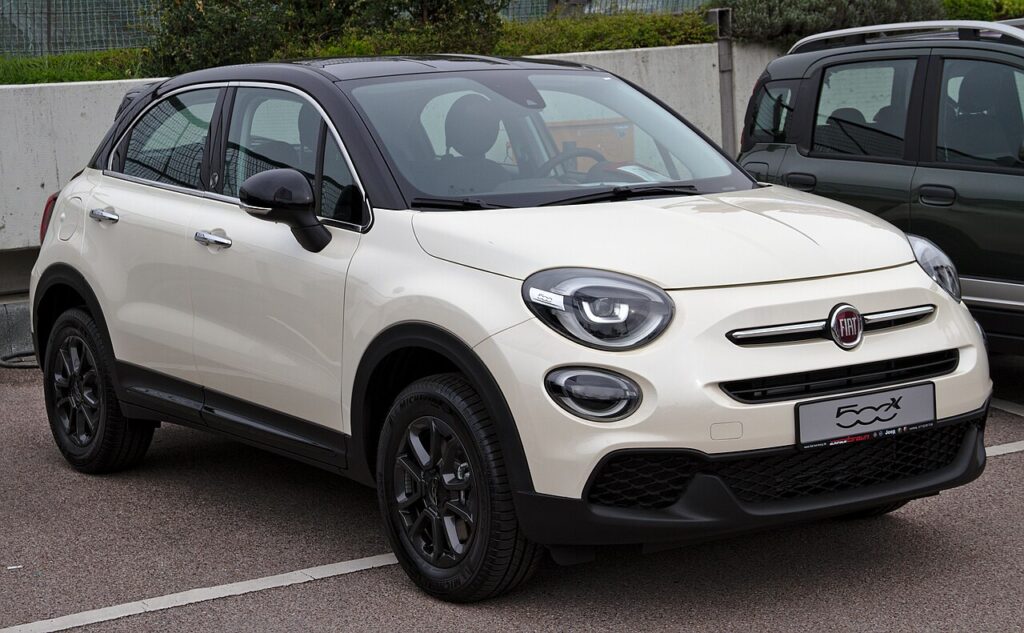
On the 500X, one-touch is usually fitted to the front windows, with hold-to-move on the rears, so the feature you’ve lost is most often the driver’s and passenger’s glass. It’s not a fault — the door module has dropped the travel it normally remembers, and you put it back by hand.
What Happened
The window motor has position feedback, and the door module learns where the glass reaches the top seal and the bottom of the drop. Those two end points let a single press run the window to its limit and stop cleanly, and they give the anti-pinch a reference to reverse against an obstruction. The figures live in memory fed by the 12 V battery, so any loss of power — a flat battery, a jump start, or unplugging it for service — erases them, and the window defaults to hold-to-move until you re-teach.
First, a Few Checks
- Turn the ignition on so the window has full voltage for the learn.
- Keep the door closed — an open door can flex the frame and shift the seating point.
- Clear the glass and channel of ice, a sunshade, or a phone mount first.
- If the battery was just reconnected, let the car sit keyed-on for a minute so the module wakes.
- Do one window at a time from that door’s own switch.
Re-teaching a Window
- Sit at the affected door with the ignition on.
- Press and hold the close switch until the window is fully closed, then keep holding for 3 seconds and release.
- Press and hold the open switch until the window is fully open, hold for 3 seconds and release.
- Check one-touch now works both up and down.
Repeat on each one-touch window from its own switch.
Not Working Yet?
- Hold the full 3 seconds at each end so the limits register — letting go early is the usual reason the learn doesn’t take.
- Make sure the 12 V battery is healthy during the learn; a weak battery sags under the motor load.
- Recharge first if the battery was flat — a short drive or a charger top-up steadies the voltage for the relearn.
- Check the switch returns to centre cleanly; a sticky rocker can stop the auto latch engaging.
- A door that won’t learn after several tries may have a motor or regulator fault — look up any stored code on autodtcs.com.
What To Expect After
With the window cycled and held at both ends, a single press should run the glass fully up or down and stop neatly, and the anti-trap should reverse if it meets resistance. There’s no dash message to clear — the auto function working is the confirmation. Expect to repeat this any time the 12 V battery is disconnected in future; it’s a normal side effect of losing power, not a recurring fault.
Frequently Asked Questions
Why did my 500X windows stop auto-closing?
A battery disconnect or flat battery cleared the learned travel the door module keeps in volatile memory. Without those end points the car can’t run the window automatically or judge where to stop, so it reverts to hold-to-move. Re-initialising the window brings one-touch back.
How do I reset the auto window on a Fiat 500X?
Hold the close switch until fully closed and 3 seconds more, then hold the open switch until fully open and 3 seconds more. That close-then-open cycle re-teaches the module the top and bottom limits. Do it at each one-touch window from its own switch.
Do the rear windows need this too?
Only if they have one-touch. On many 500X trims the rears are hold-to-move only, so there’s nothing to re-teach there — they always run just while you hold the switch. Re-initialise whichever windows had the auto feature before, which is usually the two front doors.
Do I have to do every window?
Only the ones with one-touch, and each from its own switch. Every door with the feature has its own module and learned travel, so a power loss clears them together. Cycling one front window won’t restore auto on the other — do each affected door.
Any tools needed?
None — it’s all done at the switches with the ignition on. There’s no menu on the dash and no scan tool involved for a routine one-touch relearn after a battery event. A diagnostic tool only comes in if a door refuses to learn and you need to read a fault code.
The window bounced back down as it closed — why?
If the glass reverses just before the top during the learn, the anti-pinch is triggering because the limits aren’t set yet. Clear anything in the channel, then hold the close switch firmly through to the seal and keep holding the full 3 seconds so the module can log the true closed position.
This is the most-missed step after battery work — see our 500X battery guide. For warning lights, look up the code on autodtcs.com.
Independent guide — not affiliated with Fiat. Always follow your official service manual and safety precautions. Read our full disclaimer.