These instructions apply to the Fiat Tipo Mk2 (356) 2016-present.
For other models, please choose your vehicle here.
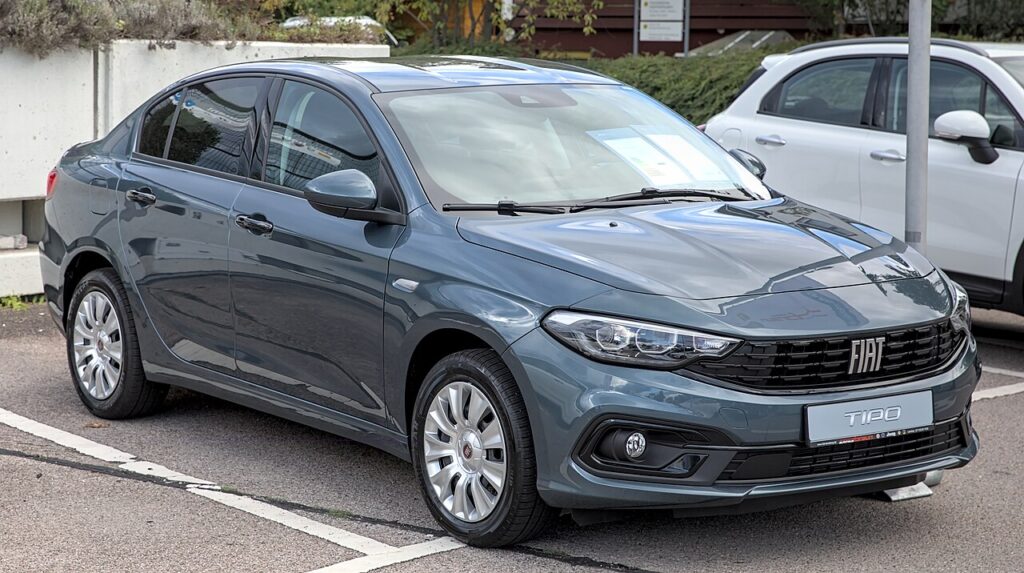
The Fiat Tipo (356, 2016–Present) — the hatchback, saloon and Station Wagon family car — uses a conventional remote key with a turn-key ignition barrel on the steering column across the standard range. That makes a dead fob battery a minor nuisance rather than a breakdown: the flat coin cell only disables the remote lock and unlock buttons. The metal blade and the immobiliser chip in the key are unaffected, so you unlock and start exactly as normal. This guide covers both, plus a note for keyless-equipped trims, and how to swap the cell.
Starting the Tipo With a Dead Fob (Turn-Key Cars)
Most Tipos have a key barrel, so a flat fob does not stop you driving:
- Unlock the driver’s door with the metal blade (steps below) and get in.
- Insert the same key into the ignition barrel on the steering column.
- Press the clutch (manual) or brake (automatic) and turn the key to crank the engine.
- The engine starts normally — the immobiliser reads the transponder in the key head, which needs no battery.
If your Tipo has the optional keyless-go START/STOP button instead of a barrel, hold the dead fob flat against the START button, press the brake and push the button so the antenna can read the chip up close.
Unlocking the Door With the Emergency Blade
With a flat battery the remote buttons stop responding, so use the blade.
- Slide the latch on the fob and pull out (or fold out) the metal key blade.
- Go to the driver’s door — the lock barrel is in or just behind the handle.
- Insert the blade and turn to unlock.
- This may trigger the alarm; turning the ignition on with the recognised key clears it.
The Immobiliser Still Reads the Key
The Tipo’s immobiliser uses a passive transponder in the key, separate from the remote radio. Turning the key (or pressing START with the fob on the button on keyless cars) lets an antenna energise that chip and read its code. Because the antenna powers the chip, a totally flat fob never prevents the engine starting — it only stops the remote locking.
Replacing the Key Fob Battery
The Fiat Tipo remote uses a single CR2032 3V lithium coin cell.
- Slide the latch and remove the metal blade to release the case.
- Prise the two halves apart at the seam with a thin coin or flat screwdriver.
- Lift out the old CR2032 and fit the new one with the “+” side facing the same way.
- Clip the case shut and refit the blade.
- Press a button next to the car to confirm remote locking works again.
Frequently Asked Questions
Will a dead fob stop my Fiat Tipo starting? On the standard turn-key Tipo, no — it starts as normal and you only lose remote locking. On a keyless-button Tipo, hold the fob on the START button to start.
Which battery does the Tipo key take? A CR2032 3V lithium coin cell.
How do I tell if my Tipo is turn-key or keyless? Look at the column: a key barrel means turn-key (the common case); a START/STOP button means the optional keyless system.
My Tipo cranks but won’t fire after the fob died — why? A flat fob can’t cause that on a turn-key car. Suspect the 12V battery, fuel or the immobiliser, not the coin cell.
Can I keep driving on just the blade? Yes. The Tipo is fully drivable on the blade; replace the CR2032 only when you want remote central locking back.
If a warning light stayed on after a flat fob or weak 12V battery, you can look up exactly what the code means on our sister site autodtcs.com.
Independent guide — not affiliated with Fiat. Always follow your official service manual and safety precautions. Read our full disclaimer.