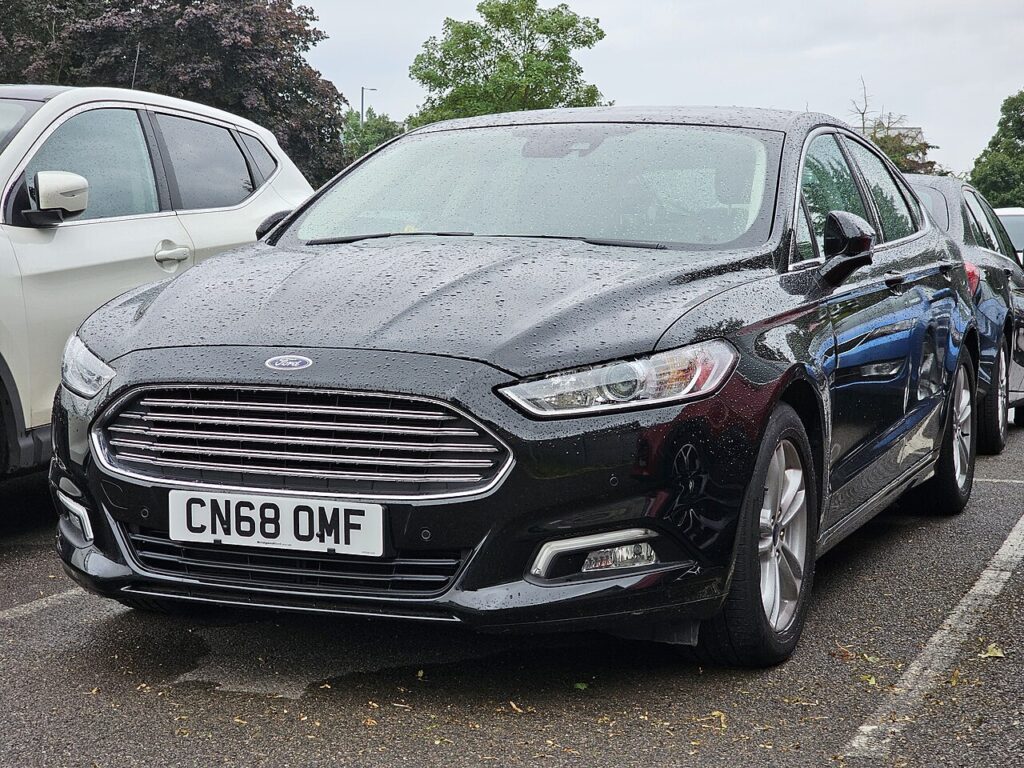
These instructions apply to the Ford Mondeo Mk5 (CD391) 2014-2022.
For other models, please choose your vehicle here.
If the optional panoramic / sliding roof on your Ford Mondeo (Mk V, CD391, 2014–2022) has stopped auto-opening, won’t one-touch close, or bounced back after a battery disconnect, the panel has lost its learned positions. This is a normal recovery function, not a breakdown: the roof module simply needs to be shown its end-stops again. Re-initialising it takes under a minute at the switch, with no tools and no garage visit — you hold the roof through its closed position until it runs a short learning cycle and stores the limits.
What Goes Wrong
The roof module stores its closed and tilt limits so that one-touch operation and anti-trap protection can work — it needs to know exactly where the panel is fully shut in order to stop there cleanly and to detect an obstruction. A flat or disconnected 12 V battery erases that stored memory, and an obstruction that stops the panel short of its normal limit can do the same. With the memory gone, the roof drops back to a safe fallback: it still moves, but only while you hold the switch, and one-touch and auto functions stay disabled until the positions are relearned. The hardware is fine — the module is just waiting to be re-taught its end-stops.
Getting Ready
- Confirm the 12 V battery is healthy — a weak battery can interrupt the learning cycle before it finishes.
- Switch the ignition on so the roof module has power throughout.
- Check the roof aperture is clear of hands, luggage, roof-bar fittings or debris.
- Clear grit or leaves from the runners and seals so the panel can reach its true closed position.
- Be prepared to keep the switch held for several seconds past the point where the panel appears to stop.
Re-initialising the Roof
- Switch the ignition on and make sure the roof area is clear.
- Hold the switch in the close direction until the panel reaches fully closed.
- Keep holding for several seconds past the stop — you may feel or hear it cycle as it relearns.
- Release, then test one-touch open and close.
Exact switch action varies; the principle is to hold through the closed position until the panel completes a learning cycle.
Still Not Working?
- Hold longer at the closed point so the limit registers — letting go too soon is the usual reason the learn fails to take.
- Make sure the 12 V battery is healthy — a weak battery interrupts the learn mid-cycle.
- Clear any debris from the runners so the panel can seat fully.
- If it still bounces back or refuses one-touch after several tries, check for a trapped seal or mechanical bind before assuming an electrical fault.
What Happens Next
Once the learn takes, one-touch open, one-touch close and the anti-trap function should all return. Cycle the roof fully open and closed a couple of times to confirm it stops cleanly at each end without reversing on its own. If this followed a battery disconnect, it’s worth re-checking your other convenience settings too, since they can be cleared at the same time.
Frequently Asked Questions
How do I reset the sunroof on a Ford Mondeo?
Ignition on, hold the switch in the close direction and keep holding past fully-closed until the panel cycles and relearns its limits. Then release and test one-touch open and close. It’s all done at the roof switch with no tools required.
Why did it stop one-touch working?
A battery disconnect or an obstruction cleared the stored closed and tilt limits. Without them the module reverts to hold-to-move only, as a safety measure, and one-touch and auto operation stay off until you relearn the positions at the switch.
Do I need any tools?
No — it’s all done at the roof switch from the driver’s seat. There’s no trim to remove and no diagnostic equipment involved; you just need the ignition on and a clear roof opening.
It still won’t close fully — now what?
Check for obstructions in the aperture and runners and confirm the 12 V battery is healthy, then repeat the hold-to-learn routine, holding a little longer past the stop. If it keeps bouncing back, have the roof mechanism inspected for a bind or a damaged seal.
Will disconnecting the battery undo the reset?
It can — disconnecting or fully flattening the 12 V battery is one of the things that clears the learned positions in the first place. If you disconnect it again for other work, simply expect to repeat this quick relearn afterwards.
Is the roof broken if it only moves while I hold the switch?
No. Hold-to-move is the deliberate safe fallback the module uses when it has lost its stored limits. It’s a sign the positions need relearning rather than a motor or panel failure, and the switch procedure normally restores full operation.
If this followed a battery change, re-check our Mondeo battery guide. For a stored code, look it up on autodtcs.com.
Independent guide — not affiliated with Ford. Always follow your official service manual and safety precautions. Read our full disclaimer.