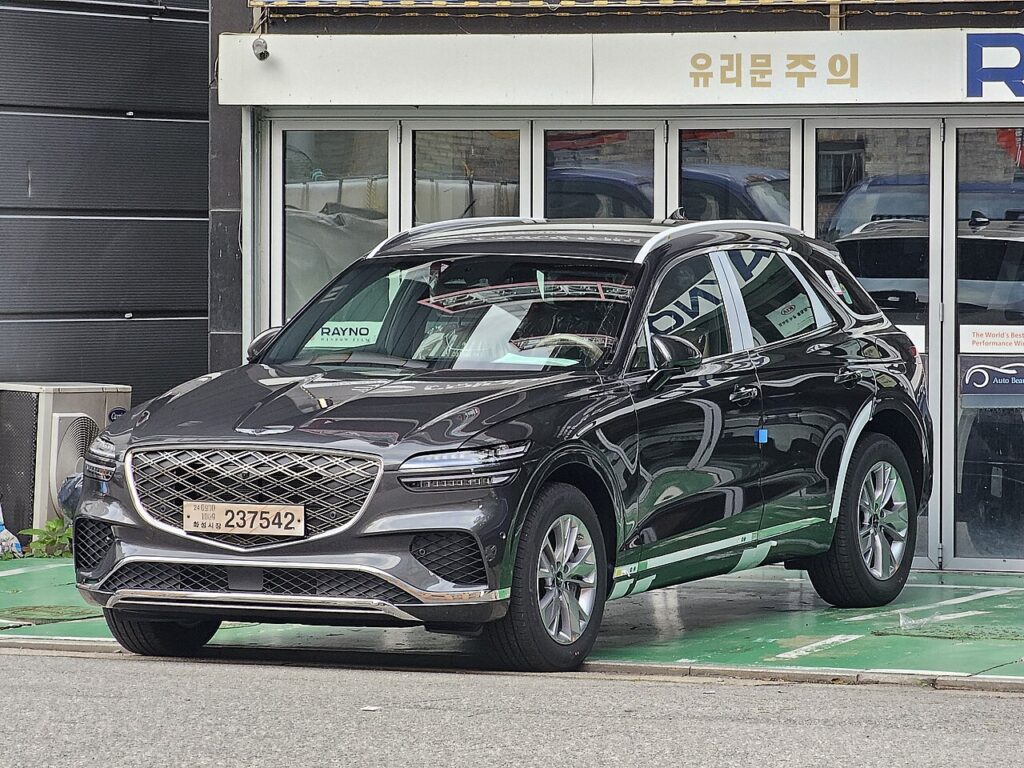
These instructions apply to the Genesis GV70 (JK1) 2020-2024.
For other models, please choose your vehicle here.
The proximity key for a Genesis GV70 (JK1, 2020–2024) that only unlocks the car when it is almost touching the door handle, responds intermittently, or has stopped working altogether is usually saying one simple thing: the coin cell inside it is flat. The GV70 ships with a single smart (keyless-entry) fob — the slim black remote with a hidden metal emergency blade — and there is no separate flip-key version for this generation, so the procedure below covers every GV70, petrol or Electrified. Here is how to tell a dying cell from a genuine fault, the exact battery to buy, how to split the case without marking it, and why a brand-new key is the one job you can’t finish at home.
How to Tell the Fob Battery Is Dying
- Shrinking range. You have to stand right next to the GV70 — or hold the fob against the door handle — before it will lock or unlock. This gradual loss of range is almost always the first sign.
- A dash warning. The GV70 shows a “Key battery low” message in the instrument cluster when the smart key’s cell is getting weak. Don’t ignore it — it typically appears weeks before the fob quits entirely.
- Push-button start needs the fob held to it. If the car will only start when you press the fob against the start button (the backup transponder method), the battery is essentially dead.
- Cold-weather dropouts. A near-flat lithium cell sags further when it’s cold, so an ageing battery often fails on frosty mornings first and seems to recover once it warms up.
A CR2032 in a GV70 fob normally lasts two to four years. If yours is around that age and doing any of the above, fit a fresh cell before you start suspecting the receiver, the antenna or the immobiliser.
The Battery You Need
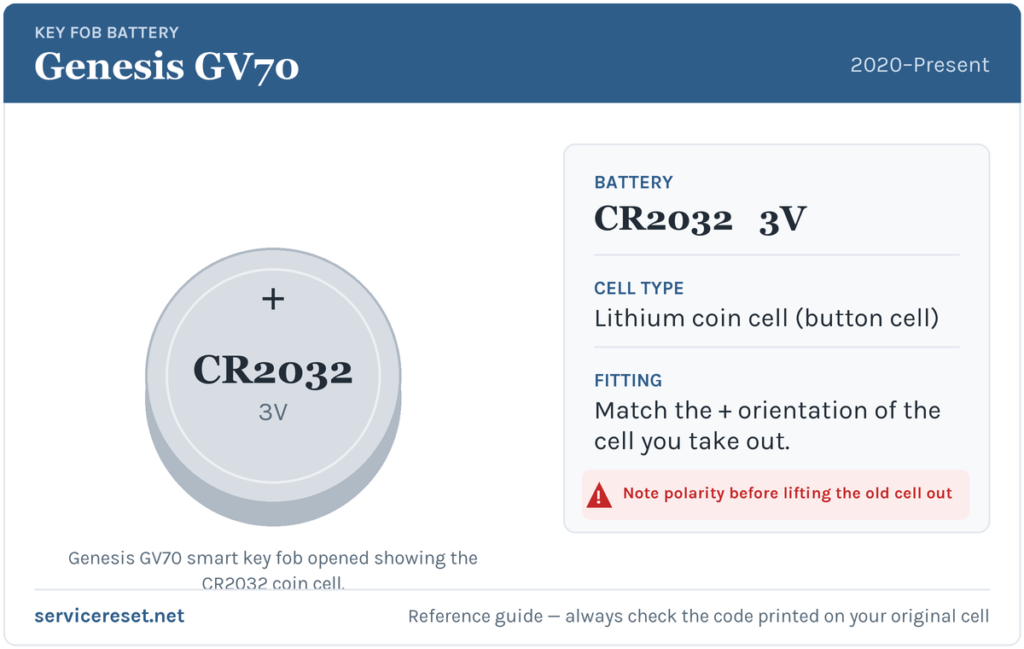
The Genesis GV70 smart key takes a single CR2032 — a 3-volt lithium coin cell, 20 mm across and 3.2 mm thick. It is the most common fob battery there is, sold in any supermarket, hardware shop or pharmacy, and it’s the same cell Genesis and Hyundai use across most of their current range. Buy a good-quality branded cell rather than a bargain multipack: cheap cells sag under the brief high current the transmitter draws and can give short range even when they are technically “new”.
How to Change the GV70 Key Fob Battery
- Release the emergency blade first. Slide the small latch on the top edge of the fob and pull the mechanical key blade straight out. This exposes the slot you’ll lever against and gets the blade safely out of the way.
- Find the seam. With the blade removed, look at the notch it leaves behind. Insert a small flat tool — a plastic pry tool, a coin, or a flat-head screwdriver with a strip of tape on the tip to avoid scratches — into that slot.
- Twist, don’t force. Gently rotate the tool to pop the two halves of the case apart. Work your way around the seam if needed; the shell is designed to unclip, so it should part with light pressure. Avoid prying hard against the flat faces or you’ll mark the plastic.
- Note how the old cell sits, then lift it out. Before you touch the battery, look at which face is showing — the writing and the flat ‘+’ face point one way, and you want the new one to match exactly. Ease the old cell out from under its retaining clip.
- Fit the fresh CR2032 the same way up. Most GV70 fobs seat the cell with the positive (+) face upward, but the only orientation that matters is the one you just removed — copy it. Press the new cell fully under the clip against clean contacts.
- Click it back together. Line the two halves up and squeeze until they snap shut all the way round, then slide the emergency blade back in until it latches.
⚠️ Match the polarity to the cell you removed. Handle the new battery by its edges — skin oils on the faces raise resistance — and don’t force it in the wrong way round. A cell fitted upside down won’t power the transmitter and can quietly discharge, leaving you with a “new” battery that’s already flat.
Make Sure It Took
Step back a few metres and lock, then unlock, the GV70. Full range should return straight away and every button should respond first time. The “Key battery low” message clears once the car next reads a healthy fob — sometimes instantly, sometimes after one short drive cycle. There is no reprogramming or pairing step: a battery swap doesn’t touch the fob’s coding.
If a Fresh Cell Doesn’t Fix It
- Re-check the orientation and seating. An upside-down or loosely seated cell is by far the most common reason a “new” battery seems dead. Make sure it clicks firmly under the clip.
- Wipe the contacts. A smear of finger grease or a little corrosion on the terminals is enough to cause dropouts — clean them with a dry cloth and reseat the cell.
- Confirm the new cell is actually good. Cells that have sat in a drawer for years, or ultra-cheap ones, can read low out of the packet. Try a known-good branded CR2032.
- Warning still showing? If the low-key alert lingers with a verified-good cell, the fob has been read but still reports weak — occasionally it just needs another drive cycle, but a fob whose transmitter has failed will need replacing. Rarely, a tired 12 V car battery can mimic key faults if the GV70 itself is slow to wake.
New Key or Spare — Why It’s a Dealer Job
Changing the cell keeps your fob’s existing coding, so it works the moment you close the case. Adding a spare or replacing a lost key is a different matter: a blank Genesis smart fob has to be ordered against the car’s VIN, cut to match the mechanical blade, and then married to the GV70’s immobiliser with a diagnostic tool. That immobiliser handshake is exactly what stops a thief from pairing a fob of their own, and it’s why coding a new key is a job for a Genesis dealer or a qualified auto-locksmith rather than a driveway fix. The practical takeaway: keep the battery in your spare fob fresh too, and register the Genesis Digital Key (phone) if your car supports it, so a single dead cell never leaves you stranded.
Frequently Asked Questions
What battery does a Genesis GV70 key fob take?
A single CR2032 3-volt lithium coin cell — the standard 20 mm size, the same cell Genesis fits across most of its current models.
Which way up does the battery go?
Fit it the same way the old one sat. On most GV70 fobs the positive (+) face points up, but rather than trust that blindly, note the orientation of the cell you take out and match it — a battery fitted the wrong way won’t work and can flatten itself.
Do I need to reprogram the fob after changing the battery?
No. Replacing the coin cell doesn’t affect the fob’s coding, so it pairs with the car automatically as soon as you reassemble it. Only a brand-new key needs programming.
How long should a GV70 key battery last?
Usually two to four years. Leaving the fob sitting close to the car, so it wakes and transmits constantly, shortens that — store spare keys well away from the vehicle.
Can I still start the GV70 if the fob battery is completely dead?
Yes. Hold the fob directly against the engine start/stop button and press — the car reads the built-in transponder even with a flat cell. To get in first, pull the driver’s door handle to expose the hidden lock, and use the emergency blade from inside the fob.
The fob quit right after the car battery was disconnected — is that the coin cell?
Not necessarily. If the remote stopped suddenly, right after 12 V work, rather than fading over weeks, the issue is more likely the pairing or a stored fault than a flat coin cell. Swap the CR2032 first because it’s quick and cheap, then investigate further if it doesn’t help.
If your GV70 threw a warning light or lost keyless entry at the same time as the fob trouble, it’s worth checking what any stored fault code actually means before spending money — you can look it up on autodtcs.com.
Independent guide — not affiliated with Genesis. Always follow your official service manual and safety precautions. Read our full disclaimer.