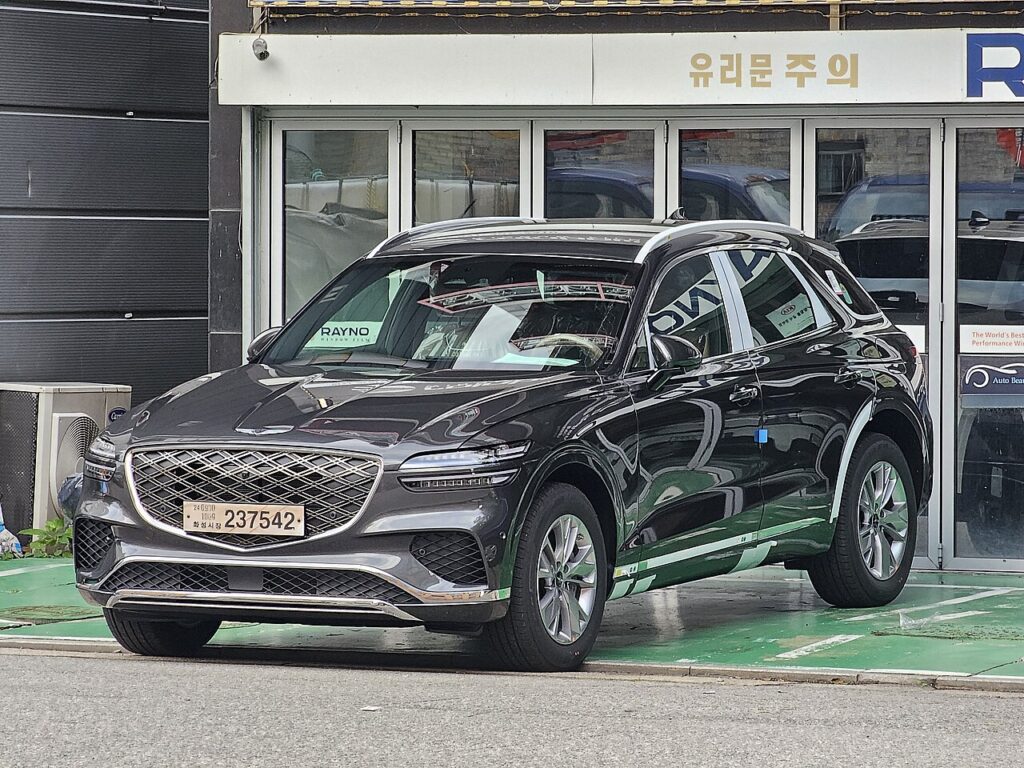
These instructions apply to the Genesis GV70 (JK1) 2020-2024.
For other models, please choose your vehicle here.
If the one-touch (auto up/down) function on your Genesis GV70 (JK1, 2020–2024) has stopped working — usually after a battery disconnection or a flat battery — the windows just need re-initialising. It’s a quick job with no tools, and it does not mean the motor or switch has failed. Each window is simply running in its basic manual mode until you teach its controller where the top and bottom of travel are again.
Why the Auto Function Drops Out
Each power window on the GV70 has a motor with a built-in controller that counts the glass position and stores the fully-up and fully-down limits. That memory is what makes the one-touch auto up and down work, and it powers the anti-pinch protection — the feature that stops and reverses the glass if it meets an obstruction while closing. When the 12 V power is cut, whether by disconnecting the battery, fitting a new one, or letting it run flat, those learned limits are lost. All four windows still raise and lower while you hold the switch, but the auto function and pinch protection stay disabled until each window is run through its full travel and re-learned. This is normal after any battery work and is not a fault.
Getting Ready
- Confirm the 12 V battery is properly connected and charged — the calibration will not save on a weak supply.
- Close each door so the glass runs cleanly in its channel.
- Turn the ignition on before you begin.
- Clear the top of each door frame and check the run channels are free of grit or ice.
- Plan to do all four windows separately — each is calibrated on its own.
Re-initialising Each Window
- Turn the ignition on and close the door.
- Raise the window fully with the switch and keep holding for a couple of seconds after it stops.
- Lower the window fully and keep holding for a couple of seconds after it stops.
- Raise it fully again — one-touch should now work. Repeat for each window.
If It Still Won’t Work
- Hold at each limit for the full couple of seconds — releasing too early leaves the travel only partly learned.
- Run the whole sequence in one pass per window without pausing; an interrupted run may not register.
- Re-seat the battery connections if you’ve just done battery work, then repeat.
- Check the relevant power-window fuse if a window is completely dead rather than merely manual.
- Do all four windows — each is calibrated on its own switch, so skipping one leaves that door in manual mode.
- Let a flat battery charge fully first; low voltage can prevent the memory being written.
- A motor or switch fault can store a code — look it up on autodtcs.com.
What Happens Next
Once each window has taken the calibration, a single tap on its switch will run the glass all the way up or down on its own, and the anti-pinch protection is active again. The limits are stored, so they stay set until the next time the battery is disconnected. If you replace the battery in future, simply repeat the same short sequence on all four windows.
Frequently Asked Questions
Why did my GV70 windows stop auto-closing?
Disconnecting or flattening the 12 V battery clears the stored travel limits in each window motor’s controller, so the glass reverts to manual-only. Running each window fully up, fully down, and up again, holding at each limit, teaches the module the limits and restores the one-touch function.
Do I need a tool?
No. The reset is done with the window switches on the doors. There is nothing to plug in and no touchscreen menu involved — you are simply cycling each window through its full travel so the controller can re-learn the top and bottom positions.
Do I have to do all the windows?
Yes. Each of the four windows has its own controller and is calibrated separately, so re-initialise them one at a time. Doing only the driver’s window leaves the other three in manual mode with their anti-pinch protection still disabled.
What does holding at the limit do?
Keeping the switch pressed for a couple of seconds after the glass stops tells the controller that is the true end of travel. That reference is what both the anti-pinch protection and the one-touch lift rely on, so a clean hold at each limit is the key to the reset working.
Will a weak battery stop the reset working?
It can. If the 12 V battery is still recovering from being flat, or a terminal is loose, the controller may not save the new limits and the auto function fails to return. Charge and secure the battery first, then repeat the sequence on each window.
Is the anti-pinch protection affected too?
Yes. The same lost memory disables the automatic reverse-on-obstruction feature on each window. Completing the re-initialisation sequence restores both the one-touch lift and the anti-pinch safety together, so there is no separate step needed to bring the protection back.
If you’ve just reconnected the battery, see our GV70 battery guide, or check any stored fault code on autodtcs.com.
Independent guide — not affiliated with Genesis. Always follow your official service manual and safety precautions. Read our full disclaimer.