These instructions apply to the Hyundai Nexo Mk1 (FE) 2018-2023.
For other models, please choose your vehicle here.
After a service, you can clear the maintenance reminder on the Hyundai Nexo (FE, 2018–2023) yourself from the instrument-cluster menu — no dealer tool is needed. Here is the exact sequence.
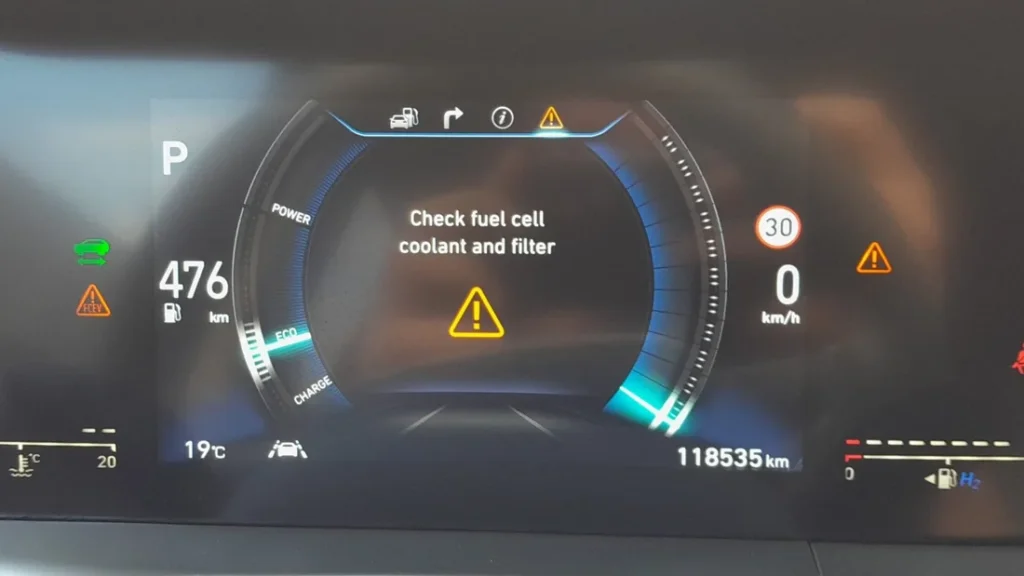
How to reset the Nexo service interval
Only reset the reminder after the maintenance has actually been done, so the next interval is tracked correctly.
- Switch the car on. Press the power (START) button to the on/ready state — you do not need to press the brake.
- Press the MENU button on the steering wheel or cluster controls.
- Select “Setup” and press OK.
- Select “Vehicle” and press OK.
- Select “Convenience” (or “Cluster”) and press OK — the service option sits under one of these, depending on the menu version.
- Select “Service Interval” and press OK.
- Select “Reset” and press OK to confirm. The reminder is cleared.
Switch the car off and back on to confirm the message is gone. If your menu layout differs slightly, look for “Service Interval” under either the Convenience or the Cluster sub-menu within Vehicle settings.
What the reminder is
The Nexo tracks its maintenance schedule and shows a service message when the next service is due by time or distance. It is a reminder to book the car in, not a fault. Resetting it simply restarts the counter for the next interval.
Reset it only after the service
Clearing the reminder without doing the work just hides the schedule and leaves you with an inaccurate maintenance record. Keep to the intervals in your owner’s manual — on a fuel-cell car the air filtration and coolant circuits are part of the plan.
While you are in the car, the other genuinely owner-level jobs are covered in our guides to tire pressures, the 12 V battery, and hydrogen refueling.
Frequently asked questions
Can I reset the Hyundai Nexo service light myself?
Yes. Switch the car on, press MENU, then go to Setup → Vehicle → Convenience (or Cluster) → Service Interval → Reset. No dealer equipment is required.
Is the service message a fault?
No. It is a scheduled-maintenance reminder based on time and distance. It tells you a service is due, not that something has failed.
Should I reset the reminder before or after the service?
After. Reset it only once the maintenance is actually done, so the next interval is counted from the right point.
The reminder won’t clear — what now?
Make sure the car is switched on (ready) when you use the menu, and that you selected Reset and confirmed. If it still will not clear, have a Hyundai dealer check it.
Independent guide — not affiliated with Hyundai. Always follow your official service manual and safety precautions. Read our full disclaimer.