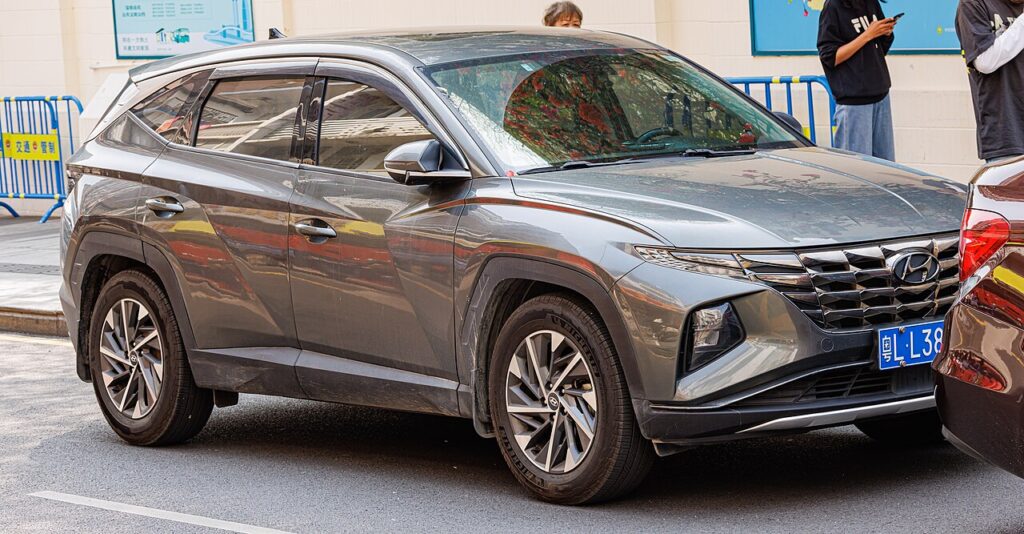
These instructions apply to the Hyundai Tucson Mk4 (NX4) 2020-Present.
For other models, please choose your vehicle here.
Disconnecting the 12 V battery on a Hyundai Tucson Mk4 (NX4, 2020–present) is a straightforward engine-bay job. This guide covers safe disconnection and the few things the Tucson needs re-teaching afterwards — including its powered tailgate, which can drop its memory after a power cut.
Where the Battery Is
The 12 V battery is in the engine bay, under a cover. (The full-hybrid and plug-in Tucson also have a high-voltage battery — that’s workshop-only; only the engine-bay 12 V is owner-serviceable, and on those models it’s the same 12 V you work on.)
Disconnecting
- Switch the ignition off and take the smart key well away from the car.
- Loosen the negative (−, black) terminal first and lift the lead clear.
- If removing the battery, loosen the positive (+, red) next, then the hold-down.
Airbag/pretensioner safety: if you’ll be near airbags or seat-belt pretensioners, wait 3 minutes after disconnecting before continuing.
Reconnecting & Re-teaching
- Reconnect positive (+) first, then negative (−) last; tighten and refit the cover.
- Reset the clock and check your driver settings.
- Re-initialise the power windows — see our Tucson window guide.
- Re-initialise the powered tailgate if it stops opening/closing fully — close it fully and hold the close button briefly, or operate it through one full open/close cycle.
- Sunroof (if fitted) — re-initialise per our Tucson sunroof guide.
Hyundai doesn’t require the new battery to be coded on the Tucson.
Frequently Asked Questions
Which terminal first on the Tucson?
Always the negative (−) first, and reconnect it last.
Does it need the battery registered?
No — the Tucson doesn’t require battery coding. Fit it and re-teach the windows/tailgate/sunroof.
Why won’t my powered tailgate work fully after this?
It can lose its learned travel after a power cut — run it through a full open/close to re-teach it.
Is it safe on the hybrid Tucson?
Yes — the 12 V is isolated from the high-voltage system. Never touch the orange HV cables.
For any warning light that stays on, look up the code on autodtcs.com. To clear the service reminder, see our Tucson Mk4 service reset guide.
Independent guide — not affiliated with Hyundai. Always follow your official service manual and safety precautions. Read our full disclaimer.