These instructions apply to the Infiniti Q60 (V37) 2017-2024.
For other models, please choose your vehicle here.
If the one-touch (auto up/down) function on your Infiniti Q60 (V37, 2017–2024) has stopped working — usually after a battery disconnection or a flat battery — the windows just need re-initialising. It’s a quick job with no tools, and it does not mean the motor or switch has failed. The glass is simply running in its basic manual mode until you teach each window’s controller where the top and bottom of travel are again.
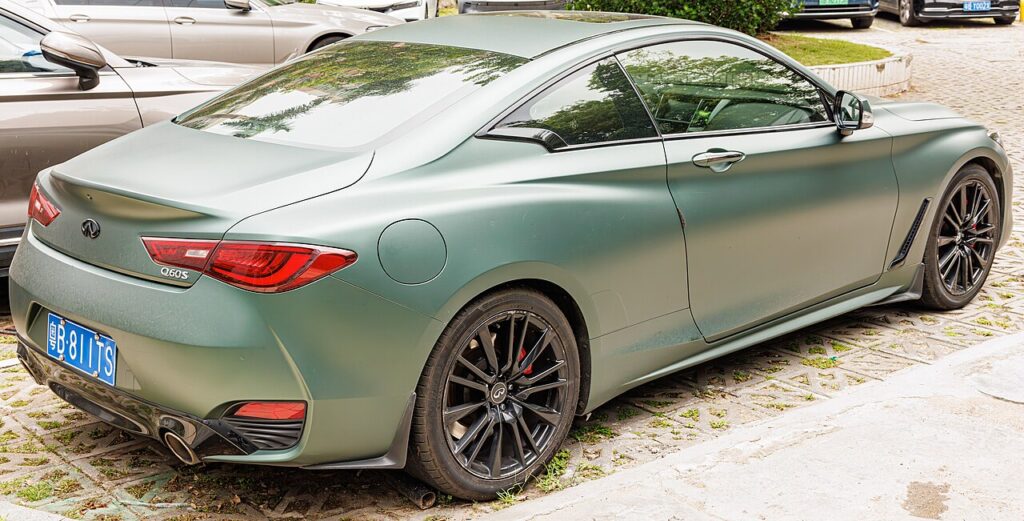
Why the Auto Function Drops Out
As a two-door coupe, the Q60 has a wide, frameless-style door glass on each side, and each window motor carries a small controller that remembers the fully-up and fully-down positions. That stored memory drives the one-touch auto up and auto down and powers the anti-pinch protection — the feature that reverses the glass if it meets resistance while closing. Cutting the 12 V power, whether by disconnecting the battery, fitting a new one, or letting it go flat, erases those learned limits. The windows still work while you hold the switch, but the auto function and the pinch protection stay disabled until each window is cycled through its full travel and re-learned. This is normal after any battery work.
Getting Ready
- Confirm the 12 V battery is properly connected and charged — the calibration will not save on a weak supply.
- Close both doors so each frameless glass seats correctly into the roof seal.
- Turn the ignition on before you begin.
- Make sure nothing is resting on the door tops and the glass runs freely in its channel.
- Plan to do each window separately — they are calibrated one at a time.
Re-initialising Each Window
- Turn the ignition on and close the doors.
- Press and hold the open switch and open the window fully.
- Press and hold the close switch until the window is fully closed, then keep holding for a couple of seconds, and release.
- Check the one-touch operation, then repeat for the passenger window.
If It Still Won’t Work
- Hold the close switch a moment longer after the glass seats into the seal — a frameless window needs to reach its true top before the limit registers.
- Do each window in one uninterrupted pass; stopping partway can leave the travel only half learned.
- Re-seat the battery connections if you’ve just done battery work, then try again.
- Check the power-window fuse if a window is completely dead rather than merely manual.
- Let a flat battery charge fully first; low voltage can stop the memory being written.
- A motor or switch fault can store a code — look it up on autodtcs.com.
What Happens Next
With the sequence complete, a single tap on either switch will run that window all the way up or down on its own, and the anti-pinch protection is live again. The learned limits are stored, so they stay set until the next time the battery is disconnected. Because the Q60 is a coupe, remember that its long door glass drops a fraction each time you open the door and rises to seal as you close it — that auto-seat behaviour also depends on the same calibration, so re-initialising both windows keeps the door seals working as intended.
Frequently Asked Questions
Why did my Q60 windows stop auto-closing?
Disconnecting or flattening the 12 V battery clears the stored travel limits in each window controller, so the glass drops back to manual-only operation. Running each window fully open and then fully closed, holding at the top, teaches the module the limits again and restores the one-touch auto function.
Do I need a tool?
No. The reset is done entirely with the window switches on the door. There is nothing to plug in and no screen menu involved — you are simply cycling each window through its full travel so the controller can re-learn the open and closed positions.
Do I have to do both windows?
Yes. Each window has its own controller and is calibrated separately, so re-initialise the driver’s side and the passenger side in turn. Doing only one leaves the other stuck in manual mode with its anti-pinch protection still disabled.
What does the hold do?
Keeping the close switch pressed for a couple of seconds after the glass seats tells the controller that point is the true top of travel. On a frameless coupe window that upper reference also sets the auto-seal position, so a clean hold at the top is essential for the reset to take.
Why does my window dip when I open the door?
The Q60’s frameless glass lowers slightly on door release and lifts to seal on closing, which is normal. If that behaviour stopped along with the one-touch function, it points to the same lost calibration — re-initialising the window restores both the auto-seat dip and the one-touch lift together.
Will a weak battery stop the reset working?
It can. If the 12 V battery is still recovering from being flat, or a terminal is loose, the controller may not save the new limits, and the auto function fails to return. Charge and secure the battery first, then repeat the sequence on each window.
If you’ve just reconnected the battery, see our Q60 battery guide, or check any stored fault code on autodtcs.com.
Independent guide — not affiliated with Infiniti. Always follow your official service manual and safety precautions. Read our full disclaimer.