These instructions apply to the Infiniti QX30 (H15) 2016-2019.
For other models, please choose your vehicle here.
When the central display on your Infiniti QX30 (H15, 2016–2019) locks up — the rotary controller stops moving the cursor, the radio buttons go dead, or the nav map freezes mid-route — a soft reset from the driver’s seat clears it in most cases. No diagnostic tool is needed for the soft reboot.
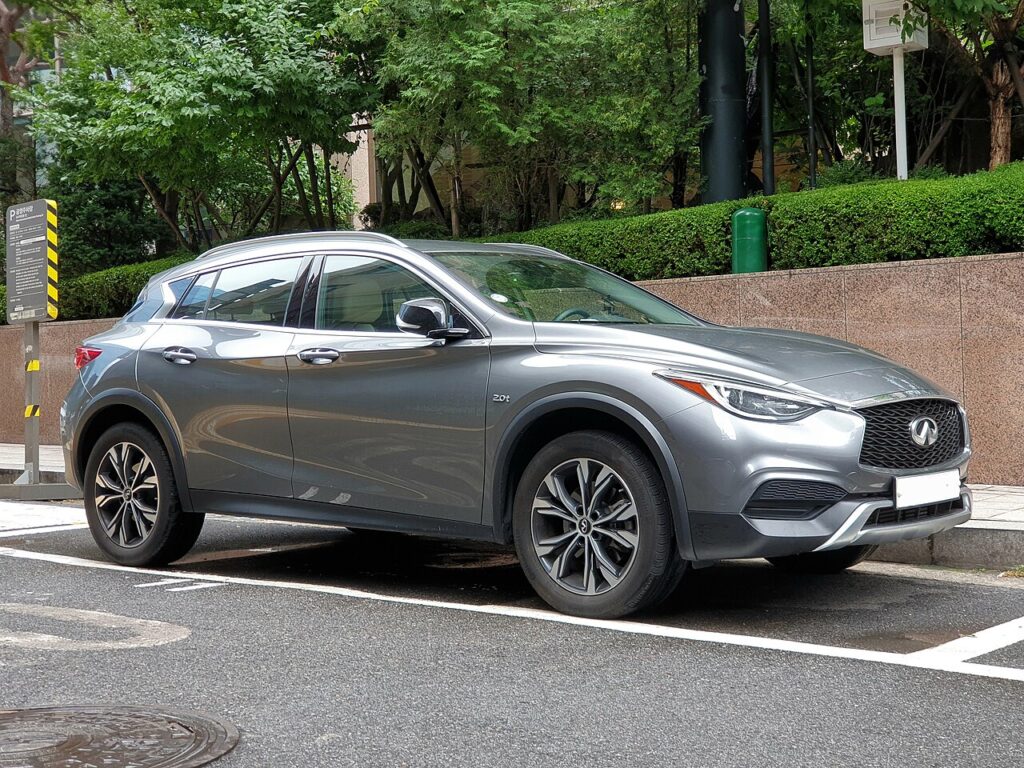
The System in This Generation
The QX30 is the crossover sibling of the Q30 and uses the same infotainment setup, not the dual-screen InTouch of the larger Q50/Q60. Built on the Mercedes GLA platform, its head unit is Nissan/Infiniti software on Mercedes-derived hardware: a fixed central screen driven by a rotary controller and a row of hard buttons on the console. A well-known QX30 quirk is the controls going completely unresponsive for a spell after start-up — the volume knob and the head-unit power won’t react — which a reboot usually resolves.
Soft Reset (No Data Loss)
This power-cycles only the display unit. It does not erase presets, paired phones or saved destinations.
- Park the car and keep the ignition on (engine running is fine, or press start once without the brake).
- Locate the audio power/volume knob — press to mute, turn for volume.
- Press and hold that knob for about 10 seconds.
- The screen blanks, then the Infiniti logo appears as the unit restarts.
- Let the home screen finish loading (about 30–60 seconds) before using the controller.
Is It Safe? Will I Lose Anything?
Yes. The soft reboot only restarts the screen module — your radio presets, Bluetooth pairings and navigation favourites stay intact. Nothing personal is wiped.
If It Stays Frozen
- Hold the knob a second time — the first hold occasionally only dims the display rather than rebooting it.
- Lock the car and wait 5 minutes so the modules go to sleep, then restart and check.
- Disconnect the 12V battery negative terminal for 3–5 minutes, then reconnect — the strongest at-home reset, and the fix QX30 owners use when the controls are dead and the knob won’t reboot the unit. Have your radio code ready, as the unit may ask for it.
- If the screen and radio keep resetting themselves repeatedly, that’s a hardware/software fault pattern reported on the QX30, not something a soft reset cures — have it diagnosed.
Factory Reset (Erases Your Data)
Only use this if the soft reboot won’t hold, or before selling the car. From the Settings menu open System (or General) and choose Reset all settings to factory defaults. This deletes paired phones, radio presets, saved destinations and installed apps, returning the head unit to as-delivered condition. Keep your radio security code to hand for the next start-up.
Frequently Asked Questions
My QX30 controls go dead for several minutes after I start the car — is that the freeze?
That’s a documented QX30 behaviour. Try the 10-second volume-knob reboot; if the controls won’t respond at all, a short 12V battery disconnect resets the unit.
Will rebooting lose my saved nav destinations?
No. A soft reboot keeps presets, pairings and favourites. Only a factory reset removes them.
Does the QX30 have the dual-screen InTouch like the Q50?
No — the QX30 uses the single central screen shared with the Q30, so there’s only one display to reboot.
Why does the radio keep restarting on its own?
Repeated self-resets point to a hardware or firmware fault rather than a one-off hang. A soft reboot won’t fix that — get it scanned.
Can I do this while driving?
Park first. Holding the audio knob while moving is distracting, and many menus are locked at speed anyway.
If a warning light appeared along with the freeze, the cause may be logged as a diagnostic trouble code — decode it on autodtcs.com.
Independent guide — not affiliated with Infiniti. Always follow your official service manual and safety precautions. Read our full disclaimer.