These instructions apply to the Jaguar F-Pace Mk1 (X761) 2016-Present.
For other models, please choose your vehicle here.
The Jaguar F-Pace (X761, 2016–Present) is a keyless car: as long as the smart key is inside or near the cabin, you press the START/STOP button to fire it up. When the coin cell inside the fob goes flat the key stops broadcasting, so the car can no longer detect it across the cabin — the doors will not unlock at a touch and the start button appears dead. None of this means the car has failed. Jaguar builds a battery-free backup into every F-Pace fob, and once you know where to hold the key you can be moving in under a minute.
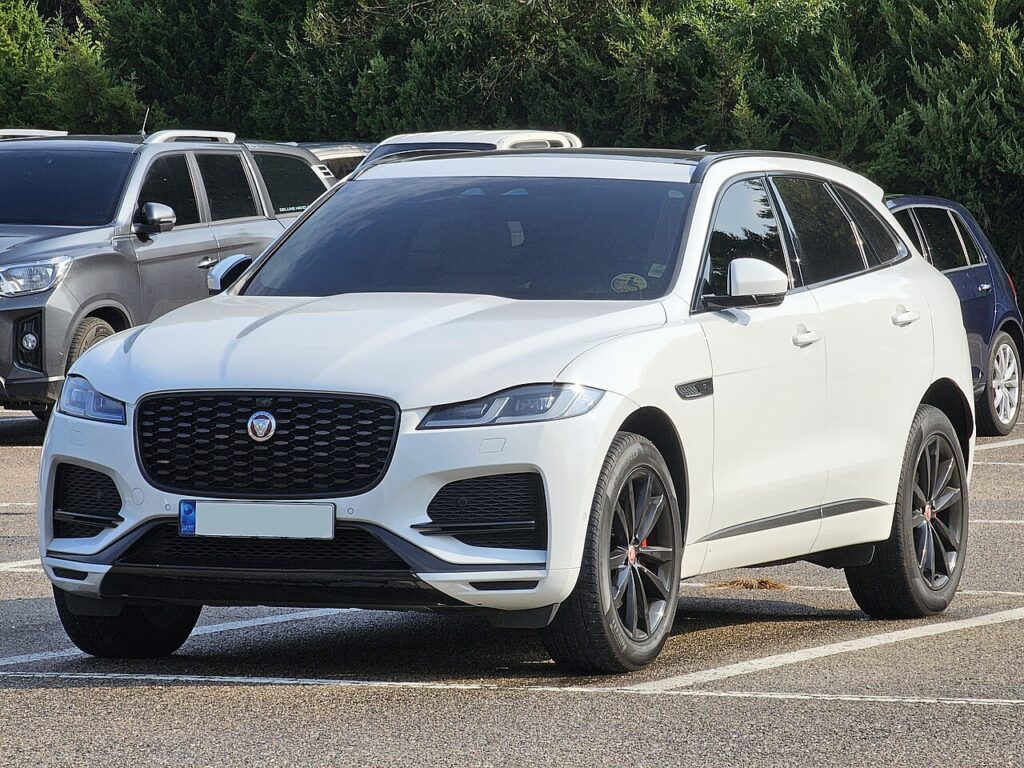
Start the F-Pace With a Dead Fob Battery
The transponder chip inside the key is passive — it draws no power from the coin cell. Hold it against the reader spot and the F-Pace energises the chip and reads it directly.
- Sit in the driver’s seat with the smart key in hand and your foot firmly on the brake pedal.
- Find the key symbol on the steering column shroud. On the F-Pace the reader sits on the lower-left side of the column (look for the small key icon or the three parallel lines).
- Hold the fob flat against that spot with the buttons facing outward, away from the column.
- Keeping the key pressed in place, push the START/STOP button. The engine should crank and start.
- Once running, you can move the key to a cupholder or your pocket — the engine stays running for that trip.
If nothing happens, reseat the fob a few millimetres in any direction and try again; the antenna behind the shroud has a small sweet spot. On 2020-onward F-Pace cars fitted with the newer Smart Key, the reader was relocated to the underside of the dashboard below the switch panel — hold the key flat there with buttons facing out, then press START/STOP.
Unlock the Door With the Hidden Emergency Key
If the fob is too flat to unlock the car remotely, every F-Pace key hides a metal blade for the door.
- Find the small release button or slider on the side of the smart key and slide the metal emergency blade out.
- Go to the driver’s door. The lock barrel is hidden under a cap at the rear edge of the door handle (the end nearest the door pillar).
- Insert the tip of the blade into the slot under the handle and gently lever the cap off to expose the lock cylinder.
- Slot the blade into the cylinder, turn to unlock, then refit the handle cap.
Expect the alarm to sound the moment the door opens — the car cannot confirm a valid key over radio because the fob is dead. It is harmless and stops the instant you complete the emergency start above.
Why the Immobiliser Still Lets You In
The F-Pace immobiliser is satisfied by the passive transponder, not the radio signal. Holding the key on the column reader proves a genuine key is present, so the engine management unlocks fuelling and ignition. The car is never “locked out” just because the coin cell died — the backup path exists precisely for this.
Replace the Fob Battery
The F-Pace smart key uses a single CR2032 3V lithium coin cell. Slide out the emergency blade, split the fob halves at the seam, lift the old cell, and fit the new one with the “+” side matching the holder. Reassemble and the key reads at full range again. Keep a spare CR2032 in the glovebox — they cost a few pence and last several years.
Frequently Asked Questions
Where exactly is the start reader on the F-Pace? On the lower-left of the steering column shroud, marked with a key icon or three short parallel lines. On 2020-on cars with the newer fob it moved to the underside of the dash below the switches.
Why did the alarm go off when I used the key blade? The dead fob cannot send the “valid key” radio signal, so the F-Pace treats the door opening as a break-in. It silences as soon as you complete the column-reader start.
Which battery does the F-Pace key take? A CR2032 lithium coin cell — one cell, available from any supermarket or hardware shop.
Where is the door keyhole hidden? Under a slim cap at the rear edge of the driver’s door handle. Pry the cap off with the emergency blade to reach the lock cylinder.
Can I drive away after a dead-fob start? Yes. Once the engine is running the F-Pace keeps it running for the whole trip, but replace the battery before you switch off, or you will repeat the procedure next time.
If a fault light stayed on after the alarm cleared, you can look up the exact code at autodtcs.com before booking any work.
Independent guide — not affiliated with Jaguar. Always follow your official service manual and safety precautions. Read our full disclaimer.