These instructions apply to the Lancia Ypsilon Mk3 (846) 2011-2024.
For other models, please choose your vehicle here.
Disconnecting the 12 V battery on your Lancia Ypsilon (846, 2011–2024) — the Fiat 500/Panda-based supermini — is a straightforward job whether you are fitting a new battery, laying the car up for winter so it doesn’t slowly drain, cutting the power before work near the airbags, or recovering after the car has been left standing too long. Unlike Maserati’s boot-mounted setups, the Ypsilon keeps its battery in the engine compartment where you would expect it. Work in the correct order and the car relearns what it needs on its own — for a like-for-like swap there is nothing exotic to code back in.
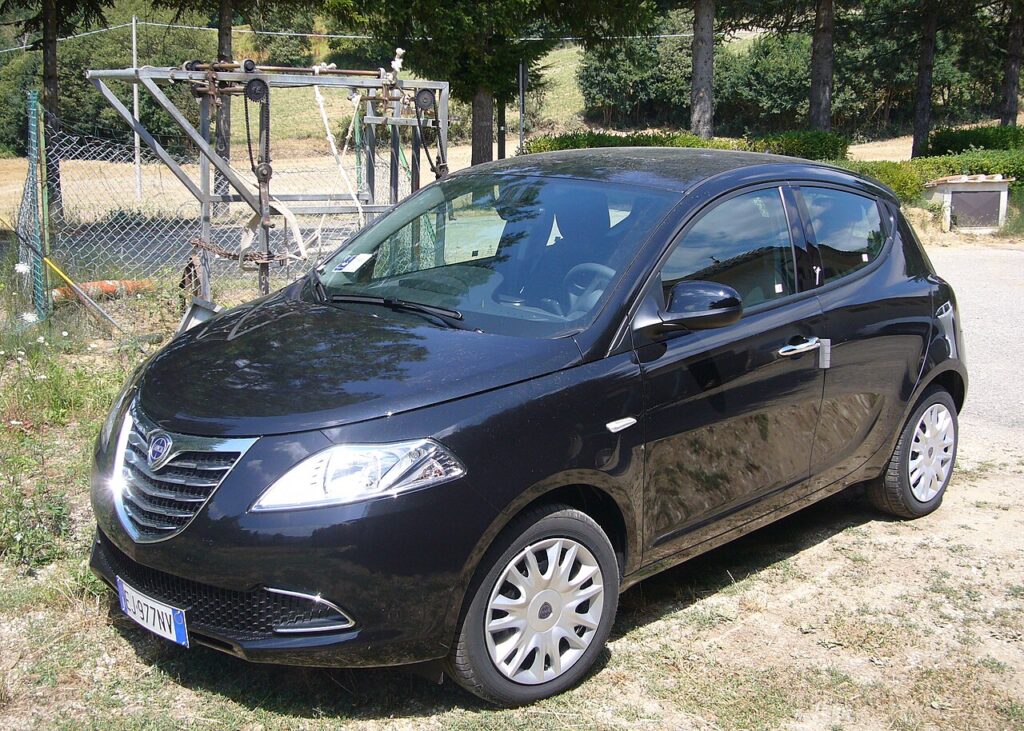
Where the 12 V Battery Is
The 12 V battery on the Ypsilon is in the engine compartment, in the usual front corner under a cover. Lift the bonnet, prop it, and unclip or lift away the plastic cover over the top of the battery. Before you touch a spanner, identify the two terminals: the negative (−) post carries the black chassis-earth lead, and the positive (+) post carries the red lead, normally under a hinged red plastic cap. Getting these straight now matters, because the order you work in keeps the job safe.
Before You Begin
- Turn the ignition fully off and take the key well away from the car so it cannot wake the electronics.
- Switch everything off — lights, climate, heated rear screen — and let the interior and bonnet lamps go out so nothing is drawing current.
- Note your radio security code and preset stations, plus any personal settings you want to keep, before power is cut.
- Apply the handbrake and leave the car in gear (or ‘P’ on an automatic) so it is mechanically secure.
- Wait a couple of minutes for the modules to power down, and have gloves, eye protection and the correct spanner to hand.
Disconnecting
- Confirm the ignition is off and the key is away, with the handbrake firmly on.
- Unclip and lift the cover off the battery in the engine bay.
- Slacken the clamp on the negative (−) terminal first, lift the lead clear and tuck it aside so it cannot spring back onto the post.
- Now slacken and remove the positive (+) lead, and cover the bare terminal so it cannot touch surrounding metal.
- If you are working near the airbags or seat-belt pretensioners, wait a few minutes after disconnecting before you go any further.
Reconnecting
- Reconnect the positive (+) terminal first and tighten its clamp firmly.
- Reconnect the negative (−) lead last and tighten it down.
- Check both clamps are secure — a loose earth causes odd, intermittent electrical faults.
- Refit the battery cover, close the bonnet, and switch the ignition on.
What You’ll Need to Reset Afterwards
- Clock and radio — re-enter the time, your security code if prompted, and your preset stations.
- Power windows — re-initialise the one-touch and anti-pinch; see our Ypsilon power-window initialisation guide for the exact hold-at-the-limits procedure.
- Stop/start — on cars fitted with it, the system may sit out for a drive or two while it re-learns the battery’s state of charge, then resumes on its own.
- Warning lights — a few may glow at first and then self-clear once the car has been driven a short distance.
If a Warning Light Stays On or the Car Feels Off
- Recheck that both terminal clamps are properly tight — the single most common cause of post-disconnect trouble.
- Let the car relearn over a short drive; several adaptations only settle once the car is moving.
- Re-do the window initialisation if one-touch or anti-pinch is not behaving.
- If a light refuses to go out, it has stored a fault code — look it up on autodtcs.com.
- Rule out a genuinely tired or flat battery, which throws confusing electrical faults, especially on stop/start cars.
Frequently Asked Questions
Where is the battery on a Lancia Ypsilon?
In the engine compartment, in the usual front corner under a plastic cover. Lift the bonnet, unclip the cover, and you will find the two terminals underneath.
Which terminal do I disconnect first?
Always the negative (−) terminal first when disconnecting. On reconnection, do the positive (+) first and the negative last — that order keeps the job safe.
What needs resetting afterwards?
Expect to re-enter the clock and radio presets and re-initialise the one-touch windows; our window initialisation guide covers that. Stop/start may pause for a drive while it relearns, then return by itself.
Does a new battery need coding on the Ypsilon?
A like-for-like replacement of the correct type and rating lets the car run without special coding. Cars with stop/start need the correct AGM or EFB battery the car was built with; fitting a plain type there can upset the system.
Will disconnecting the battery clear fault codes or the service light?
It may drop some temporary lights, but it is not a proper diagnostic fix and a genuine fault simply relogs. If a light returns, decode it on autodtcs.com rather than repeatedly disconnecting.
Can I jump-start it instead of removing the battery?
Yes — for a flat battery you can jump-start from the engine-bay terminals rather than removing anything. If you actually need to renew or isolate the battery, though, disconnect it in the order described above.
Independent guide — not affiliated with Lancia. Always follow your official service manual and safety precautions. Read our full disclaimer.