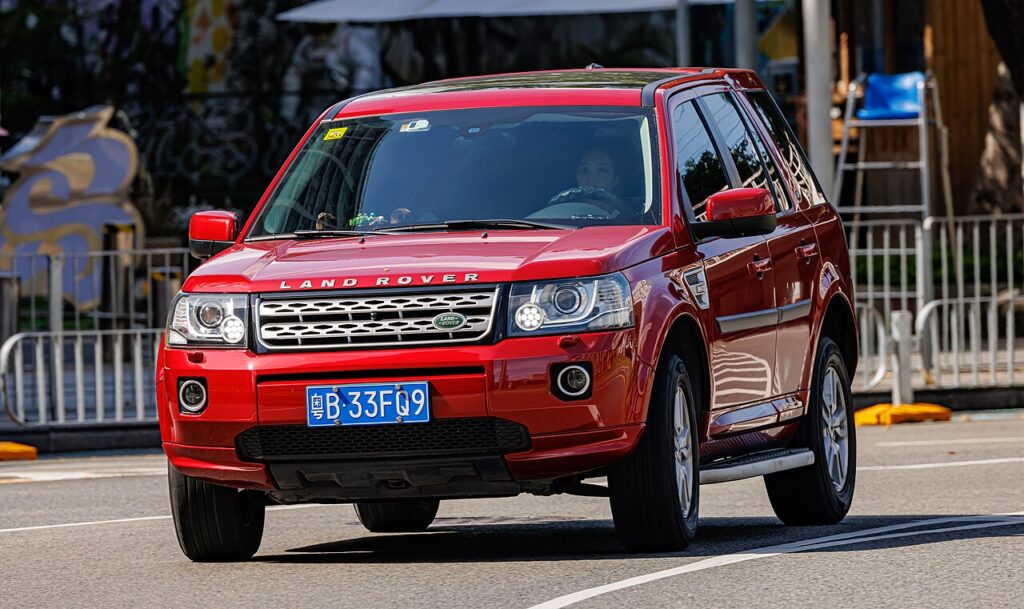
These instructions apply to the Land Rover Freelander Mk2 (L359) 2006-2014.
For other models, please choose your vehicle here.
The Land Rover Freelander 2 (L359, 2006–2014) sits at the older end of Land Rover’s key technology, and what you do with a dead fob battery depends on which key your car has. Higher-spec and later cars use a keyless smart key with a START/STOP button; many earlier and base cars use a conventional flip remote with a turn-key ignition. Identify yours first — both can be sorted without a tow.
If You Have the Keyless Smart Key (START/STOP Button)
These cars read the key’s transponder chip by induction when the fob is held against the ignition area, so a flat battery doesn’t strand you.
- Sit in the driver’s seat and close the door.
- Hold the smart key flat against the side of the steering column, button face toward the column.
- Press and hold the brake pedal.
- With the fob still in place, press and release the START/STOP button. The engine starts and you can drive normally.
If You Have the Conventional Flip Remote (Turn-Key Ignition)
Here the dead remote battery only affects remote locking — the cut metal blade still works the ignition directly. Slide or flip out the blade, insert it in the ignition barrel and turn to start as normal. There is no inductive button trick because there is no push-button on these cars.
Unlock the Door With the Emergency Blade
Whichever key you have, the steel blade unlocks the door mechanically when the remote won’t respond.
- On the smart key, press the small release catch and slide out the emergency blade. On the flip remote, the blade folds out from the body.
- The driver’s door has a visible lock cylinder (on some trims it is behind a small cover on the handle — pry it with the blade).
- Insert the blade and rotate to unlock the door.
Expect the Alarm on Smart-Key Cars
On keyless Freelander 2s, opening the door with the blade can set off the alarm because the car hasn’t seen a valid radio handshake. Get in and start the engine using the column-hold method — that disarms the immobiliser and silences the siren. On turn-key cars, simply inserting and turning the blade in the ignition usually clears it.
Replace the CR2032 Coin Cell
Both the smart key and the flip remote use a single CR2032 3-volt lithium coin cell. Slide out the blade, then use the blade slot (or a small flat tool) to pry the case apart. Fit a fresh CR2032 with the + side facing up — the same way the original sat — and click the case shut. Full remote and keyless range returns immediately.
Frequently Asked Questions
How do I know which key my Freelander 2 has? Look at the dashboard: a START/STOP button means the keyless smart key; a key barrel you turn means the conventional flip remote.
My flip-key car won’t lock by remote — is the immobiliser dead? No. A dead remote battery only stops remote locking; the blade still starts the car, and the transponder in the key head still satisfies the immobiliser.
Where do I hold the smart key to start it? Flat against the side of the steering column, then press the brake and the START/STOP button.
The alarm went off when I used the blade — normal? On smart-key cars, yes; starting the engine clears it. On turn-key cars, turning the blade in the ignition clears it.
Is the battery really a CR2032? Yes — both Freelander 2 key types use the common CR2032 coin cell, fitted positive-side up.
If a warning lamp stayed on after the flat-battery episode, look up the meaning of any stored fault code at autodtcs.com.
Independent guide — not affiliated with Land Rover. Always follow your official service manual and safety precautions. Read our full disclaimer.