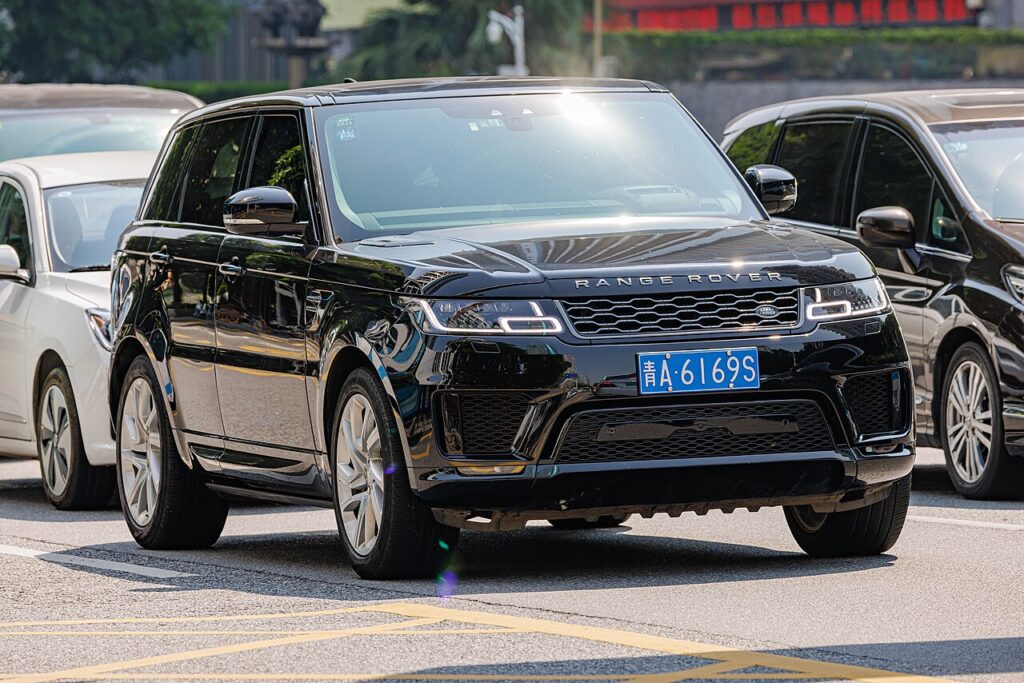
These instructions apply to the Land Rover Range Rover Sport Mk2 (L494) 2013-2022.
For other models, please choose your vehicle here.
A tyre-pressure warning on your Range Rover Sport (2013–2022) is the system doing its job — it has spotted that one or more tyres has drifted away from the reference pressure, most often after cold weather, a slow leak, or a wheel swap. On this model the monitor is largely self-managing: there is no reset button to press. Once every tyre is set to the correct figure, the system recognises the corrected pressures and the warning clears on its own, usually after a short drive. It is a normal alert, not a sign the car has developed a fault, and it can appear overnight simply because the temperature dropped.
How the System Works
The Range Rover Sport uses direct sensors fitted inside each wheel, which measure the real pressure in that tyre and radio it to the car. Because the reading comes from the tyre itself, there is no reset button and no learn procedure to trigger — once the pressures are correct, the sensors report the higher figures and the warning goes out (it may take a short drive for every wheel to check in). This also means the system can tell you which corner is low on the driver-information display, which is worth checking before you reach for the compressor.
First, a Few Checks
- Check the tyres cold — before driving, or after the car has stood for a few hours. Warm tyres read higher and will mislead you.
- Find the placard figures on the label in the driver’s door shut (or in the handbook). Note that this heavy SUV lists higher pressures for full load, towing and high-speed running.
- Have an accurate gauge and a compressor to hand; forecourt airlines vary, so trust the door label over any dash estimate.
- Don’t forget the spare if a full-size wheel is fitted and monitored.
Clearing the Warning
- Check the tyres cold where possible.
- Set all four tyres to the correct pressures (placard in the driver’s door shut or handbook) — note the higher pressures listed for full load, towing or high speed.
- Switch the ignition on; with the pressures correct, the warning light should go out.
- If it doesn’t clear immediately, drive for a few minutes so the sensors report.
If the Warning Stays On
- Recheck every tyre — one corner a few psi below spec is enough to keep the warning on.
- Use the right load setting from the placard; if you set the lightly-laden figures but the car is loaded, it can still flag.
- A very cold morning can drop pressures below the threshold overnight; top up and the light clears once the tyres warm or you re-set them.
- After a wheel swap, allow a short drive so each sensor reports; a wheel that has been off the car may take longer to check in.
- One tyre keeps falling — suspect a slow puncture or a leaking valve rather than the monitor.
- Still lit with every pressure correct? A sensor may have a flat internal battery or a fault — look up the code on autodtcs.com.
Once It’s Done
With every tyre set correctly, the amber warning normally goes out within a mile or two of driving, once all four sensors have reported. It should then stay off for the trip and beyond, only returning if a tyre genuinely loses pressure again. There is nothing further to save or confirm — the system simply reads live pressures, so a clean display is your confirmation the reset is complete.
Frequently Asked Questions
How do I reset the tyre pressure warning on a Range Rover Sport?
There is no reset button. Set all four tyres to the pressures on the driver’s door label while they are cold, switch the ignition on, and drive for a few minutes. The in-wheel sensors report the corrected pressures and the warning light clears itself — you do not need to store or confirm anything.
Why is there no reset button?
The Range Rover Sport uses direct sensors that read the actual pressure inside each tyre, so the system always knows the true figures. Because it measures rather than estimates, it simply recognises the pressures once they are correct and clears the warning — there is nothing to manually re-teach it.
Why won’t the light go out?
Most often a tyre is still below spec, or the load setting is wrong for how the car is loaded. On very cold mornings pressures can fall below the threshold overnight. If every tyre is correct and the light stays on, suspect a sensor with a failing battery, or a slow puncture on one corner.

Do I need a tool?
Not for a normal reset — correcting the pressures is all that is needed. A tool is only required if a sensor has failed and needs replacing and matching to the car, which is a workshop job.
Can I see individual tyre pressures on the display?
Yes. Because the system reads each wheel directly, the driver-information display can show the pressure at each corner. Check it before inflating so you know exactly which tyre is low, rather than topping up all four blindly.
The light came on right after a wheel change — is that normal?
Yes. Moving or refitting wheels disturbs the pressures and the sensors need a short drive to report again. Set every tyre to the placard figure, drive for a few minutes, and the warning should clear once each sensor has checked in.
If the warning came on alongside other lights, decode the stored code on autodtcs.com.
Independent guide — not affiliated with Land Rover. Always follow your official service manual and safety precautions. Read our full disclaimer.