These instructions apply to the Maserati Levante (M161) 2016-2024.
For other models, please choose your vehicle here.
The proximity key for a Maserati Levante (2016–2024) that only works from a step away, unlocks intermittently, or has stopped responding altogether is almost always suffering the same simple problem: the coin cell inside it is flat. The Levante used a single style of key across the whole run — a chunky five-button smart (keyless-entry) fob with a pull-out emergency blade — and unlike a cheap flip key it takes a few extra steps to open, because the case is held by a small side screw as well as clips. Here is the exact procedure, how to tell a dying cell from a genuine fault, and why coding a brand-new Levante key is the one job you cannot finish on the driveway.

How to Tell the Fob Battery Is Dying
- Shrinking range. You have to stand right next to the Levante — or hold the fob against the door handle — before it locks or unlocks. This is the classic first warning that the cell is fading.
- A key-battery warning in the cluster. The Levante shows a low key-fob-battery message on the instrument-cluster display when the cell voltage drops, exactly as the owner’s manual describes — a reliable heads-up before the fob quits.
- Passive entry gets fussy. The car no longer wakes and unlocks reliably as you grab the handle, and the start button may need the fob held close before it recognises the key.
- Cold-weather dropouts. A cell that is nearly done will struggle on a frosty morning and recover once things warm up — a sign it is on its way out, not a car fault.
A CR2032 in a Levante fob typically lasts two to four years. If yours is around that age and showing any of the above, fit a fresh cell before you start suspecting the receiver or the immobiliser.
The Battery You Need
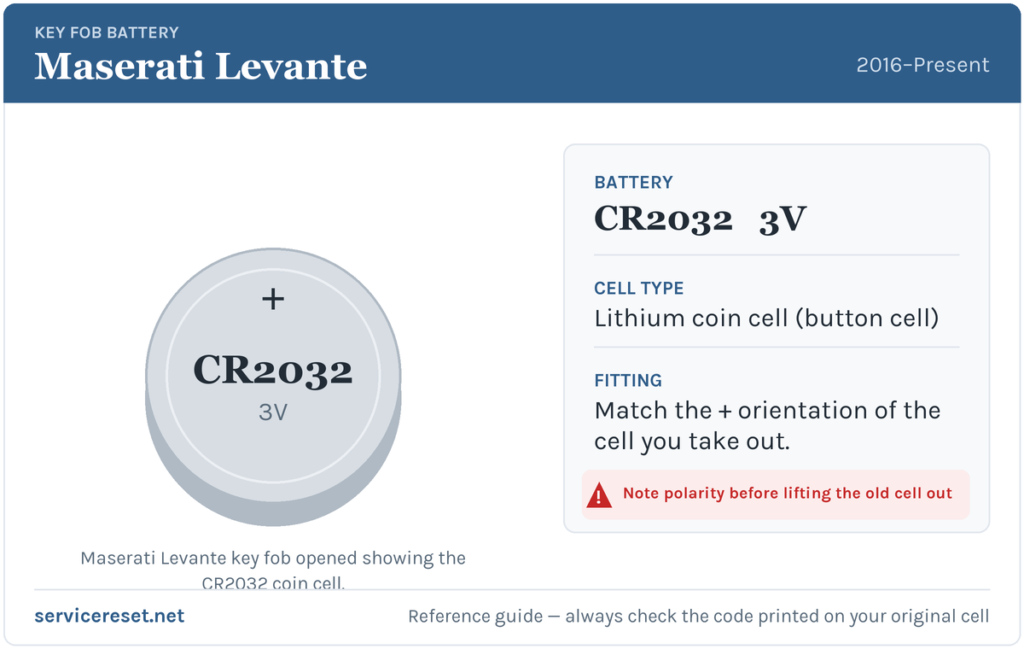
The Levante smart key uses a single CR2032 3-volt lithium coin cell — the same cell Maserati specifies across the Ghibli and Quattroporte of the same era, and the most common fob battery there is, sold in any supermarket or hardware shop. Buy a good-quality branded cell: cheap coins sag under the brief high current the transmitter draws and can give poor range even when “new”. To be sure before you buy, open the fob first and read the code stamped on the old cell — it will say CR2032.
How to Replace the Levante Fob Battery
The Levante case comes apart in stages — two side covers first, then the two shells of the body — so work on a clean, well-lit surface and keep the small parts together.
- Release the emergency blade first. Slide the catch on the fob and pull the mechanical key blade straight out. This exposes the assembly and stops the blade getting in your way.
- Undo the lateral screw. A small Torx T6 screw on the side of the fob holds the two side covers together — back it out with a T6 driver and keep it safe (it is tiny and easily lost). If you don’t have a T6, a very fine flat-blade can sometimes turn it, but the correct bit avoids chewing the head.
- Separate the two side covers from the body of the remote, then gently split the two halves of the case. A plastic pry tool or a fingernail in the seam works; go slowly so you don’t crack the plastic or snap a clip.
- Lift out the PCB card. The circuit board with the battery sits inside — ease it out by its edges, without bending or scratching it, to reach the cell in its holder.
- Note which way the old cell sits, then swap it. On the Levante the CR2032 seats with its positive (+) face downward (against the board) — but always copy the orientation of the cell you removed rather than trusting any single instruction. Press the fresh cell fully home under its clip.
- Reassemble in reverse. Settle the PCB back in, close the two case halves until they click, refit the side covers, drive the T6 screw back in snugly — don’t overtighten — and slide the emergency blade home until it latches.
⚠️ Get the polarity right. A coin cell fitted the wrong way round won’t power the transmitter and can quietly discharge, so double-check the cell is seated the same way the old one came out before you close the case.
Did It Work?
Stand back a few metres and lock, then unlock, the Levante. Full range should return straight away, and passive entry should wake the car as you touch the handle again. The low-key-battery message clears the next time the car reads a healthy fob — sometimes instantly, occasionally after one short drive cycle.
If a Fresh Cell Doesn’t Fix It
- Re-check polarity and seating. A cell in upside down, or not pressed fully under its clip, is the single most common reason a fob stays dead after a battery change — open it back up and confirm.
- Wipe the contacts. A smear of finger grease or a little corrosion on the terminals is enough to cause dropouts; clean them with a dry cloth and re-seat the cell.
- Warning still showing? On some cars the alert only clears after the fob has been read a couple of times. Rarely, a weak car 12 V battery can mimic key faults — if the Levante itself is slow to wake or the dash flickers on start, have the vehicle battery load-tested before blaming the key.
- LED and buttons dead with a known-good cell? If nothing responds even after a fresh, correctly seated CR2032, the fob’s transmitter may have failed — but that is far rarer than a flat or upside-down cell.
New Key or Spare — Why It’s a Dealer Job
Changing the cell keeps the fob’s existing coding, so nothing needs reprogramming and the key works immediately. Adding a spare or replacing a lost key is a different matter: a blank Levante smart fob has to be ordered against the car’s VIN and then paired to the immobiliser with Maserati diagnostic equipment, and the emergency blade cut to the car. Those steps aren’t owner-serviceable, which makes a new or spare key a job for a Maserati dealer or a specialist auto-locksmith — so keep the battery in your second fob fresh too, and you’re never down to a single working key.
Frequently Asked Questions
What battery does a Maserati Levante key fob take?
A single CR2032 3-volt lithium coin cell — the type Maserati lists in the owner’s manual for the Levante and its Ghibli and Quattroporte siblings.
Which way up does the cell go in a Levante fob?
Positive (+) side facing down onto the board. The safest rule is to note how the old cell sat before you lift it out and fit the new one the same way — a wrong-way cell simply won’t power the key.
What tools do I need to open the fob?
A Torx T6 driver for the small side screw and a plastic pry tool (or a fingernail) to separate the covers and case halves. Pull the emergency blade out first.
Do I have to reprogram the key after changing the battery?
No. A battery swap doesn’t touch the fob’s coding, so it works straight away. Only a brand-new or replacement key needs pairing to the car.
How long should a Levante key battery last?
Usually two to four years. Leaving the fob sitting close to the car, so its passive-entry system keeps waking, tends to shorten that.
Can I still drive the Levante if the fob battery is completely dead?
Yes. Use the emergency blade hidden in the fob to unlock the driver’s door, then follow the car’s procedure for starting with a flat fob — typically holding the key against or very near the start button so the car can still read it. A dead cell won’t strand you.
If the fob stopped responding suddenly right after the car battery was disconnected — rather than fading gradually — the cause is more likely the pairing or a stored fault than the coin cell. Look up any code the car has logged on autodtcs.com before assuming the key itself has failed.
Independent guide — not affiliated with Maserati. Always follow your official service manual and safety precautions. Read our full disclaimer.