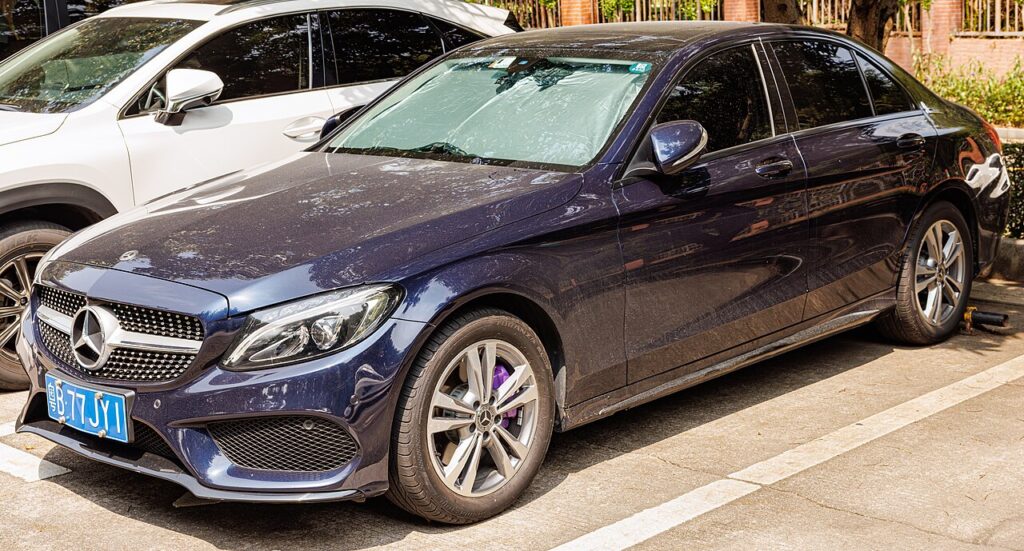
These instructions apply to the Mercedes C-Class Mk4 (W205) 2014-2023.
For other models, please choose your vehicle here.
If the central display on your Mercedes C-Class (W205, 2014–2023) has frozen, stuck on the Mercedes logo, or stopped responding to the controller, you can usually reboot it yourself in under a minute — no garage, no diagnostic tool, and without losing your presets or paired phones.
Before you start
- The W205 runs Mercedes’ COMAND Online or Audio 20 head unit (NTG 5/5.5) with the fixed dash-top screen and rotary controller/touchpad — it is not an MBUX car, so the W206/W177 two-steering-wheel-button reset does not apply.
- Reboot from the head unit itself, parked, with the ignition on so the unit stays powered.
Soft reset (reboot) the COMAND screen
- Find the CD/DVD eject button on the COMAND head unit (in the centre stack, around the rotary controller area).
- Press and hold it for about 10–15 seconds. Keep holding — this forces the COMAND unit to power-cycle.
- The central display goes black, then the Mercedes start-up logo reappears as the system reboots.
- Release and wait 30–60 seconds for the home screen to reload. Audio, the map, and the controller should respond again.
The eject-hold reboot is safe: it does not wipe radio presets, navigation favourites, Bluetooth pairings, or personal settings — the head unit just powers down and reloads.
If the screen stays frozen
- Cycle the ignition fully. Switch off, open the door, lock the car, and walk away for about five minutes so the electronics sleep; then unlock and restart.
- Check the SD/map card. A corrupt or incompatible navigation SD card is a known cause of W205 COMAND lock-ups. With the ignition off, remove it, refit it firmly, and try again.
- Check the fuses. A blown fuse in the passenger-side fuse box can cause display malfunctions — worth a look if the screen stays dead.
- Look for a software update. A dealer or independent specialist can flash the latest COMAND firmware if freezing keeps recurring.
Factory reset (erases data — rarely needed)
A full factory reset is separate from the reboot and only worth doing if you are selling the car or clearing a deep, persistent glitch. On COMAND it lives under System Settings → Reset function in the on-screen menu. It erases presets, paired phones, navigation history, and personal settings, so only do it deliberately.
Frequently Asked Questions
Does the W205 use the two-steering-wheel-button MBUX reset?
No. That is for MBUX cars (W206 and the W177 A-Class). The W205 runs COMAND/Audio 20 and reboots by holding the CD eject button for about 10–15 seconds.
The screen went fully black after I reset it twice — did I break it?
No. On the W205, repeating the eject-hold reset in quick succession can leave the display black; just run the procedure once more and it comes back.
Will I lose my saved radio stations or nav favourites?
No. The eject-hold reboot keeps presets, favourites, and paired phones. Only a deliberate System Settings reset, or a battery disconnect, clears them.
My C 220 d COMAND keeps freezing — what should I check first?
Most recurring W205 freezes trace to a corrupt navigation SD card, a blown fuse, or outdated software. Rule those out before suspecting the COMAND head unit itself.
If a warning light or fault message stays on the dash after the reboot, it may have stored a diagnostic trouble code — you can look it up on autodtcs.com.
Independent guide — not affiliated with Mercedes. Always follow your official service manual and safety precautions. Read our full disclaimer.