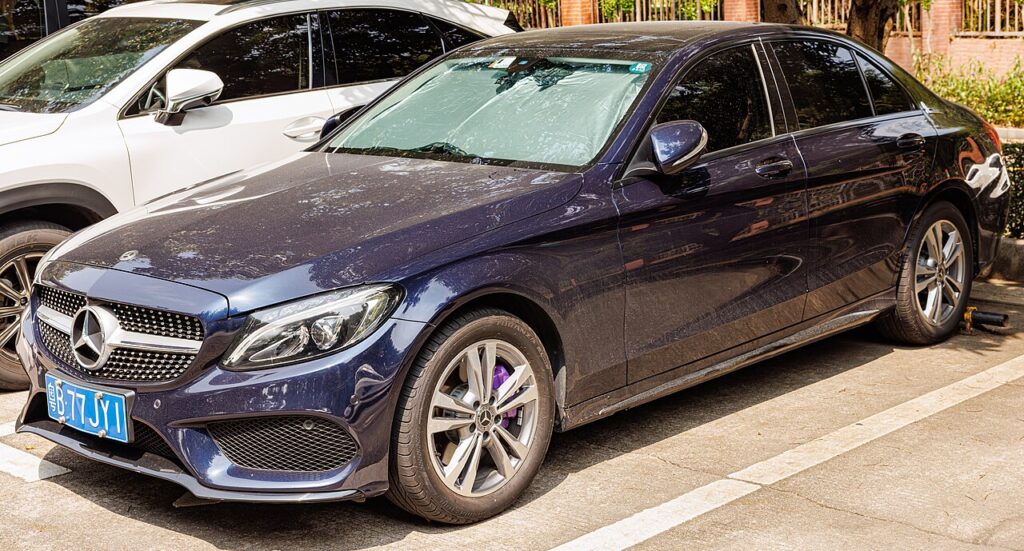
These instructions apply to the Mercedes C-Class Mk4 (W205) 2014-2023.
For other models, please choose your vehicle here.
The Mercedes-Benz C-Class (W205, 2014–2023) has no engine oil dipstick — you check the oil through an electronic measurement in the instrument-cluster menu. If you have opened the bonnet looking for a dipstick and found none, that is normal. The W205 measurement is a little more involved than some cars because it uses the hidden service menu, so here is exactly how to do it.
Why There’s No Dipstick
The W205 measures oil level electronically and only gives an accurate figure when the engine is at operating temperature (oil above ~60 °C), with the car on level ground. You read it through the cluster’s service menu while the engine runs.
Before You Check
- Park on a level surface; close the bonnet, all doors and the boot.
- Have the engine able to reach temperature — you will run it during the check.
How to Check the Oil Level on the W205
- Turn the ignition key to position 1.
- Using the cluster controls, open the “Trip” menu and scroll until “Total distance” (odometer) is shown.
- Press and hold the cluster “OK / phone-back” button and, within 1.5 seconds, also press the “0/clock” reset button — keep both pressed. The hidden menu appears (“Vehicle data”, “Dynamometer test”, “ASSYST PLUS”).
- Start the engine.
- Select “Vehicle data” → “Oil level” → “Oil filling capacity up to maximum oil level”.
- Run the engine for about 2 minutes until the oil temperature exceeds 60 °C, then follow the on-screen prompt to read the value.
Reading the Result and Topping Up
- The correct window is roughly −0.1 L to +0.2 L of the maximum.
- If it shows more than −0.1 L low, add the quantity displayed, in small steps.
- If it shows over +0.2 L (overfilled), drain the amount shown — too much oil harms these engines.
- Use the correct MB-spec oil for your engine. Re-measure between top-ups; do not overfill.
- Press the cluster back button to exit and turn the ignition off.
Frequently Asked Questions
Where is the dipstick on a Mercedes C-Class W205?
There isn’t one — the W205 uses an electronic oil-level check in the hidden cluster menu (Vehicle data → Oil level), read with the engine warm.
Why is the procedure so fiddly?
Mercedes put the oil-level readout in the engineering/ASSYST menu, reached by holding two cluster buttons together. Once you know the button combination it takes under a minute.
How much oil should I add?
Only the amount the display shows, in small steps, re-measuring between top-ups. Never overfill — the W205 even warns you to drain oil if it reads too high.
The menu won’t appear — what now?
You must press the second button within about 1.5 seconds of the first and keep both held. Make sure you are on the “Total distance” screen first.
After an oil and filter change, clear the reminder with our Mercedes C-Class W205 service indicator reset guide.
Independent guide — not affiliated with Mercedes. Always follow your official service manual and safety precautions. Read our full disclaimer.