These instructions apply to the NIO ET7 (2022-2024).
For other models, please choose your vehicle here.
If the central touchscreen in your NIO ET7 (2022–2024) has frozen, gone black, or stopped answering your taps, you can force the whole infotainment system to reboot from the driver’s seat in under a minute — parked, with no tools and without losing a single setting.
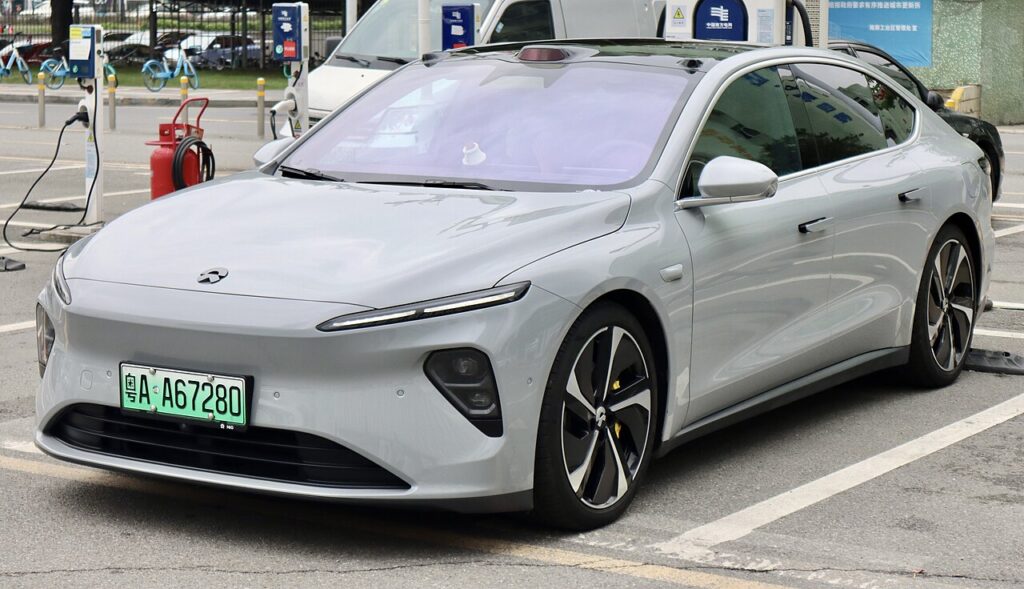
How NIO’s screen reboot works
The ET7 runs NIO’s Banyan operating system on a large portrait centre screen, with a separate digital cluster and the NOMI assistant pod on top of the dash. Because it is an Android-based, over-the-air-updated platform, the occasional freeze, black screen or laggy response is almost always a software hiccup rather than a dead display — and NIO builds in a steering-wheel button combination to force a restart without touching the frozen screen at all.
Reboot the central screen
Do this parked. Put the car in P and switch on the hazard warning lights before you start.
- Press and hold two buttons together: the right-hand button on the left steering-wheel pad and the down button on the right steering-wheel pad.
- Keep both held for about 10 seconds — do not release early.
- The central screen (and the cluster) go dark; let go once they blank.
- Wait around 30 seconds while the system powers back up.
- If the screens are still dark after the wait, press the brake pedal once to wake the system, then let the NIO logo boot to the home screen.
Radio, navigation, Bluetooth, NOMI and your apps all reload on their own. The reboot does not always succeed on the first attempt — if nothing happens, simply repeat it.
Will this erase anything? No
The reboot is completely safe. It does not wipe your NIO account, navigation favourites, paired phones, driver profiles, NOMI settings or app logins — it just restarts the infotainment software, exactly like restarting a phone. Do it as often as the screen misbehaves, always while parked.
If the screen stays frozen
- Try again, holding longer. If 10 seconds did nothing, repeat and keep both buttons pressed a few seconds more before the screens blank.
- Press the brake to wake it. After the screens go dark and the 30-second wait, a single brake press is what brings the system back if it stays asleep.
- Let the car fully sleep. Exit, lock it and walk away for five minutes so the electronics power down completely, then unlock and re-enter.
- Check for a software update. Most ET7 freezing and lag is cleared by a Banyan over-the-air update — check the system settings for a pending install when parked on a stable connection.
- Still dead? If the screen never returns after a reboot, contact NIO support or a service centre rather than repeatedly cycling power — a persistent black screen can point to a hardware fault.
Factory reset (erases data — rarely needed)
A factory reset is separate from the reboot and only worth doing if you are selling the car or chasing a deep, persistent glitch. Open Settings and look for the system / restore option to reset to factory defaults. It erases your stored preferences, navigation history, paired phones and app logins, so only do it deliberately and sign back into your NIO account afterwards.
Frequently Asked Questions
Which buttons reboot the NIO ET7 screen?
Hold the right-hand button on the left steering-wheel pad together with the down button on the right steering-wheel pad for about 10 seconds, until both screens go dark. Then wait 30 seconds and press the brake if they stay off.
Do I need to be parked to reboot the ET7 infotainment?
Yes. Put the car in P and switch on the hazard lights first — the reboot briefly blanks the driver cluster as well, so it is meant to be done stationary.
Will rebooting log me out of my NIO account?
No. The steering-wheel reboot keeps your account, profiles, pairings and app logins. Only a deliberate factory reset in the settings menu clears them.
The reboot didn’t work the first time — is that normal?
Yes. NIO’s forced restart does not always take on the first try. Repeat the button-hold; if it still fails, let the car sleep for five minutes or check for a software update.
Is it safe to drive with the ET7 screen frozen?
The infotainment is separate from the drive systems, so the car still drives — but you lose audio, navigation and central controls. Pull over, park safely and reboot before continuing.
If a warning light or fault message stays on the dash after the reboot, it may have stored a diagnostic trouble code — you can look it up on autodtcs.com.
Independent guide — not affiliated with NIO. Always follow your official service manual and safety precautions. Read our full disclaimer.