These instructions apply to the Nissan Qashqai Mk2 (J11) 2014-2021.
For other models, please choose your vehicle here.
If the touchscreen in your Nissan Qashqai (J11, 2014–2021) has frozen, gone black, or stopped answering taps — or it keeps rebooting itself mid-journey — you can force the NissanConnect unit to restart yourself in about a minute. The Qashqai drives normally while the display is stuck; the fault is in the infotainment module, not the engine or brakes.
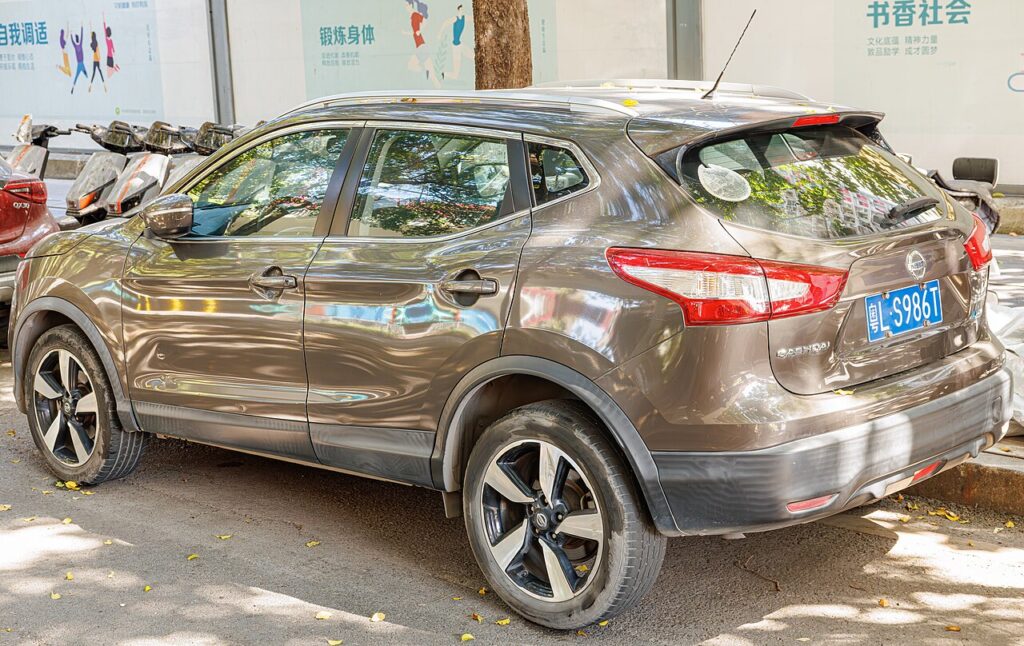
The system in this Qashqai
The J11 Qashqai uses the 7-inch NissanConnect touchscreen (the “NissanConnect 2” generation on early cars). The 2017 facelift added Apple CarPlay and Android Auto on higher trims. This unit is well known for freezing and for rebooting on its own, especially when streaming over Bluetooth — Nissan issued a free software bulletin to address it, so a recurring problem is often a known, fixable bug rather than a failed screen.
The reboot control is the Power/Volume knob beside the screen: press in to mute, turn for volume, hold to force a restart.
Soft reset (reboot the screen)
Park the Qashqai and leave the ignition on so the unit stays powered.
- Find the Power/Volume knob on the centre stack.
- Press and hold it in — a continuous press, not a tap.
- Keep holding for about 10 seconds until the screen goes black and the Nissan logo reappears.
- Release the knob; the system reloads by itself.
- Give it up to a minute before expecting the radio, Bluetooth and touch to respond.
Safe — it loses no data
Holding the power knob to reboot does not erase presets, paired phones or saved nav destinations. It only reloads the software. Repeat it as needed.
If it stays frozen
- Hold longer. If 10 seconds did nothing, retry and hold the knob for 15–20 seconds.
- Cycle the ignition fully. Switch off, open the driver’s door, lock the car and walk away for a few minutes so the module powers right down; then unlock and restart.
- Disconnect the 12V battery (last resort). Briefly disconnecting the negative terminal for a few minutes forces a hard power-down. This resets the clock and may need your radio code.
- Get the NissanConnect 2 update. If your J11 reboots itself or drops Bluetooth repeatedly, ask a Nissan dealer about the free software fix — this is a documented bug with an official remedy.
Factory reset (erases data)
Only worth doing when selling the car or chasing a glitch the reboot will not clear. Open Settings → System → Factory Reset and confirm. This wipes paired phones, call history, presets and saved destinations back to factory defaults — not the fix for an everyday freeze.
Frequently Asked Questions
Why does my J11 Qashqai screen keep rebooting on its own?
This is a known NissanConnect 2 software bug, often triggered by Bluetooth streaming. Nissan released a free update to fix it — ask a dealer to flash the latest software rather than replacing anything.
Where is the reset on the Qashqai infotainment?
There’s no separate button — press and hold the Power/Volume knob beside the screen for about 10 seconds until the Nissan logo appears.
Will the reboot delete my presets and Bluetooth pairings?
No. Only the Factory Reset in Settings clears them. The power-knob restart keeps everything.
Is it safe to drive with the screen frozen?
Yes. NissanConnect is separate from the engine and brakes — you only lose media, phone and navigation. Reboot when safely parked.
Does my J11 have Apple CarPlay?
Only facelift cars from around 2017 on higher trims have CarPlay and Android Auto. Earlier J11s run NissanConnect navigation without phone projection.
If a warning light or fault message stays on the dash after the reboot, the car may have stored a diagnostic trouble code — you can look it up on autodtcs.com.
Independent guide — not affiliated with Nissan. Always follow your official service manual and safety precautions. Read our full disclaimer.