These instructions apply to the ORA Funky Cat (2022-2024).
For other models, please choose your vehicle here.
If the one-touch (auto up/down) function on your ORA Funky Cat (2022–2024) has stopped working — usually after the 12 V battery was disconnected or went flat — the windows just need re-initialising. It’s a quick job with no tools.
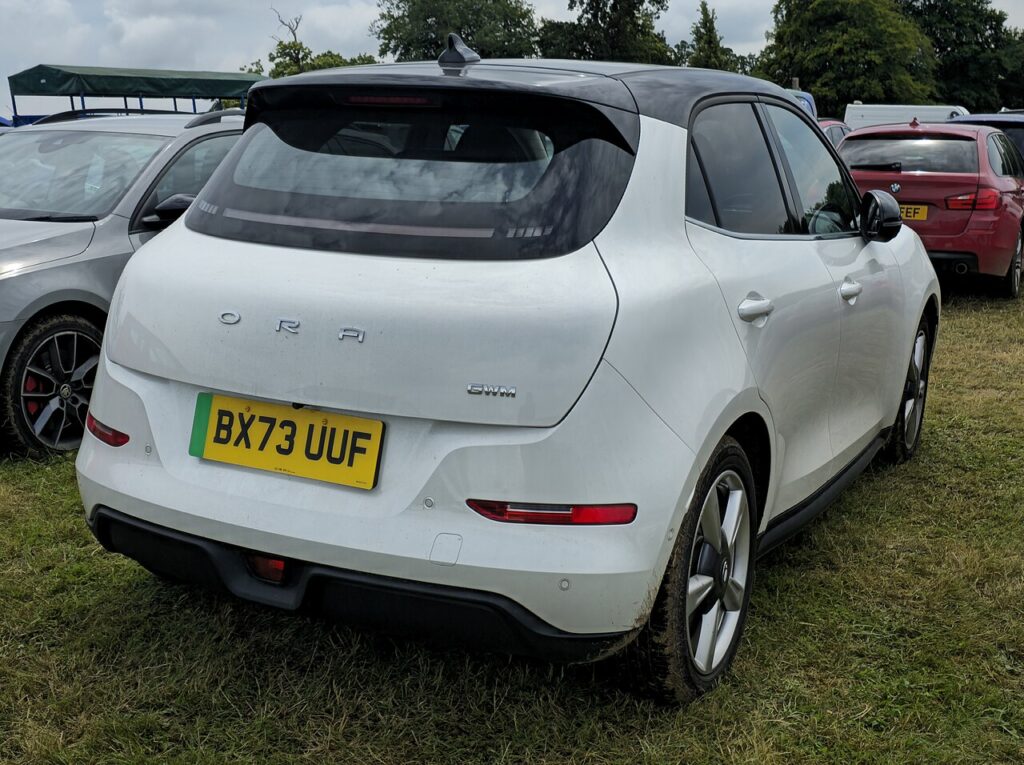
The Funky Cat is battery-electric, but its doors run on the ordinary 12 V system just like any petrol car — and that is the supply the window modules depend on. When one-touch drops out, nothing is broken; the controller has just lost the calibration it needs, so the glass only moves while your finger is on the switch. Re-teaching the end points brings the auto function and the anti-trap safety straight back.
How One-Touch Works On This Model
Each door has its own window module that senses when the glass reaches the top or bottom of the frame. That learned travel is what lets a single tap run the window all the way and stop cleanly, and what lets the anti-pinch detect an obstruction and reverse. The figures sit in volatile memory tied to the 12 V supply, so cutting the power — a flat battery, a jump start, or unplugging it for other work — wipes them and forces the safe hold-to-move fallback until you re-initialise.
First, a Few Checks
- Have the car powered on (ready mode) so the windows have full voltage during the learn.
- Do this with the door closed — an open door can flex the frame and shift where the glass seats.
- Make sure nothing is on the glass or in the channel: no phone cradle, parking disc, or ice.
- If the 12 V battery has just been off, let the car sit keyed-on for a minute first so the modules wake fully.
- Work one window at a time from that door’s own switch.
Re-initialising Each Window
- Power the car on and close the door.
- Raise the window fully with the switch and keep holding for a couple of seconds after it stops.
- Lower the window fully and keep holding for a couple of seconds after it stops.
- Raise it fully again — one-touch should now work. Repeat for each window.
If It Still Won’t Work
- Hold at each limit for the full couple of seconds — letting go early is the most common reason the learn doesn’t take.
- Re-seat the 12 V battery connections if you’ve just done battery work; a loose earth drops voltage mid-learn.
- Try again after a short drive so the 12 V battery has taken a charge from the car’s DC-DC converter.
- Check the door switch pack isn’t sticky — a switch that doesn’t fully return can stop the auto latch engaging.
- A motor or switch fault can store a code — look it up on autodtcs.com.
What To Expect After
Once each window has been cycled and held at both limits, a single tap should run the glass fully up or down and stop neatly, and the anti-trap should reverse if it meets resistance. There is no dash light or message to clear — the fix is confirmed simply by the auto function working again. If you disconnect the 12 V battery in future, expect to repeat this; it is a normal consequence of losing power, not a fault.
Frequently Asked Questions
Why did my Funky Cat windows stop auto-closing?
Disconnecting or flattening the 12 V battery wipes the window calibration the module keeps in volatile memory. Without the learned end points it can’t run the glass automatically or judge where to stop, so it reverts to hold-to-move. Re-initialising each window restores the auto feature and the anti-pinch.
Do I need a tool or a scan device?
No. The whole procedure is done at the door switches with the car powered on — you cycle each window to its limits and hold briefly. No diagnostic tool, app, or dealer visit is needed for a normal one-touch relearn after a battery event.
Do I have to do all the windows?
Yes. Each door has its own module and its own learned travel, so a power loss clears them all. Re-teach every one-touch window from its own switch. Doing only the driver’s window leaves the others stuck in hold-to-move.
What does holding at the limit actually do?
Holding for a second or two after the glass stops lets the module log that exact position as the hard end of travel. That reference point is what one-touch uses to stop cleanly and what the anti-trap compares against, so a firm hold at each limit is what makes the calibration stick.
The window went up on its own then dropped — is that normal?
A small self-cycle or a short reverse during the learn is normal as the module finds and confirms the end stops. If the glass keeps refusing to hold auto after several attempts, repeat the sequence slowly, making sure the door is shut and you hold the full couple of seconds at each end.
Could this come back after my next service?
Only if the 12 V battery is disconnected again — for a battery swap, bodywork, or deep discharge. The calibration itself doesn’t “wear out”; it only clears when power is lost. If windows drop auto without any battery work, have the door module and switch checked.
If the windows still won’t calibrate after several clean attempts, decode any stored code on autodtcs.com to see whether a motor or module fault is behind it.
Independent guide — not affiliated with ORA. Always follow your official service manual and safety precautions. Read our full disclaimer.