These instructions apply to the ORA Funky Cat (2022-2024).
For other models, please choose your vehicle here.
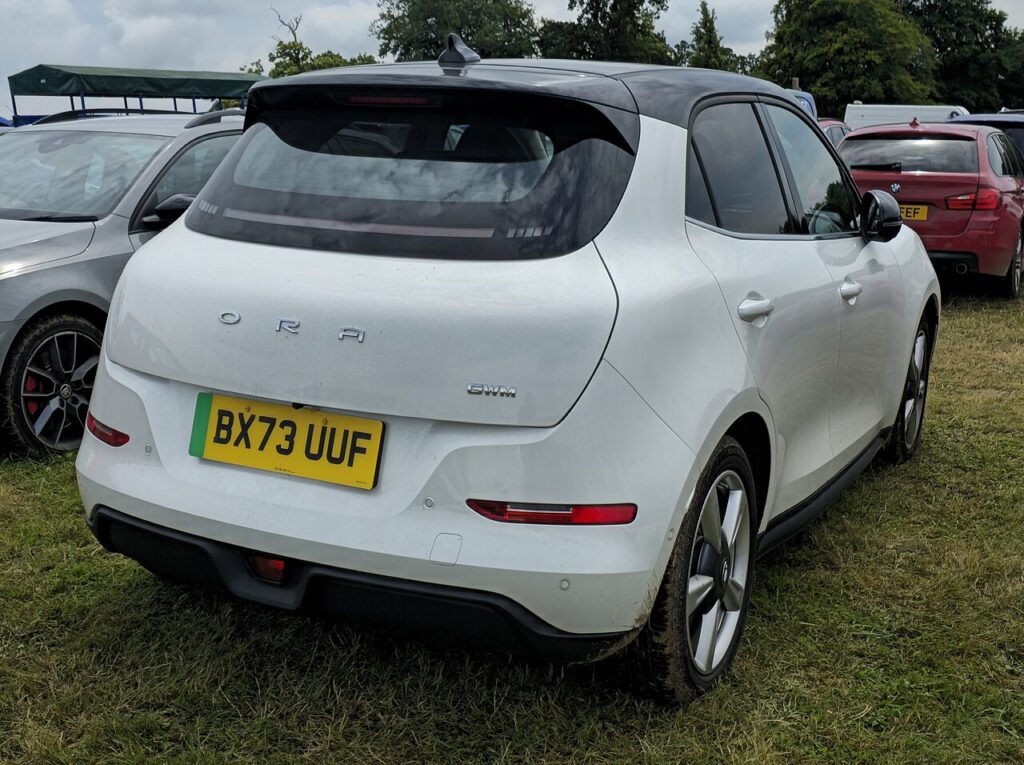
If the tyre-pressure warning has come on in your ORA Funky Cat (2022–2024) after you’ve adjusted the pressures or changed a wheel, the system relearns by driving — there’s no button to press. It is a monitoring alert rather than a fault, and once the pressures are correct a short drive is all it takes to clear it. Here’s how it works and what to do if it lingers.
How the System Works on This Model
The Funky Cat uses in-wheel pressure sensors that report an actual pressure for each corner, so the display can show a live value per tyre rather than just a warning symbol. Because the reading comes straight from the sensors, there is no reference to store by hand — the car simply picks up the corrected pressures as the wheels turn and drops the warning once they read within range. On an electric car the readout is easy to watch from the driver’s screen, so you can confirm each corner has climbed to the right figure before you set off.
Before You Start
- Set the pressures on cold tyres — the car parked a few hours, or driven only a short distance.
- Use the figure on the door-pillar label, matched to your load and wheel size.
- Check all four corners and correct any that are low or over-inflated.
- Park level so each tyre reads cleanly, then plan a short uninterrupted drive.
When It Relearns
- After checking or adjusting the tyre pressures.
- After changing one or more wheels or tyres.
Completing the Procedure
- Park level and set all four tyres to the correct cold pressures.
- Drive the vehicle for about 9 minutes at over 30 km/h (18 mph).
- The warning clears once the system has read the corrected pressures.
If the Warning Stays On
- Recheck every tyre — one below spec keeps the warning on, and it is easy to miss a corner that only reads slightly low.
- Complete the learn drive — short hops around town may not give the sensors enough continuous running to update.
- Watch for a cold-morning dip — pressures fall overnight in cold weather and can trip the alert; top up and drive again.
- Look for a slow puncture — if the light returns within a day of correcting the pressures, a tyre may be leaking around a nail or the valve.
- Still showing with correct pressures? A sensor may have a flat battery — look up the code on autodtcs.com.
What to Expect After
Once the sensors have reported the corrected pressures during the drive, the warning goes out and the per-tyre values on the display settle to steady figures. It then stays off for the trip and beyond, as long as the pressures hold. Seeing the numbers rise slightly as the tyres warm on the move is normal — the system judges against the cold-set values, so there is nothing to re-do unless a corner genuinely drops.
Frequently Asked Questions
How do I reset the tyre pressure light on an ORA Funky Cat?
Set all four pressures correctly, then drive about 9 minutes above 30 km/h — no button press is needed. The in-wheel sensors report the corrected figures as the wheels turn, and the warning clears on its own once every corner reads within range.
Is there a reset button?
No — the system relearns automatically as you drive. Because the sensors measure real pressure at each wheel, there is nothing to store manually; you just correct the pressures, drive for a few minutes, and the car updates and drops the alert itself.
Do I need a tool?
Not for a normal relearn — a tool is only needed when new pressure sensors are fitted, so that the car can be taught the new sensor IDs. For a routine top-up or wheel swap with the existing sensors, the learn drive alone is enough to clear the warning.

How long is the learn drive?
About 9 minutes at over 30 km/h. Keep it as one continuous run rather than a series of short stops, so the sensors have time to report steadily. If the warning is still up afterwards, recheck each pressure before repeating the drive, as a single low corner will hold it on.
Why does the warning appear in cold weather?
Air contracts as it cools, so pressures drop a little on a cold night and can fall below the set point by morning. It is normal seasonal behaviour, not a leak. Reinflate to the door-pillar figure while the tyres are cold, then drive to let the sensors update and clear the alert.
Is it safe to carry on driving with the warning showing?
Treat it as a prompt to check rather than to ignore. A steady light usually means a mild deviation, but it can also flag a genuine slow puncture. When it is safe, stop and look for an obviously soft tyre, and set the pressures at the next chance before completing the learn drive.
If the warning came on with other alerts, decode the code on autodtcs.com.
Independent guide — not affiliated with ORA. Always follow your official service manual and safety precautions. Read our full disclaimer.