These instructions apply to the Peugeot 208 Mk2 (P21) 2019-Present.
For other models, please choose your vehicle here.
Disconnecting the 12 V battery on a Peugeot 208 Mk2 (P21, 2019–present) is a straightforward engine-bay job, with the usual PSA twist: let the car “go to sleep” for a few minutes first. This guide covers the safe sequence for the petrol/diesel 208 — and an important note for the electric e-208.
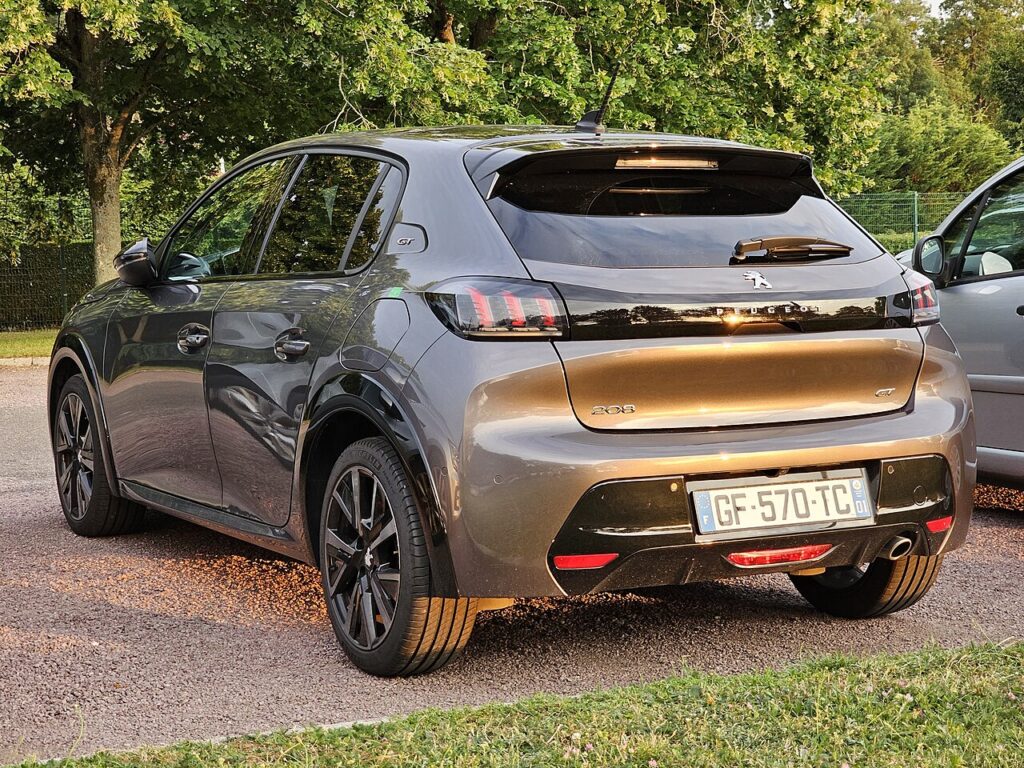
Where the Battery Is (and the e-208 note)
The 12 V battery is in the engine compartment, under a cover. The electric e-208 also has a 12 V battery for its electronics — that’s the one you service — but you must never touch the orange high-voltage cables or the traction battery; that system is workshop-only.
Disconnecting
- Close the windows first (they may need re-teaching after a power cut).
- Switch the car off and remove the key (or keep a keyless fob out of range).
- Wait 4 minutes for the electronics to power down.
- Open the bonnet, undo the negative (−, black) terminal first and move the lead aside.
- If removing the battery, undo the positive (+, red) next, then the clamp.
Airbag/pretensioner safety: if you’ll be near airbags or seat-belt pretensioners, wait 5 minutes after disconnecting before going further.
Reconnecting & Restoring
- Reconnect positive (+) first, then negative (−) last; tighten and refit the cover.
- Wait about 2 minutes, then power up / start.
- Reset the clock/date and note your radio code if your unit asks for one.
A like-for-like battery doesn’t strictly need coding, but if you fit a different type/capacity the smart-charging benefits from the new battery being registered with a PSA-capable tool (a specialist or independent garage).
Frequently Asked Questions
Which terminal first on the 208?
Disconnect negative (−) first and reconnect it last, to avoid shorting against the body.
Why wait 4 minutes before disconnecting?
Peugeot wants the control units to finish writing and sleep, so nothing is corrupted when power is cut.
Is it safe to do on the e-208?
Yes — the 12 V system is isolated from the high-voltage side. Just never touch the orange cables or the traction battery.
Why won’t my windows auto-close after this?
Cutting power clears the windows’ learned positions; run each fully up and hold briefly to re-teach.
If a warning light stays on, look it up on autodtcs.com. To clear the service reminder, see our 208 Mk2 service reset guide.
Independent guide — not affiliated with Peugeot. Always follow your official service manual and safety precautions. Read our full disclaimer.