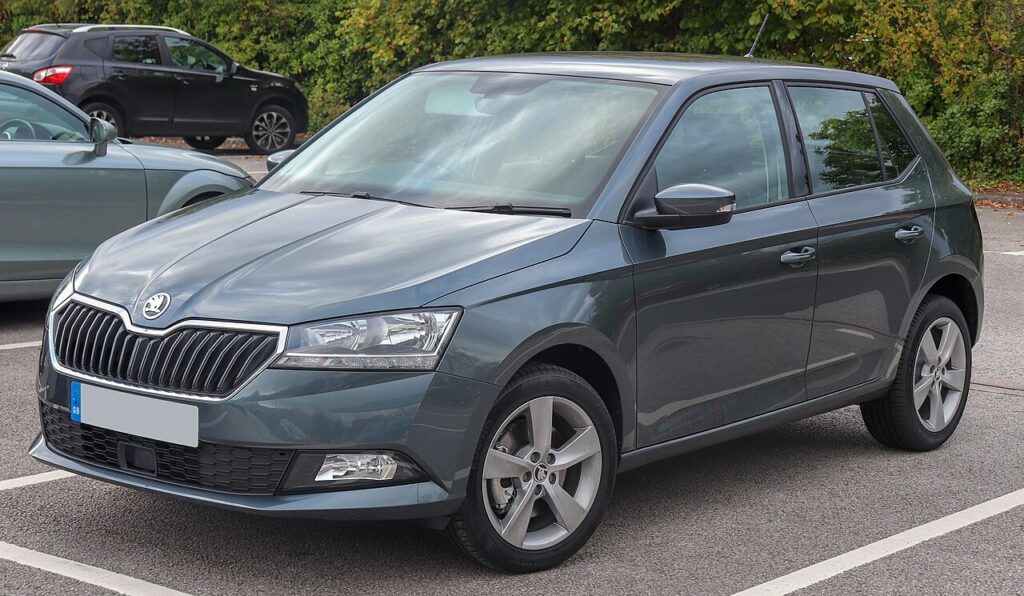
These instructions apply to the Skoda Fabia Mk3 (NJ) 2015-2022.
For other models, please choose your vehicle here.
When the remote on your Škoda Fabia Mk3 (2015–2022) only works up close, needs repeated presses, or stops locking the car, the coin cell in the flip key is the usual reason — not a fault in the vehicle. It is a quick swap, and the Fabia lets you re-pair the remote at the driver’s door if it has slipped out of sync. Here is the whole job, plus what needs a dealer.
Battery First — It’s Usually That
The third-generation Fabia (hatch and estate) carries the VAG switchblade key with a CR2032 cell. A tired cell explains nearly every unreliable-remote complaint, so fit a fresh one before looking further. The fold-out blade always opens the driver’s door, so a flat fob is never a lock-out.
Replacing the Fob Battery
- Pull out the key blade with the release catch to reach the seam.
- Lift the cover off with a small flat screwdriver at the join.
- Press a remote button to clear residual charge, then remove the old CR2032.
- Fit the new cell the same way round as the original, by the edge only.
- Close the case, refit the blade, and test lock/unlock.
Re-synchronising the Remote
If the remote stays dead after a fresh cell, re-register it at the door:
- Remove the lock cover on the driver’s door handle.
- Insert the blade into the lock.
- Press unlock on the remote, then turn the key within one minute.
- The key re-registers — check the buttons.
Lost Key or Adding a Spare
This covers a key the Fabia already recognises. A new key or remote must be coded through the immobiliser with Škoda dealer or locksmith equipment — there is no DIY sequence for a fresh transponder.
If a New Cell and Resync Don’t Help
- Check polarity and clean the contacts — the common reasons a swap fails.
- Test the spare key — if it works, the first fob’s electronics are suspect.
- No response at all? A central-locking or receiver fault may log a code — decode it on autodtcs.com.
Frequently Asked Questions
What battery does the Fabia Mk3 key use?
A CR2032 coin cell — verify against the old one.
Will the key need recoding after the swap?
No — the coding is retained; only a lost-sync remote needs the door resync.
Can I program a new Fabia key at home?
No — a new key must be coded with Škoda/VAG tools because of the immobiliser.
Does this apply to the Fabia estate too?
Yes — hatch and estate share the same flip key and CR2032 cell.
If the remote dropped out after a battery disconnection, see our Fabia Mk3 battery disconnect/reconnect guide for the resync.
Independent guide — not affiliated with Skoda. Always follow your official service manual and safety precautions. Read our full disclaimer.