These instructions apply to the Skoda Fabia Mk4 (PJ) 2021-Present.
For other models, please choose your vehicle here.
The Skoda Fabia Mk4 (PJ, 2021–present) stores a reference set of tyre pressures, so after you inflate or change a tyre you tell it the new values are correct. You do that either with a dashboard button or through the infotainment menu. Here’s how. The tyre-pressure warning on this car is a normal prompt after any pressure change — it isn’t a fault in itself, and it clears as soon as the corrected pressures are stored as the new baseline.
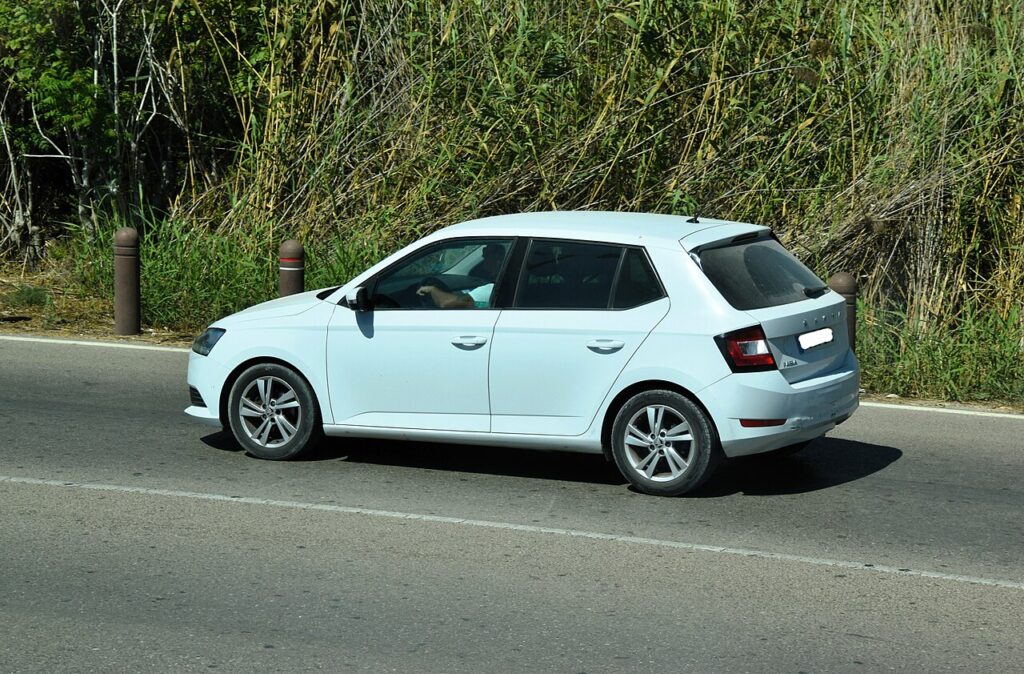
How the Fabia’s System Works
The Fabia’s tyre-pressure monitoring works indirectly, watching each wheel through the ABS wheel-speed sensors rather than a pressure sensor inside the tyre. A soft tyre has a slightly smaller rolling radius and spins marginally faster, and the system spots that difference against the stored reference. Because it learns from a baseline you set, it must be re-taught whenever you deliberately change pressures — otherwise it keeps comparing against the old figures and flags a mismatch that isn’t really there.
Before You Begin
- Set the pressures cold, before driving or once the car has stood a few hours, so heat doesn’t inflate the reading.
- Use the door-pillar label in the driver’s door shut for the correct figures, and adjust for a full load.
- Do all four tyres to the right pressures before you store — storing a low corner just saves a bad baseline.
- Switch the ignition on and have the car stationary before you begin.
- Decide your method — the button or the touchscreen; both do the same job.
Set the Pressures First
Inflate all four tyres cold to the figure on the driver’s door-pillar label, then store the new reference using one of the methods below.
Method 1 — Dashboard Button
- Adjust the tyre pressures, then turn the ignition on.
- Press and hold the TPMS ‘SET’ button (often below the infotainment screen or on the console).
- The service light illuminates; wait for the confirmation beep and the light to go out, then release.
Method 2 — Infotainment Menu
- Adjust the pressures, ignition on.
- On the touchscreen select ‘CAR’ → ‘Vehicle status’.
- Scroll to ‘Tyre pressure monitoring’ and choose ‘SET’; confirm. A message confirms the new reference is stored.
If the Light Stays On
- Re-check every tyre — the system compares wheels against each other, so one low corner triggers it.
- Always re-store after inflating — the Fabia’s indirect system needs the new baseline set.
- Drive a few minutes after SET — an indirect system relearns as you drive, so the confirmation isn’t always instant.
- After a wheel swap or seasonal tyres, re-store so the new corners become the reference.
- Watch for a slow puncture — if one tyre keeps needing air, the light will keep returning; have it inspected.
- Cold weather lowers pressure enough to re-trigger the warning; top up and re-store.
- Very different tyres front-to-rear (or a space-saver fitted) can confuse an indirect system — re-store once the road wheel is back on.
After the Reset
Once you’ve stored the new reference and driven a short distance, the warning clears and stays off. If it comes back later, treat it as genuine — the system has spotted a real difference, so check the tyres cold before storing again.
Frequently Asked Questions
How do I reset the tyre pressure light on a Skoda Fabia?
Set the pressures, then either hold the TPMS SET button until it beeps, or use CAR → Vehicle status → Tyre pressure monitoring → SET on the screen.
Do I need a tool?
No — the Fabia’s system relearns through the button or menu; no garage equipment needed.
Why does the light come on in cold weather?
Pressures drop as temperature falls. Top up to the label figure and re-store the reference.

It came on right after I changed a wheel — why?
You moved the reference. Re-run SET so the new pressures become the baseline.
Which method is better, the button or the screen?
Neither is more reliable — they store the same reference. Use whichever your car has to hand; some Fabias have the physical SET button, others do it purely through the touchscreen menu. If you can’t find a button, go straight to CAR → Vehicle status.
Do I need to reset it every time I put air in?
Only when you change the target pressures or the light is showing. If you top up to the same stored figures and the warning was already off, there’s nothing to re-store. Do re-store any time you raise the pressures for a heavy load so the car treats that as correct.
If a fault code is stored, look it up on autodtcs.com. To clear a service reminder, see our Fabia Mk4 service reset.
Independent guide — not affiliated with Skoda. Always follow your official service manual and safety precautions. Read our full disclaimer.