These instructions apply to the Suzuki Celerio Mk1 (LF) 2014-2019.
For other models, please choose your vehicle here.
After the Suzuki Celerio’s 12V battery has been disconnected or replaced, the driver’s one-touch (auto) window function stops working and only moves while you hold the switch. Re-initialising the window motor restores the one-touch auto up and down memory.
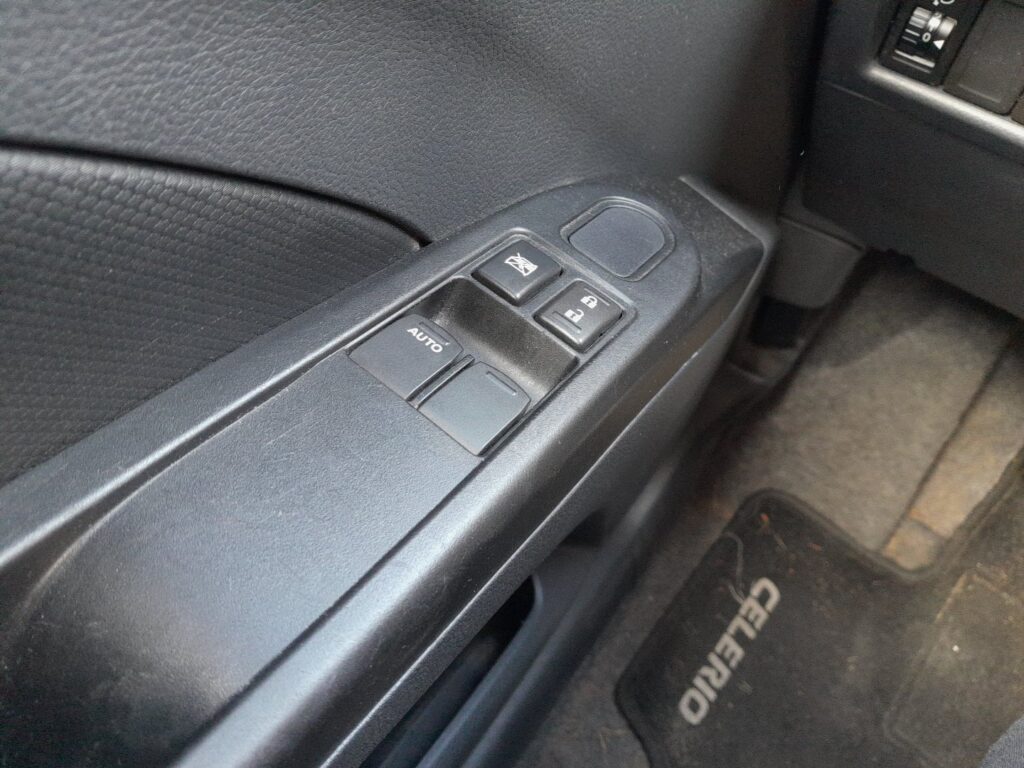
Before you start
- Do this with the ignition on and the driver’s door closed.
- Keep hands and objects clear of the window opening throughout.
- Turn the ignition on.
- Using the driver’s switch, fully lower the window until it stops at the bottom.
- Now lift and hold the switch in the up position until the window reaches the top.
- Keep holding the switch up for about two more seconds after the glass is fully closed.
- Release the switch — the one-touch auto-up function is now re-taught.
- If auto-down is still not working, repeat the sequence, holding the switch down for a couple of seconds after the window reaches the bottom.
FAQ
Why did my one-touch window stop working on its own?
The window motor stores its fully-open and fully-closed end positions, and that memory is cleared whenever the 12V battery loses power. Until you re-initialise it, the glass only moves while the switch is held, with no single-press auto travel.
Do the passenger windows need re-initialising too?
The one-touch feature that needs re-teaching is on the driver’s window. If a passenger window has an auto function, re-teach it the same way — fully lower, then fully raise and hold briefly at the top.
The window still won’t auto-close after I try this — what now?
Make sure you held the switch for a couple of seconds past the fully-closed point so the motor registers the top stop, and that nothing is obstructing the run. Repeat the full lower-then-raise-and-hold cycle once more.
Independent guide — not affiliated with Suzuki. Always follow your official service manual and safety precautions. Read our full disclaimer.