These instructions apply to the Mercedes C-Class Mk4 (W205) 2014-2023.
For other models, please choose your vehicle here.
The ECO Start/Stop system on the Mercedes-Benz C-Class (W205, 2014–2023) switches the engine off when you stop and restarts it as you pull away. It trims fuel use in town, but many owners find it intrusive in traffic. This guide shows how to turn ECO Start/Stop off on a W205, and why the car switches it back on every time you start up.
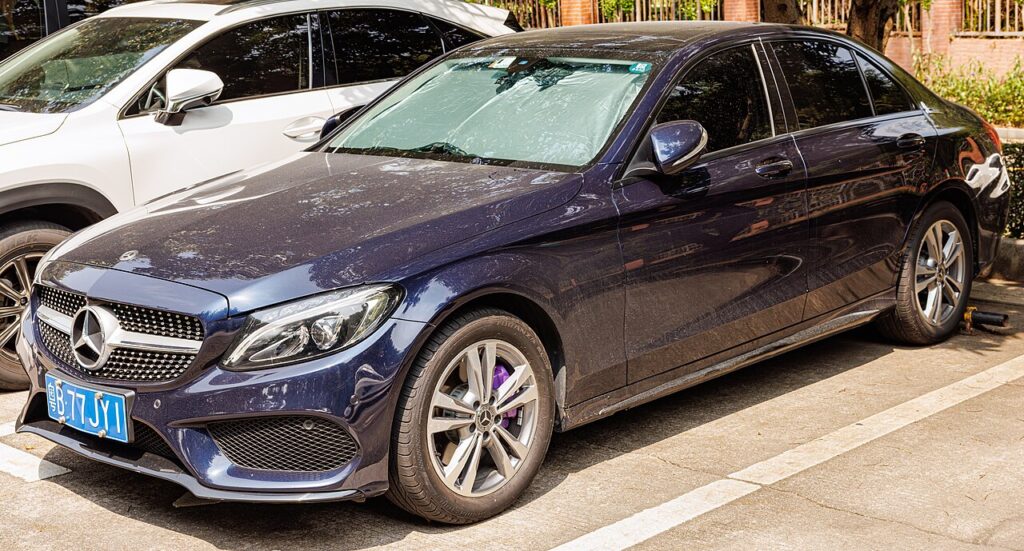
How ECO Start/Stop Works on the W205
The system only stops the engine when a set of conditions is met: the car is stationary, the engine is warm, the battery is well charged and registered, the climate demand is satisfied, and you have the brake held. On a cold morning, with the climate working hard, or in stop-start crawling it may do nothing — that is the system behaving as designed. When it cuts the engine, the rev counter drops to a marked “ECO” / 0 zone.
How to Turn It Off
- With the engine running, find the ECO button — on the W205 it is on the centre console, marked “ECO” (often with an “A”).
- Press the button once.
- The light in the button changes / a message confirms the system is off, and the engine will idle normally at a standstill.
Press the button again to switch it back on.
Why It Comes Back On Every Drive
The button only disables ECO Start/Stop for the current drive cycle. Switch the ignition off and on and the W205 re-enables it by default, because it counts toward the official emissions figures. There is no standard menu setting to make “off” permanent — a lasting change requires coding the relevant module with a Mercedes-capable tool, which is an at-your-own-risk modification.
ECO Start/Stop Stopped Working? Check These First
- Battery state of charge low — the most common reason.
- Battery replaced but not registered — an unregistered battery keeps ECO disabled until it is coded to the car.
- Engine or cabin not yet at temperature — climate demand keeps the engine running.
- A stored fault — a battery-management or engine code can disable it silently. Check what a code means on autodtcs.com.
Frequently Asked Questions
Can I make ECO Start/Stop stay off on a W205 without coding?
No — the button only lasts for the current drive. A permanent default change needs coding with a Mercedes diagnostic tool.
I fitted a new battery and now it won’t work — why?
The new battery needs registering; until then the power management holds ECO disabled. Register it with a Mercedes tool.
Is it bad for the engine to keep restarting?
No. The starter and AGM battery are designed for it, and the system blocks auto-stop until the engine is warm.
Where exactly is the ECO button?
On the centre console near the gear/touchpad area, marked ECO. Its exact spot varies slightly by trim and year.
If a low or unregistered battery is the cause, our W205 battery disconnect/reconnect guide covers replacing and registering it.
Independent guide — not affiliated with Mercedes. Always follow your official service manual and safety precautions. Read our full disclaimer.