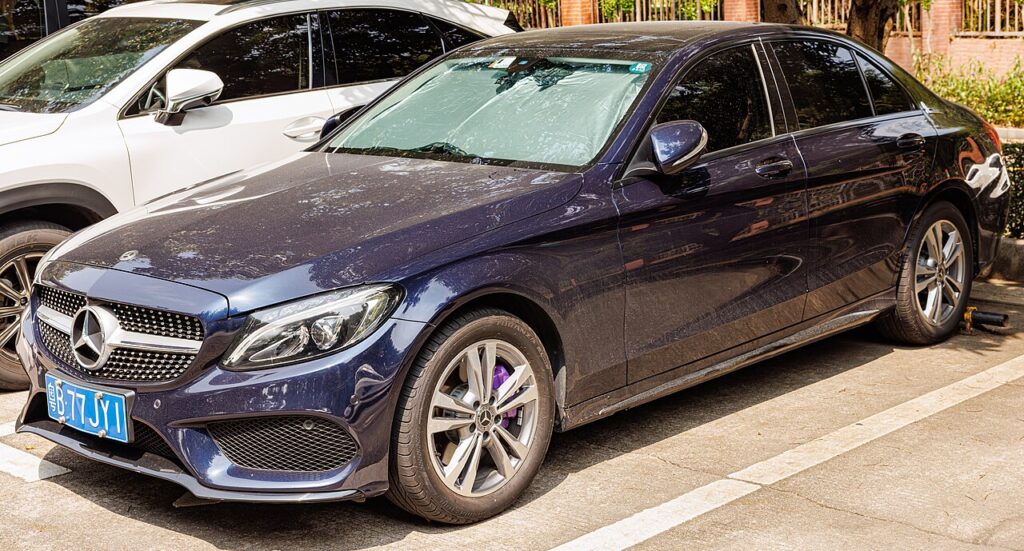
These instructions apply to the Mercedes C-Class Mk4 (W205) 2014-2023.
For other models, please choose your vehicle here.
If the SmartKey remote on your Mercedes-Benz C-Class (W205, 2014–2023) only works from up close, or has stopped locking the car, the fob’s coin batteries are almost always the cause. The W205 key uses two coin cells and is quick to change. This guide shows how, and explains what needs a dealer.
First, Rule Out the Batteries
A weak fob battery is the number-one reason a SmartKey becomes unreliable — short range, needing several presses, or no response. The W205 key takes two CR2025 coin cells (check yours when you open it). Fit a matched pair.
Replacing the SmartKey Batteries
- Slide the lock catch to the side as marked and pull out the mechanical (emergency) key blade.
- Press the mechanical key against the back of the fob at the cover, and pull out the button-cell cover.
- Remove the old cells — take care not to damage or contaminate the contact spring.
- Fit the new cells with the positive (+) side facing upwards.
- Refit the cover and slide the mechanical key back in. Test the remote.
After a battery change the SmartKey keeps its programming — no re-pairing needed.
Lost Key or Adding a Spare
The W205 cannot have a key programmed without dealer-level equipment. A lost or extra SmartKey must be ordered and coded by a Mercedes dealer (keys are security-locked to the car) — there is no owner or independent sequence to add one. The home job is limited to renewing the batteries in a key that already works.
If Fresh Batteries Don’t Fix It
- Check both cells and their polarity — one tired or reversed cell will give poor or no response.
- Use the mechanical blade (hidden in the fob) to unlock the door, and hold the SmartKey in the start slot / against the start button to start.
- Still nothing from any key? A receiver or body fault may be involved — check the code on autodtcs.com.
Frequently Asked Questions
What batteries does the W205 SmartKey take?
Two CR2025 coin cells. Open the fob to confirm before buying, and replace both together.
Do I need to reprogram after changing the batteries?
No — programming is retained. Just fit the two CR2025 cells the right way round and test.
Can I program a new Mercedes key myself?
No — W205 keys are security-locked and must be ordered and coded by a Mercedes dealer.
How do I start the car if the key is dead?
Unlock with the hidden mechanical blade, then hold the SmartKey in the start slot / against the start button to start using the transponder.
If the remote stopped working after a battery disconnection, see our Mercedes C-Class W205 battery disconnect/reconnect guide.
Independent guide — not affiliated with Mercedes. Always follow your official service manual and safety precautions. Read our full disclaimer.