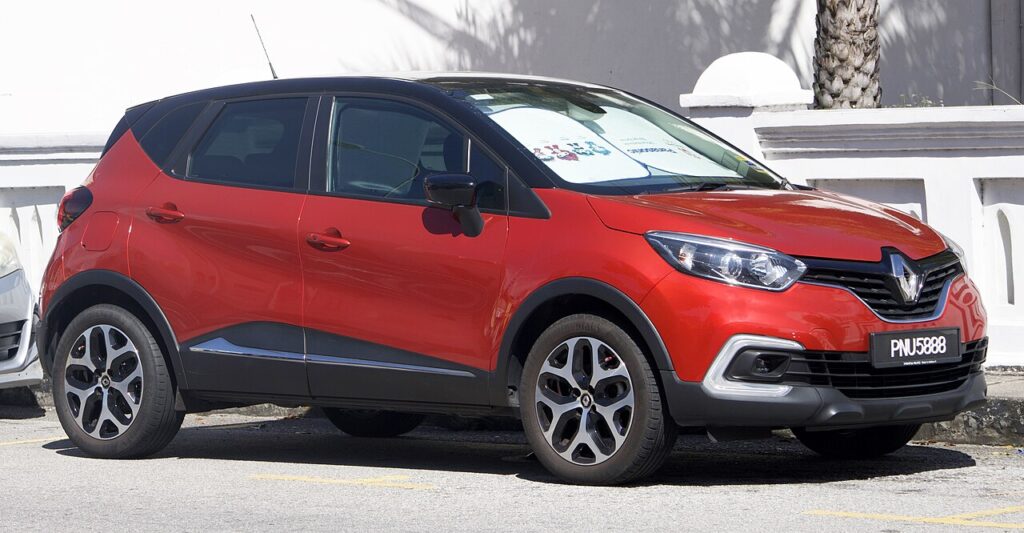
These instructions apply to the Renault Captur Mk1 (X87) 2013-2020.
For other models, please choose your vehicle here.
The automatic stop & start system on the Renault Captur Mk1 (X87, 2013–2020) switches the engine off when you stop and restarts it as you pull away. It trims fuel use in town, but many owners find it intrusive in traffic. This guide shows how to turn stop & start off on a Captur, the second way to suppress it, and why the car re-enables it every drive.
How Stop & Start Works on the Captur
The system only stops the engine when a set of conditions is met: the car is stationary, the engine is warm, the battery is well charged, the climate demand is satisfied, and (on a manual) the car is in neutral with the clutch up. On a cold morning or with the heater on full it may do nothing — that is the system working as designed. When it cuts the engine, a green “A” / stop-start symbol shows.
Method 1 — The Stop & Start Button
- With the engine running, find the stop & start button marked with an “A” in a circular arrow, on the centre console or dash.
- Press the button once.
- The warning light in the button illuminates and the display confirms the system is off.
- The engine will idle normally at a standstill.
Press the button again to switch stop & start back on.
Method 2 — Seat Belt and Door Interlock
The Captur will not auto-stop the engine unless the driver’s seat belt is fastened and the driver’s door is closed. As a quick workaround:
- With the driver’s seat belt unbuckled, the engine will not enter auto-stop.
- Opening the driver’s door also inhibits the system.
Stay belted while driving — this just explains why the system sometimes seems to do nothing.
Why It Comes Back On Every Drive
The button only disables stop & start for the current drive cycle. Switch the ignition off and on and the Captur re-enables it by default, because it counts toward the official emissions figures. There is no menu setting to make “off” permanent — a lasting change requires recoding with a Renault-capable diagnostic tool, at your own risk.
Stop & Start Stopped Working? Check These First
- Battery state of charge low — the most common reason.
- Battery replaced but not registered — the charging system keeps it in a protective mode.
- Engine or cabin not yet at temperature — climate demand keeps the engine running.
- A stored fault — a battery-management or engine code can disable it silently. Check what a code means on autodtcs.com.
Frequently Asked Questions
Can I permanently disable stop & start on a Captur without coding?
No — the button only lasts for the current drive. A permanent default change requires recoding with a Renault diagnostic tool.
Is it bad for the engine to keep restarting?
No. The starter and battery are designed for it, and the system blocks auto-stop until the engine is warm.
Does turning it off use more fuel?
Only marginally, and only in stop-and-go traffic. On the open road it makes no difference.
Why does the “A” symbol have a line through it?
That means auto-stop is temporarily unavailable because a condition is not met (cold engine, low battery, climate demand). It resumes once conditions allow.
If a low battery is the cause, our Captur battery disconnect/reconnect guide covers replacing and resetting it.
Independent guide — not affiliated with Renault. Always follow your official service manual and safety precautions. Read our full disclaimer.