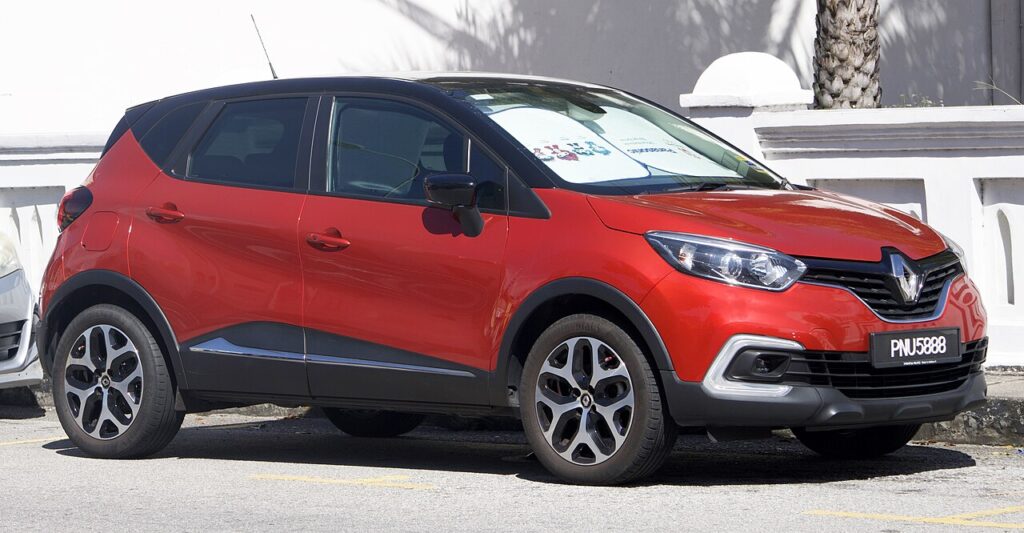
These instructions apply to the Renault Captur Mk1 (X87) 2013-2020.
For other models, please choose your vehicle here.
If the electric windows on your Renault Captur Mk1 (X87, 2013–2020) have stopped going up with a single touch, and now only move while you hold the switch, the window controller has lost its calibration. It happens after the battery is disconnected or goes flat, after a fuse is pulled, or after a window motor or regulator is replaced. The fix is a quick re-initialisation you can do yourself with no tools.
Why One-Touch and Anti-Pinch Disappear
Each door module stores the fully-closed position so it can run the glass automatically and stop it if it meets resistance (anti-pinch). A power loss clears that reference, so until you re-teach it the window only inches while you hold the switch.
Before You Begin
- Turn the ignition on (engine off is fine; the switches must be live).
- Keep fingers and objects clear of the glass — the anti-pinch protection is off during the relearn.
How to Re-initialise a Captur Window
Do this one window at a time, starting with the driver’s door:
- Turn the ignition on.
- Press and hold the window close switch until the window is fully closed.
- With the window shut, hold the switch for a further 1 second, then release. This stores the closed position.
- Check operation — a brief pull up should now run the window fully closed on its own.
- Repeat for the passenger window (and the rears).
Once re-initialised, the one-touch up/down returns and the anti-pinch protection is active again.
If the Window Still Won’t Auto-Close
- You didn’t hold long enough: repeat and hold the switch a clear second after the window seats.
- Glass binding: clean and lubricate the window channel, then retry.
- Just did a battery job: expected — see our Captur battery disconnect/reconnect guide.
- No window will calibrate: the regulator, motor or switch may have failed and a body-control fault may be stored — check the code on autodtcs.com.
Frequently Asked Questions
Do I need a diagnostic tool to reset the Captur windows?
No. The relearn is done entirely with the window switch as described.
Why did more than one window lose one-touch at once?
Because they lost power together — almost always after a flat or disconnected battery. Re-initialise each one.
Is the anti-pinch working during the relearn?
No — keep hands and objects clear of the glass while teaching the end stop.
How long do I hold the switch?
Hold the close switch until the window is fully shut, then about one more second.
If you also need to clear a service reminder, see our Renault Captur service indicator reset guide.
Independent guide — not affiliated with Renault. Always follow your official service manual and safety precautions. Read our full disclaimer.