These instructions apply to the Peugeot 208 Mk2 (P21) 2019-Present.
For other models, please choose your vehicle here.
A tyre-pressure warning on your Peugeot 208 Mk2 (P21, 2019–present) means the car has noticed a pressure that’s outside its stored reference — usually after you’ve topped up, let some air out, rotated the tyres or fitted a different wheel. It isn’t a fault with the car. Once the four pressures are correct, you tell the 208 the current values are the ones it should treat as normal, and the light goes out. On cars with the touchscreen that’s a quick menu step; on cars without it, it’s a button hold. Here’s how.
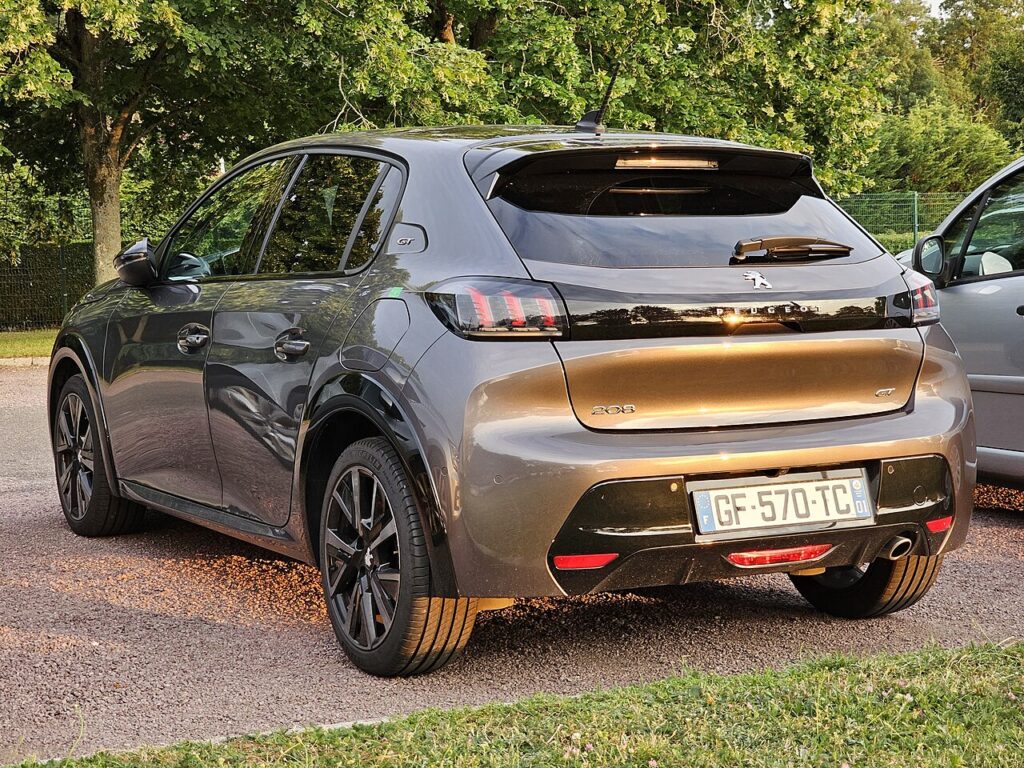
How the 208’s System Works
The 208 Mk2 uses an indirect monitoring system: rather than a pressure sensor inside each wheel, it watches how the wheels turn through the ABS speed sensors. A tyre that’s losing pressure has a slightly smaller rolling radius and spins fractionally faster than the others, and the car flags that difference. Because there’s no true pressure reading, the system relies on a stored “these four are correct” snapshot — which is exactly why you have to re-initialise after any pressure change rather than just wait for it to notice.
Before You Begin
- Set the pressures cold — before driving, or after the car has stood for a couple of hours. Warm tyres read high and will throw the reference off.
- Inflate all four to the figure on the label in the driver’s door opening. The 208 usually lists an “eco/comfort” pair and a “full load” pair — use the column that matches how you’re running the car.
- Don’t forget to check the spare if your car carries a full-size wheel.
- Have the car powered on for the touchscreen method; you don’t need the engine running.
- Only re-initialise once you’re happy every tyre is right — the reset stores whatever it sees at that moment as “correct”.
How to Reset the 208 Mk2 TPMS
Cars with the touchscreen
- With the car powered on, open the touchscreen and select the ‘Driving assistance’ menu.
- Press ‘Under-inflation initialisation’ (tyre pressure).
- Select ‘Yes’ — the system stores the current pressures and resets.
Cars without the touchscreen
Set the pressures, then press and hold the TPMS reset button for about 3 seconds until it confirms.
If the Warning Stays On
- Re-check every tyre with a known-good gauge, including the spare if it’s a monitored full-size wheel — one soft corner keeps the light on.
- Confirm you initialised after inflating, not before — storing the reference while a tyre was still low simply memorises the wrong value.
- One tyre keeps dropping — look for a slow puncture, a leaking valve or a corroded rim seal; the system is doing its job.
- Cold snap overnight? Pressure falls roughly 0.1 bar per 10°C, so a cold morning can trip it — top up and re-initialise.
- After a wheel swap or rotation the reference no longer matches — always run the initialisation again.
- A steady-flashing light points to a system fault rather than low pressure — have it scanned.
After the Reset
Once you’ve confirmed the initialisation, the warning should clear straight away or within a short drive as the system settles on the new reference. From then on the 208 treats those pressures as the baseline and only warns again if a tyre drops meaningfully below them — no need to repeat the step unless you change the pressures, rotate the tyres or fit different wheels.
Frequently Asked Questions
Where is the tyre-pressure reset on the 208 Mk2?
Touchscreen: Driving assistance → Under-inflation initialisation → Yes. Cars without the screen use a 3-second hold of the TPMS reset button. Either way, set all four pressures cold to the door-label figure first, then run the reset so the car stores the correct values as its new reference.
Do I need a tool?
Not for a normal reset — set the pressures and initialise in the menu (or hold the button). Because the 208 reads wheel speed rather than an in-wheel sensor, there’s nothing to pair or program.

Why did the light come on in the cold?
Air contracts as it cools, so pressure drops on a cold morning even with no leak. A tyre set correctly in a warm garage can read low after a frosty night and trip the warning. Top up to the door-label figure when the tyres are cold and re-initialise; it often settles again once the tyres warm on the move, but topping up is the proper fix.
Why does the 208 list two pressure figures?
One column is for a light or “eco” load — a couple of people and light luggage — and the other is for a full load with passengers and a loaded boot. Set to the column that matches how you’re running the car, then re-initialise so the reference matches. Running the higher figures when lightly loaded is fine and can slightly improve economy.
Do I have to re-initialise after rotating the tyres?
Yes. Because the system learns each wheel’s normal rolling behaviour, moving tyres between axles changes what it expects to see. Set the pressures for the new positions, then run the initialisation again so the car re-learns from the correct baseline.
The light came back a few days later — what now?
If it returns after a correct reset, one tyre is most likely losing air slowly. Re-check all four cold and note which is down. A repeat drop of a few tenths of a bar points to a slow puncture, a weeping valve or a rim-seal leak — worth having the tyre inspected rather than just re-initialising again.
If a fault code is stored, look it up on autodtcs.com. To clear a service reminder, see our 208 Mk2 service reset guide.
Independent guide — not affiliated with Peugeot. Always follow your official service manual and safety precautions. Read our full disclaimer.