These instructions apply to the Nissan Micra Mk5 (K14) 2017-Present.
For other models, please choose your vehicle here.
Disconnecting the 12 V battery on a Nissan Micra Mk5 (K14, 2017–present) is a straightforward engine-bay job that most owners can handle with a single spanner. You might do it to renew a worn-out battery, to isolate the electrics before audio or electrical work, to protect the car during long storage, or to sort things out after a jump-start. Take the terminals off and put them back in the right order — negative off first, positive on first — and the Micra relearns its few lost settings cleanly. This guide covers where the battery lives, how to disconnect and reconnect it safely, and what you may need to reset once it is back on.
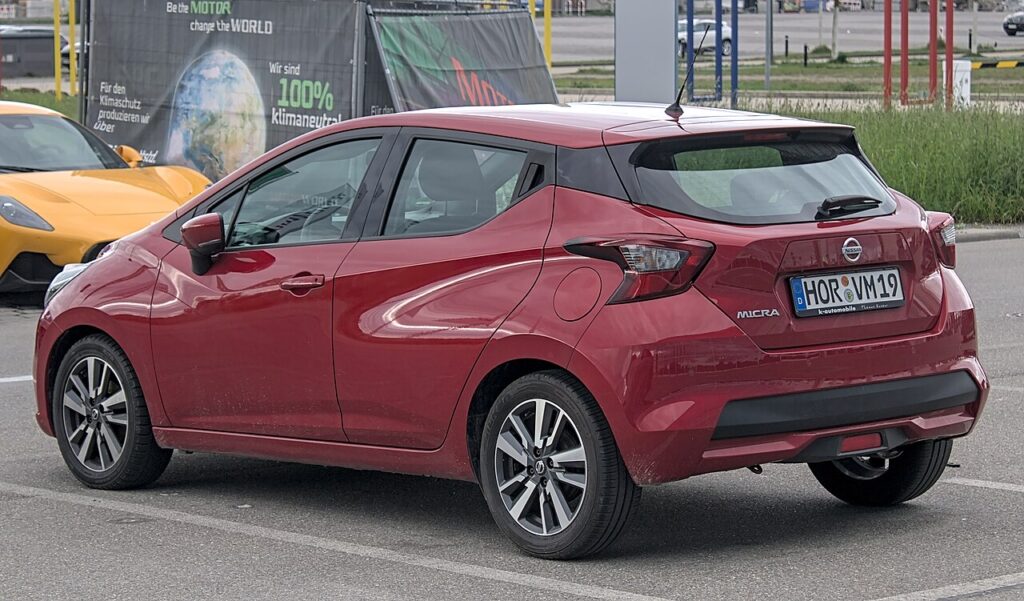
Where the 12 V Battery Is
The 12 V battery is in the engine compartment, under a cover. Unclip or lift the plastic cover to reach the two posts. Before you loosen anything, identify the terminals: the negative (−) post carries the black earth lead, and the positive (+) post carries the red lead, usually under a red flap. If you only want to isolate the electrics rather than remove the battery, you just need to free the negative lead and tuck it clear.
Getting Ready
- Make sure the ignition is fully off and the car is not sitting in an accessory state.
- Keep the Intelligent Key well away from the car so it cannot wake the electronics.
- Switch off the lights, climate and accessories, and close the doors.
- Give the systems a couple of minutes to power down before touching the terminals.
- Have your spanner, gloves and eye protection ready, and keep sparks and flames away from the battery.
Disconnecting
- Switch the ignition off and keep the Intelligent Key away from the car; give the electronics a couple of minutes to power down.
- Disconnect the negative (−, black) terminal first, ease the clamp off the post and lift the lead well clear so it cannot spring back.
- If you are removing the battery, disconnect the positive (+, red) next, then undo the hold-down and lift the battery out level.
Airbag/pretensioner safety: if you will be working near airbags or seat-belt pretensioners, allow the system to discharge for a couple of minutes after switching off before going near any pyrotechnic parts.
Reconnecting
- If the battery was out, set it back level and refit the hold-down first.
- Reconnect the positive (+, red) terminal first and tighten the clamp.
- Reconnect the negative (−, black) last, tighten it and refit the cover. Make sure both clamps are snug — a loose earth is the usual cause of flickering lights or odd faults afterwards.
The Micra does not need the new battery coded or registered — a like-for-like swap is all that is required.
What You’ll Need to Reset Afterwards
Cutting power wipes a few stored settings. On the Micra you may need to:
- Reset the clock and re-enter your radio presets.
- Re-initialise the one-touch power windows — auto up/down and anti-pinch drop out after a power cut. See our Micra window guide.
- Re-pair or re-check any phone/Bluetooth connection and personalised settings.
One or two warning lights may glow briefly and then clear themselves once the car has been driven a short way.
If a Warning Light Stays On / Car Feels Off
- Check both clamps are properly tight — a loose earth causes flickering lights and random faults.
- Drive the car a short distance so the modules can relearn idle and normal behaviour.
- Re-do the window re-initialise if auto up/down still refuses to work.
- If a light stays on, rule out a genuinely flat or old battery before blaming the disconnect.
- Read any stored fault code to see what the car is actually flagging.
Frequently Asked Questions
Where is the 12 V battery on a Nissan Micra Mk5?
It is in the engine compartment, under a plastic cover. Unclip the cover to reach the two terminals. There is no separate owner battery on the standard Micra to hunt for.
Which terminal do I disconnect first on the Micra?
Always the negative (−) terminal first, and reconnect it last. On reconnection the positive goes on first. This keeps your spanner from shorting a live post against the bodywork.
Does a new battery need registering or coding?
No — the Micra does not require battery coding. Fit a like-for-like battery, reconnect in the right order and re-teach the windows. There is no dealer registration step for the owner.
Will I lose my radio or clock?
The Micra’s media system usually is not code-locked, so the radio comes back on its own — you will just reset the clock and re-enter your presets.
Will disconnecting the battery clear fault codes or the service light?
It may clear some stored trouble codes and temporary lights, but it is not a proper reset and it will not clear the service reminder. To reset the service interval, use our Micra Mk5 service reset guide.
Can I jump-start it instead of disconnecting?
If you only need to get a flat Micra going, a jump-start is quicker and keeps all your settings. Only disconnect the battery when it genuinely needs isolating — for renewal, electrical work or long storage.
For any warning light that stays on afterwards, look up the code on autodtcs.com, then clear the reminder with our Micra Mk5 service reset guide.
Independent guide — not affiliated with Nissan. Always follow your official service manual and safety precautions. Read our full disclaimer.