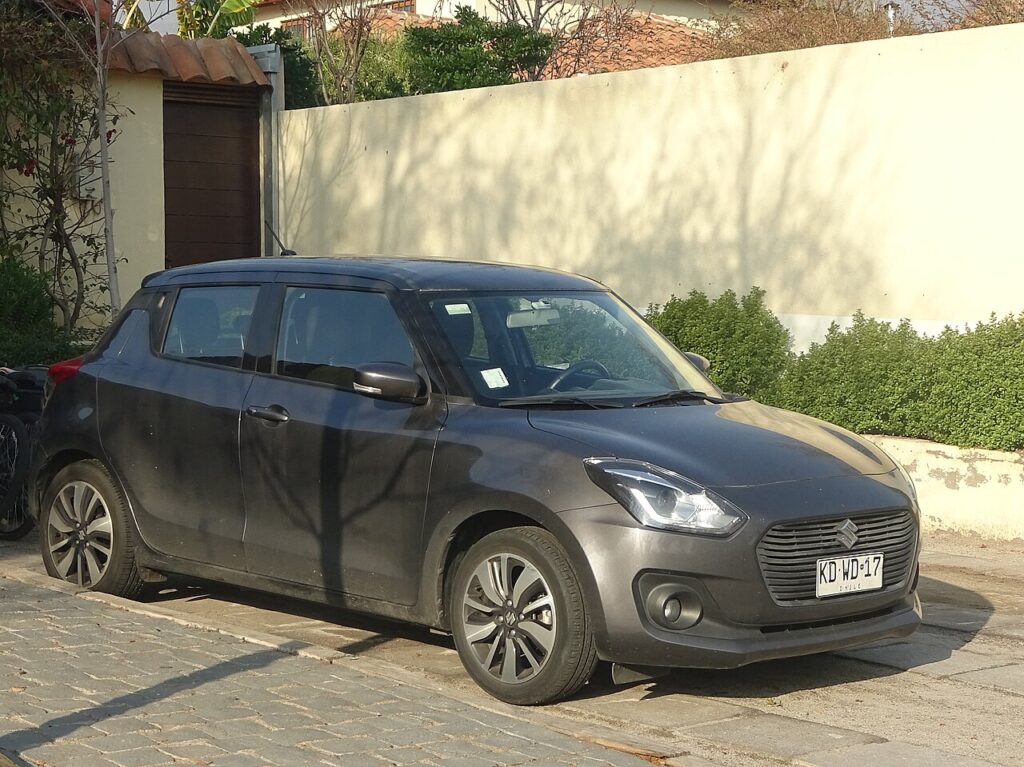
These instructions apply to the Suzuki Swift Mk4 (A2L) 2017-Present.
For other models, please choose your vehicle here.
Disconnecting the 12 V battery on a Suzuki Swift Mk4 (A2L, 2017–present) is a simple engine-bay job, but there is one extra point to know on the mild-hybrid (SHVS) versions. You might need to do it to renew the battery, to isolate the electrics before audio or electrical work, to protect the car in long storage, or to recover after a jump-start. As long as you work in the right order — negative off first, positive on first — the Swift relearns its few lost settings cleanly. This guide covers where the battery sits, the SHVS caution, how to disconnect and reconnect safely, and re-teaching the windows afterwards.
Where the 12 V Battery Is
The main 12 V battery sits in the engine bay. On SHVS mild-hybrid Swifts (BoosterJet / Dualjet badges) there is also a separate small lithium battery under the front passenger seat — leave that one alone; this guide is for the standard 12 V battery only. Identify the terminals before you touch them: the negative/earth (−) post carries the black lead, and the positive (+) post carries the red lead. If you only want to isolate the electrics, you just need to free the earth lead.
Before You Start
- Make sure the ignition is fully off and the car is not in an accessory state.
- Keep the key well away from the car so it cannot wake the systems.
- Switch off the lights, climate and accessories, and close the doors.
- On SHVS cars, remember the under-seat lithium unit is off-limits — do not disturb it.
- Have your spanner, gloves and eye protection ready, and keep sparks and flames away from the battery.
Disconnecting
- Turn the ignition off and wait 3 minutes before touching the terminals.
- Disconnect the earth (negative, −) cable first, ease it off the post and tuck it well clear so it cannot spring back.
- If you are removing the battery, disconnect the positive (+) cable next, then undo the clamp and lift the battery out level.
Safety: the 3-minute wait lets the airbag/pretensioner circuits discharge before you go near any pyrotechnic parts. On SHVS cars, do not disturb the under-seat lithium unit — that is a workshop item.
Reconnecting
- If the battery was out, set it back level and refit the clamp first.
- Reconnect the positive (+) terminal first and tighten it.
- Reconnect the earth (−) last, tighten it and refit any cover. Make sure both clamps are snug — a loose earth is the usual cause of flickering lights and odd faults afterwards.
The Swift does not need the new battery coded or registered — a like-for-like swap is all that is required.
What You’ll Need to Reset Afterwards
Cutting power clears a few learned settings. On the Swift you may need to:
- Reset the clock and re-enter your radio presets.
- Re-initialise the power windows — one-touch and anti-pinch drop out after a power cut. The Swift method involves the window fuses; see our window guide.
- On SHVS cars, allow the auto stop-start to settle over a drive or two once the battery has recharged.
- Re-pair or re-check any phone/Bluetooth and personalised settings.
A warning light or two may glow briefly and then self-clear once the car has been driven a short distance.
If a Warning Light Stays On / Car Feels Off
- Check both clamps are properly tight — a loose earth causes flickering lights and random faults.
- Drive the car a short way so the modules can relearn idle and stop-start behaviour.
- Re-do the window re-initialise (using the P/W fuses) if auto up/down still will not work.
- If a light stays on, rule out a genuinely flat or old battery before blaming the disconnect.
- Read any stored fault code to see what the car is actually flagging.
Frequently Asked Questions
Where is the 12 V battery on a Suzuki Swift Mk4?
The main 12 V battery is in the engine bay. On SHVS mild-hybrid cars there is also a small lithium battery under the front passenger seat — that one is off-limits; this job is only for the engine-bay 12 V battery.
Which terminal do I disconnect first on a Swift?
The earth/negative (−) terminal first when disconnecting, and reconnect it last. On reconnection the positive goes on first. This stops your spanner from shorting a live post against the body.
Does the Swift battery need coding?
No registration is required — just refit a like-for-like battery, reconnect in the right order and re-teach the windows. There is no owner coding step.
My Swift is a mild hybrid — is it safe?
Yes, for the engine-bay 12 V battery. Do not disturb the small lithium SHVS battery under the front passenger seat — leave that to a Suzuki specialist.
Why won’t my windows auto-close after this?
The power cut cleared their learned limits. Run the window re-initialise, which on the Swift uses the P/W fuses, and auto up/down and anti-pinch will come back.
Can I jump-start it instead of disconnecting?
If you only need to get a flat Swift going, a jump-start is quicker and keeps your settings. Only disconnect the 12 V battery when it genuinely needs isolating — for renewal, electrical work or long storage.
For any warning light that stays on afterwards, look up the code on autodtcs.com, then clear the oil reminder with our Swift Mk4 service reset.
Independent guide — not affiliated with Suzuki. Always follow your official service manual and safety precautions. Read our full disclaimer.