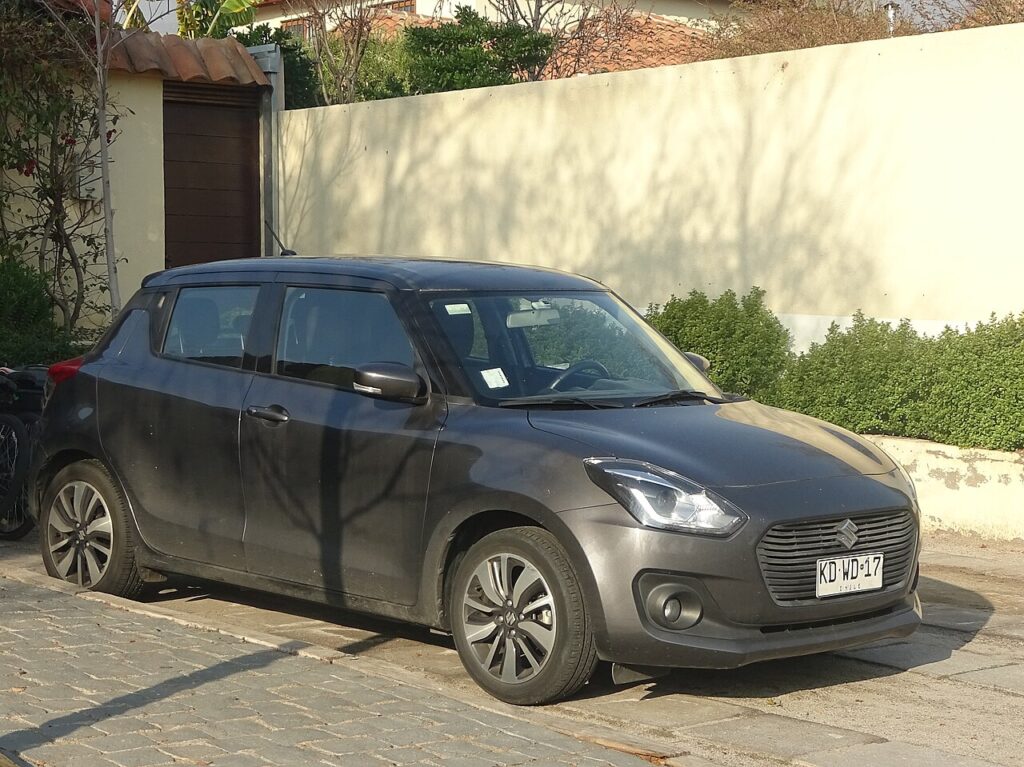
These instructions apply to the Suzuki Swift Mk4 (A2L) 2017-Present.
For other models, please choose your vehicle here.
If the touchscreen in your Suzuki Swift (Mk4/A2L, 2017–Present) has frozen — the audio stuck, Apple CarPlay or Android Auto locked up, or the display ignoring every tap — you almost never need a dealer. On this generation the head unit is Suzuki’s SLDA (Smartphone Linkage Display Audio), a Bosch-built system that is well known for the occasional software hang, and a forced reboot clears it in seconds without touching your settings.
Which System Your Swift Has
Most Mk4 Swifts (SZ-T and SZ5 trims) carry the 7-inch SLDA touchscreen with DAB radio, Bluetooth, and smartphone mirroring. The entry SZ3 in some markets had a simpler radio without the full touchscreen. The SLDA unit is the one that freezes — owners report it locking after a half-finished software update, a flaky USB cable, or a corrupt phone pairing. A periodic reboot is normal owner maintenance on this system, not a sign of a fault.
Soft Reset (Reboot the Screen)
- Switch the ignition to ON so the screen is awake — do this parked.
- Press and hold the Power/Volume knob (the dial you press to mute, turn to adjust volume) for about 10 seconds.
- Keep holding until the screen goes black and the SUZUKI logo reappears.
- Let go. The system reboots in 20–30 seconds and returns to the home screen.
Safe — No Data Lost
A reboot is completely safe. Radio presets, paired phones, and your CarPlay/Android Auto setup all survive — the hold simply power-cycles the head unit like restarting a phone. Do it as often as the screen misbehaves.
If It Stays Frozen
- Hold the knob longer — up to 20 seconds — if 10 didn’t trigger the logo.
- Switch off, lock the car, and wait 5–10 minutes. Letting the unit power down fully clears a deeper hang.
- Unplug the USB lead. A failing or non-data USB cable is a frequent cause of SLDA lock-ups on the Swift — pull it and reboot, then try a known-good cable.
- Check the SLDA software version. Several Mk4 freezes were fixed by a Suzuki software update; an out-of-date or partially flashed unit reboots itself repeatedly.
- Delete and re-pair your phone if the freeze only happens with CarPlay or Android Auto connected.
Factory Reset (Erases Data)
Only needed if the system is repeatedly unstable. With the screen responsive, go to Settings → Reset to factory settings (under the general/system settings menu) and confirm. This wipes presets, pairings, and saved data and returns SLDA to its as-delivered state, so use the soft reset first.
Frequently Asked Questions
Will rebooting delete my CarPlay setup or paired phone?
No. Holding the Power/Volume knob only restarts the unit. Your pairings and CarPlay/Android Auto setup are kept — only the factory reset erases them; you may just need to reconnect the cable once.
Why does my Swift’s SLDA keep freezing?
The most common triggers are a failing USB cable, a corrupt phone pairing, or out-of-date SLDA software. Reboot to clear it, swap the cable, and check for a software update if it recurs.
Can I reboot the screen while driving?
You can, but do it parked. The screen blanks for half a minute, which removes the reversing camera and any active navigation while the unit restarts.
My Swift’s SLDA reboots itself over and over — what is wrong?
A continuous white-screen-then-logo loop usually points to corrupt or partially installed software. A clean reflash of the latest SLDA version at a dealer normally cures it.
Does the base SZ3 Swift have the same reset?
If your SZ3 has the full SLDA touchscreen, yes — the knob hold works the same. A simpler radio without a touchscreen has no software reboot; switch the ignition off and on instead.
If a warning light or stored fault appears alongside the freeze, read the code first on autodtcs.com.
Independent guide — not affiliated with Suzuki. Always follow your official service manual and safety precautions. Read our full disclaimer.