These instructions apply to the Peugeot 308 Mk3 (P5) 2021-Present.
For other models, please choose your vehicle here.
Taking the 12 V battery off a Peugeot 308 Mk3 (P5, 2021–present) is a simple under-bonnet task. You might do it to fit a fresh battery, before bodywork or electrical repairs, to prevent a slow drain over weeks of storage, or to recover the car after a flat. Done in the right order — negative off first, positive on first — the 308 wakes up cleanly and relearns the few settings it loses. This guide walks through the safe sequence, then lists exactly what the car needs re-taught once power is back.
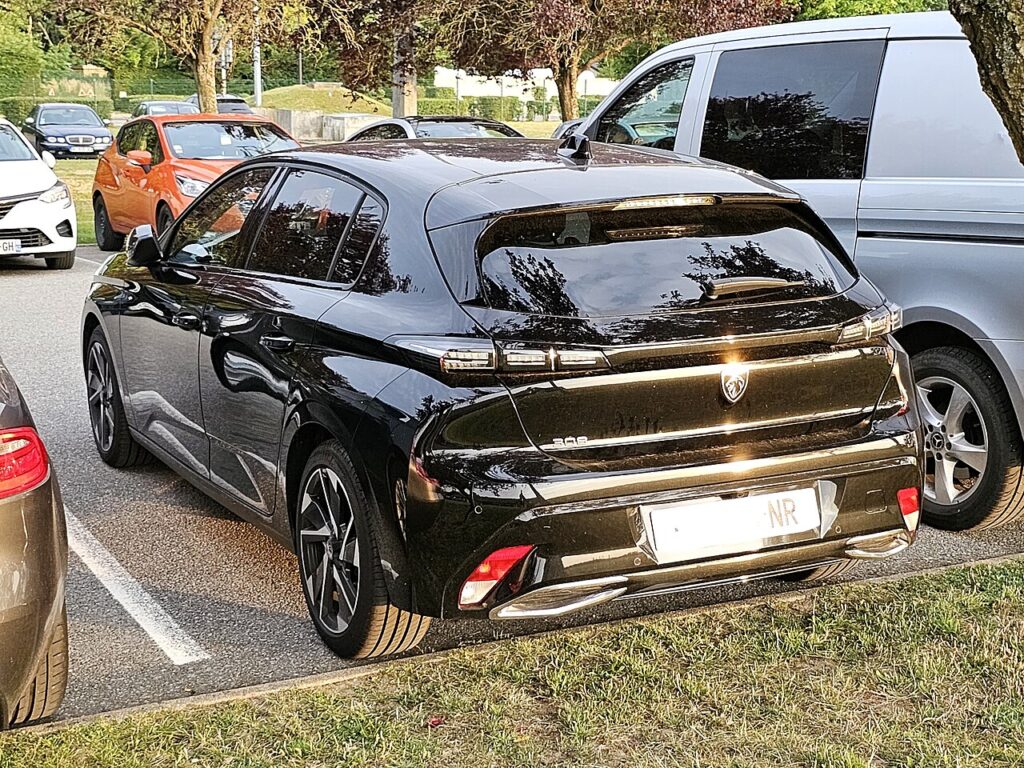
Where the 12 V Battery Is
The 12 V battery lives in the engine bay under a cover. Lift the bonnet, prop it, and look for a plastic cover you can unclip or lift away to expose the two terminals. The negative (−) post carries the black earth lead and usually a minus symbol; the positive (+) post is under a red cap or flap and carries the main feed. Petrol (PureTech) and diesel (BlueHDi) 308s are conventional cars with no high-voltage system. The plug-in hybrid 308 also keeps its 12 V battery here, but leave its orange high-voltage components strictly to a specialist — nothing in this job asks you to go anywhere near them.
Getting Ready
- Switch the ignition fully off, take the key clear of the car, and make sure it hasn’t left the car in an awake state.
- Turn everything off — lights, climate, wipers, radio — so nothing is drawing current when you break the connection.
- Note anything you’ll want back: radio presets and any security code, plus your seat and mirror positions.
- Wait a minute or two after switching off so the modules go to sleep before you touch a terminal.
- Have the correct spanner ready (typically a 10 mm), and wear gloves and eye protection.
Disconnecting
- Turn the ignition off, take the key clear and wait a minute.
- Undo the negative (−) terminal first, slacken the clamp nut and lift the lead off, then move it aside so it can’t spring back onto the post.
- To remove the battery, undo the positive (+) next, then release the hold-down clamp and lift the battery out keeping it upright.
Reconnecting
- Connect positive (+) first, seat it fully and nip up the clamp, then fit the negative (−) last and tighten it. Refit the cover.
- Switch on and reset the clock and date; the i-Cockpit screen reloads itself over the first minute or so.
- Re-teach the one-touch windows — see our 308 window guide; re-initialise the sunroof too if fitted.
A matching like-for-like 12 V battery doesn’t need coding on the 308 — fit it, reconnect in order, and re-teach the windows.
What You’ll Need to Reset Afterwards
Cutting the power clears a handful of learned settings rather than anything permanent. On the 308 that usually means the clock and date, your radio presets, and the one-touch/anti-pinch windows, which stop auto-closing until re-taught. If your car has a sunroof, re-initialise it as well. Seat and mirror memory may need resetting, and a couple of driver-assist or tyre-pressure warnings can light briefly and then self-clear once the car has settled and been driven a short distance.
If the Dash Still Warns
- Check both clamps are properly tight — a loose earth is the most common cause of odd electrical behaviour afterwards.
- Take a short drive so the car can relearn and let any transient warnings clear.
- Re-run the window re-initialise if the one-touch or anti-pinch function still isn’t working.
- If a light persists, rule out a genuinely tired or flat battery, and read any stored fault code to see what the car is actually reporting.
Frequently Asked Questions
Where is the 12 V battery on a Peugeot 308 Mk3?
In the engine bay, under a plastic cover. Lift the bonnet, remove the cover and you’ll see the negative (−) and positive (+) terminals. The plug-in hybrid keeps its 12 V battery in the same place.
Negative or positive first on the 308?
Negative (−) comes off first when disconnecting and goes on last when reconnecting. On reconnection you fit the positive (+) first, then the negative last, and tighten both clamps.
Does a new 308 battery need coding?
A like-for-like replacement doesn’t need coding on the 308. Just reconnect in the right order, reset the clock and re-teach the windows.
Will disconnecting the battery clear fault codes or the service light?
It may clear some transient codes, but it isn’t a reliable way to reset the service reminder — use the proper procedure for that. A genuine fault will simply set its code again.
Why won’t my windows auto-close now?
The power cut wiped their learned travel, so the one-touch and anti-pinch feature drops out until you re-initialise the windows. It only takes a moment to restore.
Can I jump-start the 308 instead?
Yes — if the battery is just flat, a jump-start to the 12 V battery wakes the car and you avoid removing anything. Disconnecting is for renewal, storage or repair work rather than a one-off flat battery.
Any warning light that stays lit? Look it up on autodtcs.com. To clear the service message, see our 308 Mk3 service reset.
Independent guide — not affiliated with Peugeot. Always follow your official service manual and safety precautions. Read our full disclaimer.