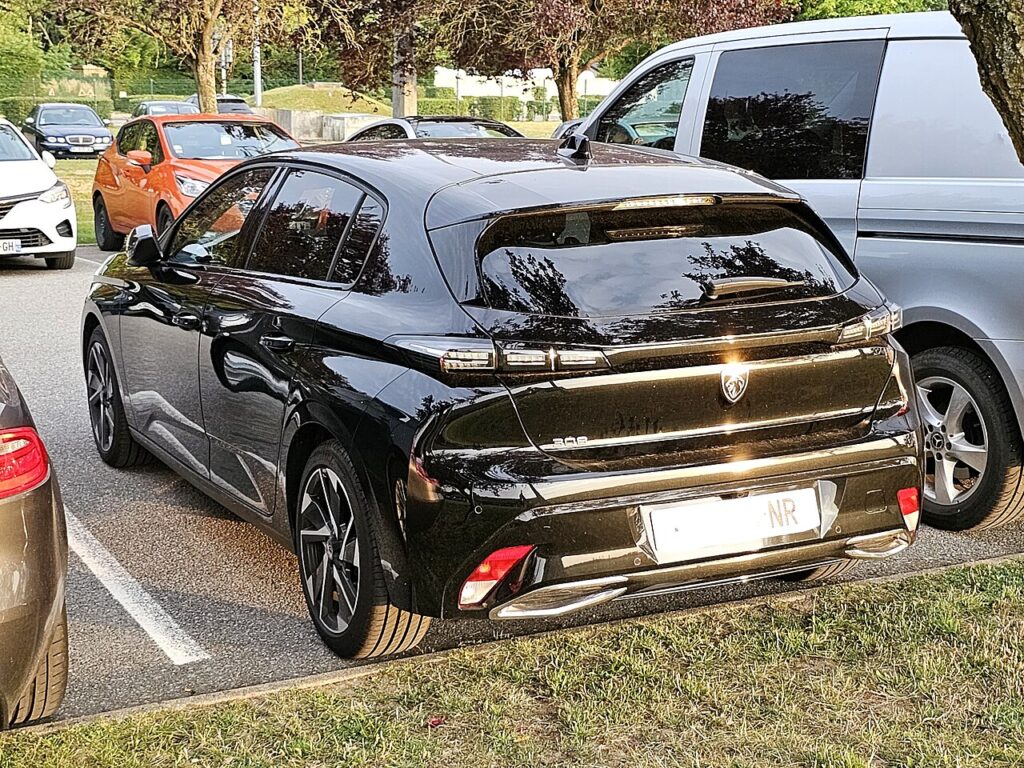
These instructions apply to the Peugeot 308 Mk3 (P5) 2021-Present.
For other models, please choose your vehicle here.
If the touchscreen in your Peugeot 308 (Mk3/P51, 2021–Present) has frozen, gone black, or stopped responding to taps, you can force the head unit to reboot yourself in under a minute — no garage, no tools, and without losing your radio presets or paired phones.
Which system is in your Mk3 308
The third-generation 308 moved to Peugeot’s newest i-Connect / i-Connect Advanced infotainment on a 10-inch touchscreen. Unlike the older NAC cars, this dash has no chrome piano keys — the shortcuts are configurable virtual i-Toggles on a separate touch strip below the main screen, so there is no physical phone key to hold. The one physical control is the rotary volume knob beside or below the screen. In the handbook a short press of that knob switches the system on or off (ignition off) or mutes the sound (ignition on), and a long press puts the screen into standby. A full reboot uses that same knob, held in, or you simply cycle the ignition. Freezes, slow boots and momentary black screens on this platform are almost always a software lock-up rather than a failed display.
Soft reset (reboot) the touchscreen
Do this parked, with the ignition on so the unit keeps its power.
- Locate the rotary volume knob beside or below the screen (the physical control, not a virtual i-Toggle).
- Press and hold it in — keep holding past the point where the audio mutes and the screen goes into standby.
- When the screen goes dark and the display cuts out, release it.
- Let the system restart on its own; the Peugeot lion boot screen may appear while it reloads.
- Wait up to a minute for the home screen to return — radio, Bluetooth, Apple CarPlay / Android Auto and media come back by themselves.
If holding the knob does nothing, switch the car fully off, open and close the driver’s door, lock it, and leave it for a few minutes; the unit usually reboots clean on the next start.
Will this erase anything? No
The reboot is completely safe. It does not wipe your radio presets, navigation favourites, paired phones, or your custom i-Toggle layout — it simply restarts the head unit’s software, exactly like restarting a phone. Use it as often as the screen plays up.
If the screen stays frozen
- Hold longer. If the first attempt did nothing, repeat and keep the volume knob held in until the display blanks.
- Unplug any USB device. A faulty stick or phone cable can hang the system — remove it and reboot.
- Let the car sleep. Switch off, lock the car and walk away for five minutes so the electronics fully power down, then unlock and restart.
- Check for a software update. The early i-Connect builds shipped with freeze and slow-boot bugs that Peugeot has since patched over the air and at dealers; make sure yours is on the latest version.
- Pull the fuse (last resort). With the car off, remove the infotainment fuse for one to two minutes and refit it to force a cold restart. Check the owner’s manual fuse chart for the head-unit position first.
Factory reset (erases data — rarely needed)
A factory reset is separate from the reboot and only worth doing if you are selling the car or chasing a deep, persistent glitch. Open the Settings application on the touchscreen (the main audio, touchscreen and instrument-panel settings) and look for the restore / factory settings option, confirm, and wait for the reboot. It erases presets, paired phones, navigation history and your saved profiles, so only do it deliberately.
Frequently Asked Questions
My 308 has no piano keys — why won’t the phone-button trick work?
The Mk3’s i-Connect dash replaced the old chrome piano keys with virtual i-Toggles, so there is no physical phone key to hold. Reboot with the rotary volume knob instead, or cycle the ignition.
Will the reboot reset my custom i-Toggle shortcuts?
No. The reboot keeps your i-Toggle layout, presets, favourites and paired phones. Only the menu-driven factory reset clears them.
The screen froze right after a software update — is that normal?
It can happen while a new build settles in. Do one full reboot with the volume knob; if it still hangs, a follow-up update or a dealer re-flash usually clears it, as the early i-Connect software had known freeze bugs.
Is it safe to drive with the screen frozen?
Yes. The touchscreen is separate from the engine and braking systems — you only lose audio, Bluetooth and navigation. Reboot once you are safely parked.
The screen is stuck on the Peugeot logo — what now?
A unit looping on the lion needs a full power-down. Repeat the volume-knob hold until the screen blanks; if it still loops, lock the car and leave it five minutes. Persistent boot-loops point to a firmware update being due.
If a warning light or fault message stays on the dash after the reboot, it may have stored a diagnostic trouble code — you can look it up on autodtcs.com.
Independent guide — not affiliated with Peugeot. Always follow your official service manual and safety precautions. Read our full disclaimer.