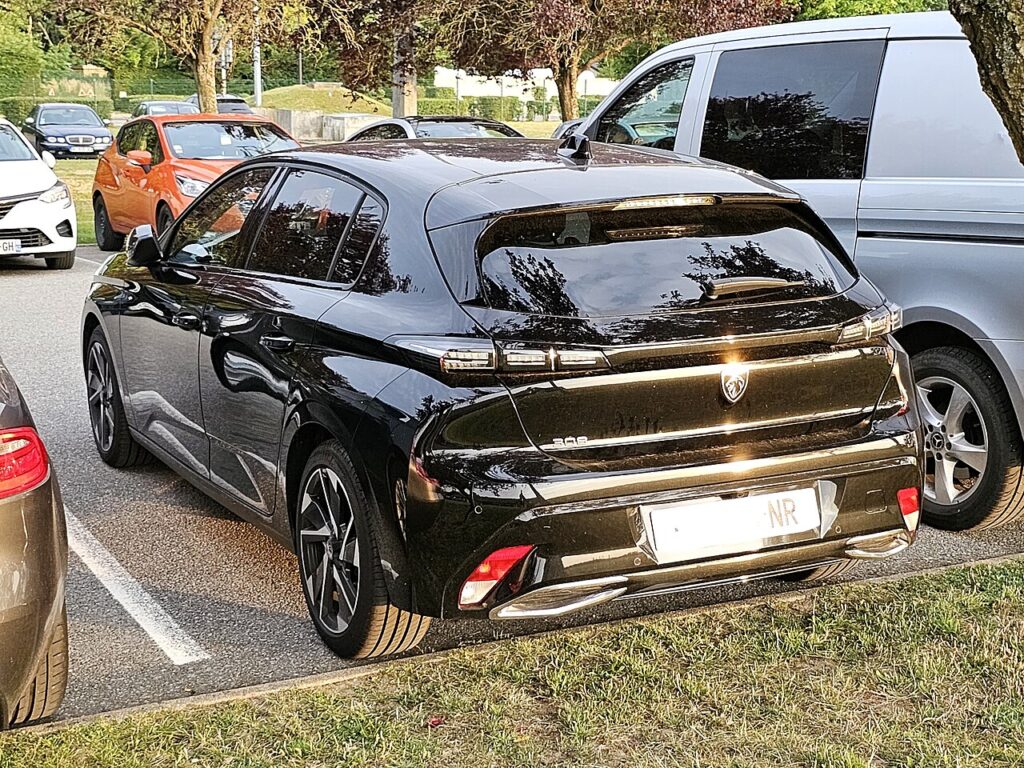
These instructions apply to the Peugeot 308 Mk3 (P5) 2021-Present.
For other models, please choose your vehicle here.
The Peugeot 308 (Mk3/P51, 2021–Present) — hatch, SW estate and plug-in hybrid — comes with Peugeot’s keyless “Access & Start” on most trims. When the fob coin cell dies, the doors stop responding and the START/STOP button shows “key not detected”. It looks like a flat car battery, but it is only the fob. The key still carries a battery-free transponder the 308 can read at point-blank range, so you can unlock and start it.
Base trims with a plain remote and turn ignition aren’t affected for starting — a dead fob only kills the remote buttons; unlock with the blade and turn the key. The steps below are for keyless cars.
Start the keyless Peugeot 308 Mk3 with a dead fob
- Open the car with the emergency blade (next section), sit in the driver’s seat and shut the door so the cabin antenna can search for the key.
- Press and hold the brake pedal — on the plug-in hybrid, the same brake-and-button sequence applies.
- Press the START/STOP button once. The 308’s digital i-Cockpit cluster shows “key not detected”.
- Hold the flat face of the fob against the steering column, just left of the START button, over the backup antenna.
- With the fob held there and the brake pressed, press START/STOP again. The immobiliser reads the passive chip and the car starts, or shows READY on the hybrid.
Unlock the doors with the emergency key blade
- Slide the catch on the fob and withdraw the metal emergency blade.
- Lever off the small cover at the rear of the driver’s door handle with the blade tip to expose the hidden lock cylinder.
- Insert the blade, turn to unlock, then refit the cover. The alarm may sound until the car reads the key and starts.
Why this works — the immobiliser note
The 308 Mk3 fob holds a battery-powered radio for hands-free entry and a passive RFID transponder powered wirelessly by the car. A flat CR2032 disables only the radio; the transponder still answers the immobiliser when held against the column antenna. That is the reason the close-range start works even with a dead cell.
Replace the fob battery
The Peugeot 308 Mk3 fob takes a single CR2032 3V lithium coin cell. Remove the emergency blade, split the case halves at the seam, lift the old cell out and fit the new one with the + face up, then clip it shut. A fresh CR2032 lasts two to three years; if keyless range has been dropping, change it before it leaves you holding the fob to the column.
Frequently Asked Questions
Does the 308 plug-in hybrid use the same method? Yes. Hold the fob against the steering column and press START/STOP with the brake down to bring the hybrid to READY.
Where do I hold the fob on the 308 Mk3? Flat against the left of the steering column by the START button. If it doesn’t read first time, nudge the fob a centimetre and press again.
Why is the keyhole hidden on the 308? Peugeot caps the cylinder for a clean handle. Prise the small cover off the end of the driver’s door handle with the blade to reach it.
What battery does the 308 fob use? A CR2032 lithium coin cell, sold anywhere and swapped in minutes.
Is it normal for the alarm to sound when I use the blade? Yes. Mechanical entry bypasses the alarm by design; it stops as soon as the car recognises the key and you start it.
If a warning light or fault code appeared with the key message, you can decode it on our sister site autodtcs.com.
Independent guide — not affiliated with Peugeot. Always follow your official service manual and safety precautions. Read our full disclaimer.