These instructions apply to the Mercedes GLC Mk1 (X253) 2015-2022.
For other models, please choose your vehicle here.
The Mercedes-Benz GLC (X253, 2015–2022) has ECO start/stop that switches the engine off at a standstill to save fuel and cut idling emissions. Come to a halt with the brake pressed and the engine shuts down, with the ‘A’-in-arrow symbol lit in the cluster; ease off the brake and it restarts at once. It’s a normal, designed-in feature rather than a fault, but many GLC owners prefer a smoother, quieter pull-away in traffic. If you’d rather keep the engine running — in stop-go queues, on a hot day, or before working in the engine bay — you can switch it off.
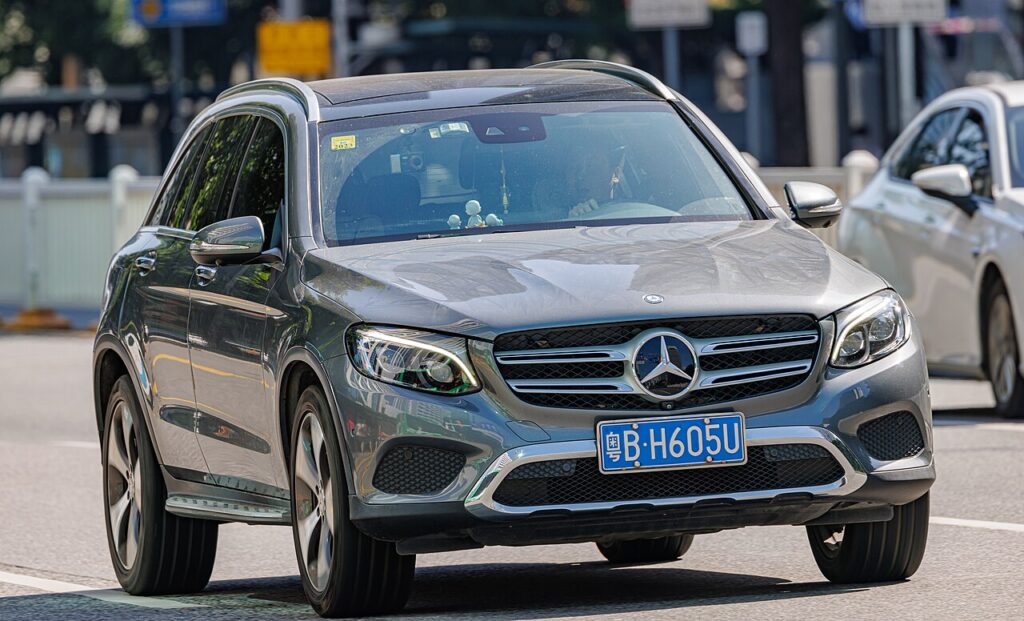
How It Works on the GLC
The GLC only stops the engine when a full set of conditions is met. It monitors the state of charge of the 12 V battery, the engine and coolant temperature, and how hard the climate control is working to heat or cool the cabin. A heavy-duty starter and a battery with its own current sensor allow clean, repeated restarts. If shutting down would leave you short of power or comfort — a cold engine, a flat-out air-con demand, a low battery — the system keeps the engine idling instead, which is why the behaviour changes with the weather and the length of your journey.
First, a Few Checks
- Have the engine running and the ignition fully on — the ECO control is only live with the car awake.
- Expect a per-drive switch-off; the GLC has no permanent factory ‘off’ for the feature.
- Planning engine-bay work? Switch it off first so the engine can’t auto-restart unexpectedly.
- On a cold morning, let the engine warm up if you actually want stop/start to activate.
How to Turn Off ECO Start/Stop
- ECO button: press the ‘ECO’ button on the centre console — the display confirms start/stop is off.
- Menu: on cars without the button, open the on-screen menu and go to Vehicle → ECO start/stop and switch it off.
It Resets Every Drive
Like nearly every car with this feature, the GLC re-enables ECO start/stop each time you restart. There’s no permanent factory ‘off’ — switch it off again at the start of each journey if you prefer.
If the Engine Won’t Stop on Its Own
If stop/start seems to have disappeared even though you never disabled it, one of the inhibit conditions is usually being tripped:
- A weak or ageing auxiliary 12 V battery — the most common cause; short trips never fully recharge it, so the system won’t risk a shut-down.
- Cabin not yet at temperature — strong heating or cooling demand keeps the engine running to feed the climate system.
- Cold engine — below normal operating temperature the engine stays on until it warms through.
- Brake not pressed firmly, or you’re on a gradient where hill-hold is active.
- Bonnet open, or the driver’s door open / seat belt unfastened.
- Steering being turned, an extreme outside temperature, or the demister running.
Once It’s Done
Press ECO or switch it off in the menu and the ‘A’-in-arrow symbol shows crossed-out; the engine then idles normally at every stop for the rest of that drive. Fuel use on the open road is unchanged and no warning lights appear. When you next start the GLC the system quietly comes back on, ready to save fuel again unless you switch it off once more.
Frequently Asked Questions
How do I turn off auto stop/start on a Mercedes GLC?
Press the ECO button on the centre console; the cluster shows the symbol crossed out. On a GLC without the physical button, open the on-screen menu and go to Vehicle → ECO start/stop and switch it off. Either method lasts only for the current drive.
Can I disable it permanently?
No — the GLC resets ECO start/stop to on every time you restart, and there’s no hidden factory setting to keep it off. The practical answer is to press ECO once at the start of each journey. Third-party ‘memory’ modules exist but sit outside the car’s own controls.
Why did stop/start come back on?
It didn’t switch back mid-drive — turning the car off and on again is what resets it. That’s deliberate: Mercedes defaults to the fuel-saving mode at every start so the car meets its official economy figures, leaving the decision to you each time.
Why won’t the engine stop sometimes?
A low battery, climate demand or a gradient holds the engine running — that’s by design. A tired auxiliary battery is a common cause of start/stop dropping out. A cold engine, an open bonnet or an unfastened driver’s belt will also keep it idling, all as normal protective behaviour.
Does frequent stopping wear out the starter or battery?
The GLC is engineered for it, with a reinforced starter and an AGM-type battery designed for constant cycling. The part owners notice ageing first is the battery, since it does more work than on a non-stop/start car; keep it healthy and the feature keeps working normally.
Is it safe to drive with stop/start switched off?
Yes. Disabling it only means the engine idles at stops the way older cars always did, with no effect on reliability. You can switch it off every drive without harm; you’ll simply use a little more fuel in heavy traffic, which is the situation the feature was designed to help with.
If a start/stop or battery fault light shows, look it up on autodtcs.com. See our GLC battery guide.
Independent guide — not affiliated with Mercedes. Always follow your official service manual and safety precautions. Read our full disclaimer.