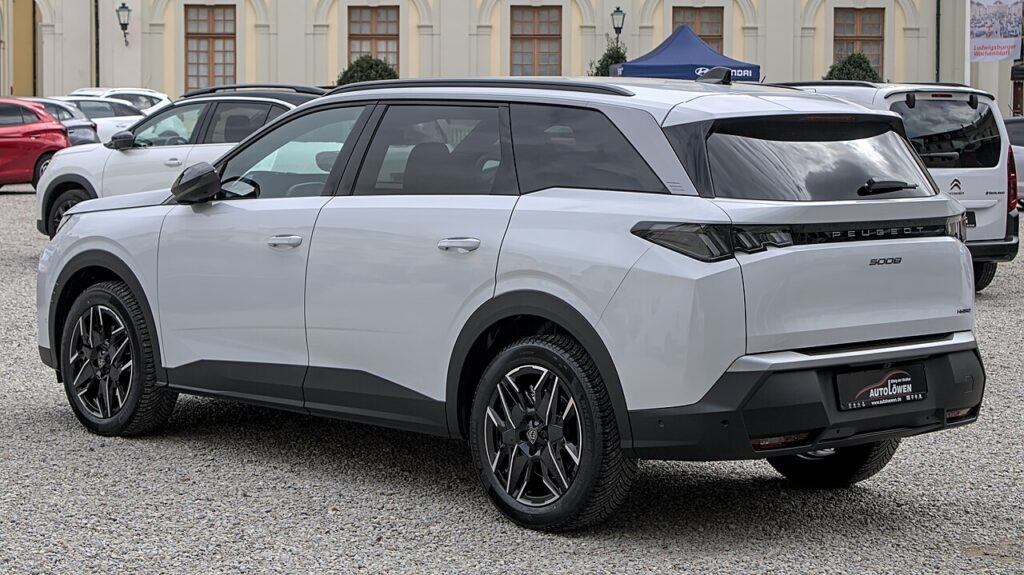
These instructions apply to the Peugeot 5008 Mk2 (P87) 2017-Present.
For other models, please choose your vehicle here.
Taking the 12 V battery off a Peugeot 5008 Mk2 (P87, 2017–present) is a simple under-bonnet task. You might do it to renew a tired battery, to isolate the electrics before bodywork or wiring repairs, to prevent a slow drain during a long lay-up, or as part of recovering from a flat-battery no-start. Done in the right order the 5008 comes back cleanly — the only things you normally re-teach are the clock and the one-touch windows. Here’s the safe order plus what to re-teach once power is back.
Battery Location
The 12 V battery sits in the engine bay under a cover. Lift or unclip the cover to expose the two posts. The negative (−) terminal is the earth, usually with a black cap or clamp; the positive (+) terminal normally wears a red cap. Identify both before you reach for a spanner. The petrol (PureTech) and diesel (BlueHDi) 5008 has no high-voltage system to worry about, so the whole job is ordinary owner-level work.
Before You Begin
- Make sure the ignition is fully off and the dash is dark.
- Take the key well away so the car can’t wake and re-arm mid-job.
- Switch off the lights, climate and accessories, and close the doors.
- Note any aftermarket audio security code; the factory i-Cockpit system reloads on its own.
- Give it a minute or two for the modules to power down, then work with gloves and eye protection and the correct spanner.
Taking It Off
- Turn the ignition off, take the key well away and give it a minute to power down.
- Slacken the clamp and undo the negative (−) terminal first, then move the lead aside so it can’t spring back onto the post.
- To lift the battery out, undo the positive (+) and the hold-down clamp, then lift it out level.
Putting It Back
- Seat the battery and clamp, then connect positive (+) first and negative (−) last; nip both up firmly and refit the cover.
- Set the clock/date; the i-Cockpit screen comes back by itself.
- Re-teach the one-touch windows — our 5008 window guide shows how. Until you do, auto-up/down and anti-pinch may not work.
- If your car has a panoramic roof or blind, check its one-touch operation and re-initialise if it drops out.
- Any warning lights that appeared usually self-clear after a short drive once the sensors re-baseline.
A like-for-like battery doesn’t need coding on the 5008 — fit it, reconnect in order and re-teach the windows.
If a Warning Light Stays On or the Car Feels Off
- Check both clamps are tight — a slack terminal is the usual cause of odd behaviour after a reconnection.
- Drive gently for a few minutes so the car can relearn idle and re-baseline its sensors; many lights clear themselves.
- Re-run the window re-teach if the auto functions still misbehave.
- If the car was hard to wake, the battery may simply be tired or genuinely flat — have it load-tested.
- Read any stored code before you start replacing parts.
Registering or Coding the New Battery
PSA cars log the battery, so a replacement should be reset/registered with a diagnostic tool (Diagbox or a dealer). After the correct power-down and reconnect the BSI relearns basic settings, but the battery itself is registered with a tool.
Frequently Asked Questions
Where is the battery on a Peugeot 5008 Mk2?
It’s in the engine bay, under a cover. Unclip the cover and you’ll see the negative (−) and positive (+) posts. There’s no high-voltage system on the petrol or diesel 5008 to worry about.
Negative or positive first on the 5008?
Negative (−) off first and on last; positive (+) connects first on the way back. That order stops a spanner shorting to the bodywork while you work.
Does a new Peugeot 5008 battery need coding?
A matching like-for-like replacement doesn’t — just re-teach the windows afterwards. There’s no dealer registration step for a same-spec battery on the 5008.
Will the radio lock?
No code is usually needed — just reset the clock and the i-Cockpit display reloads on its own. If you’ve fitted aftermarket audio with a security code, have that code to hand.
Will disconnecting clear fault codes or the service light?
It can drop some temporary codes, but a real fault will set the light again. It does not reset the service message — use our 5008 Mk2 service reset below for that.
My windows won’t auto-close now — why?
Cutting power wiped their learned travel, so one-touch and anti-pinch drop out. A quick re-initialise from the window guide brings full auto operation straight back.
Any warning light that stays lit? Look it up on autodtcs.com. To clear the service message, see our 5008 Mk2 service reset.
Independent guide — not affiliated with Peugeot. Always follow your official service manual and safety precautions. Read our full disclaimer.